
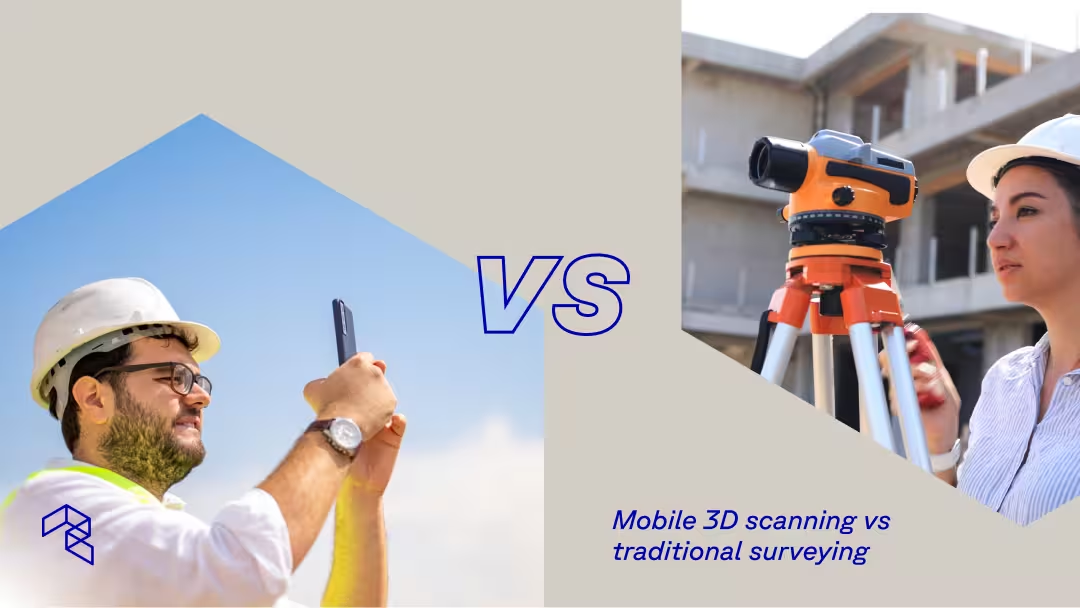
The question is no longer whether mobile 3D scanning works for professional site documentation. It does. Firms ranked number one by Engineering News-Record use it. Remodelers cut documentation time by 90%. Restoration contractors, insurance engineers, and land developers build it into daily operations.
The real question is where it fits alongside traditional surveying, and when you still need a licensed professional with a total station.
Traditional surveying delivers certified precision for legal boundaries, control networks, and structural layout. That role has not changed. What has changed is how much spatial data teams need between those formal milestones, and how fast they need it. Mobile 3D scanning, using tools like Polycam on an iPhone, iPad, or drone, fills that gap by capturing complete surfaces, geometry, and visual context in minutes.
Neither method replaces the other. Teams increasingly combine both: mobile 3D scanning for frequent documentation of existing buildings, renovation progress, and site conditions, and traditional surveying for the certified milestones that require it.
What mobile 3D scanning actually does
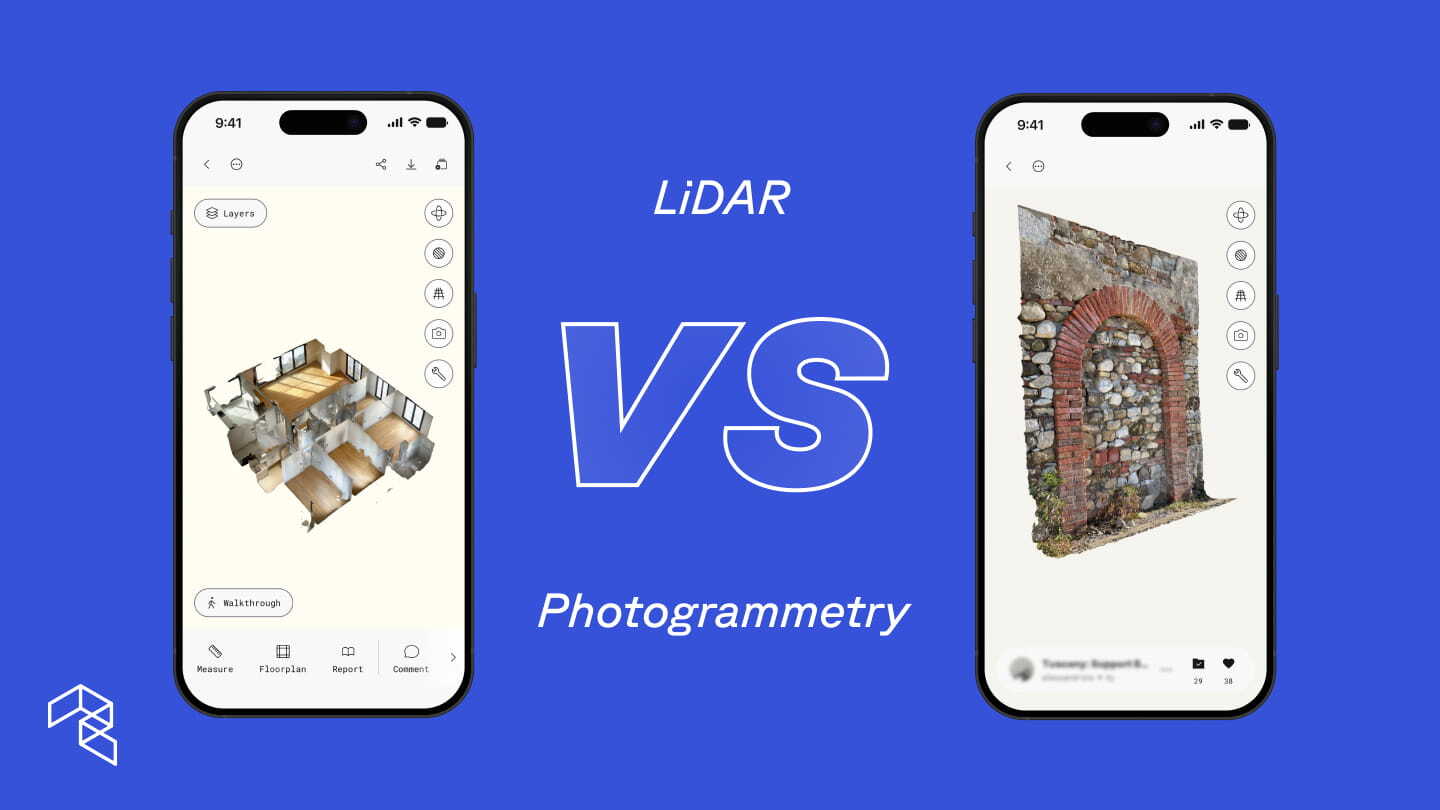
Mobile 3D scanning captures a complete spatial record of a site. Using LiDAR sensors built into modern iPhones and iPads, or photogrammetry from uploaded drone footage, Polycam builds 3D models that preserve geometry, surface detail, and visual context together.
Capture happens during a walkthrough or flyover. One person documents a space in minutes with no tripods, no targets, and no calibration. The result processes on-device or in the cloud, and the team can review, measure, annotate, and share it immediately.
Where traditional surveying produces a deliverable after processing, mobile 3D scanning produces a complete site capture the moment you finish walking. A contractor can pull measurements from the scan before leaving. A project manager can generate a floor plan and share it with designers the same afternoon. An engineer can drop annotations directly into the 3D model, tagging conditions, flagging concerns, or noting items that need verification, so every team member sees the same spatial context without a separate site visit.
Polycam Business supports the full range of professional spatial documentation:
- LiDAR Space captures for interiors and walkable exteriors on iPhone Pro and iPad Pro
- Non-LiDAR Space captures for any iPhone 13 or newer, using computer vision and machine learning to infer spatial depth from a standard camera
- Object captures for individual equipment, infrastructure components, and site features using photogrammetry
- Drone capture for large sites, aerial mapping, and terrain documentation
- 2D and 3D floor plans with automated measurements and fixture detection
- Advanced measurement tools for dimensioning directly within scans
- Point cloud exports (PLY, LAS, Geo-LAS, XYZ, PTS, DXF) for integration with engineering and CAD platforms
- Virtual Walkthroughs and private link sharing for remote stakeholder review
- AI-generated reports and annotations for field documentation
- Shared team libraries so project data lives in one place
That range matters. The same iPhone or iPad a contractor uses to document an existing building before renovation is what a civil or environmental engineer uses to scan a stream channel and export point clouds into CloudCompare or Civil 3D.
Capture any site: Ground scanning and drone photogrammetry
Scale separates most scanning conversations from reality. LiDAR scanning on an iPad or iPhone covers walkable spaces and smaller exterior sites effectively. But large construction sites, open terrain, and overhead perspectives require aerial capture.
Polycam handles both. Teams capture ground-level detail on iPhone or iPad, then upload drone footage to Polycam's web-based photogrammetry processing for larger areas. The outputs share the same formats, the same measurement tools, and the same team library. No second software application required.
This matters especially in environments where traditional surveying setups are impractical or unsafe. Stream banks, active construction zones, rooftops, contaminated sites, and flooded infrastructure all present conditions where setting up tripods and sending crews creates risk. A single person with an iPhone can capture complete site conditions from these environments in minutes, then share that spatial context with team members who never need to set foot on site.
Jacobs, ranked number one in critical water infrastructure by Engineering News-Record, uses exactly this approach. Their restoration engineers capture detailed stream channel data on iPad using Polycam's LiDAR mode, then scan individual infrastructure elements like outfall structures and culverts using object capture. Those scans export as point clouds into CloudCompare for georeferencing, then into Civil 3D for surface creation and hydraulic modeling software (HEC-RAS) where the data aligns with existing terrain models and feeds directly into restoration design. They report an 88% reduction in site visit time. A 200-foot stretch of stream takes under 30 minutes to capture and process on-device.
For larger river systems and open terrain that exceed walkable range, Jacobs is integrating Polycam's drone photogrammetry into the same pipeline. The same app scales from a single stream reach to an entire watershed.
How 3D scanning compares to traditional survey data
Accuracy means different things depending on the task.
Traditional surveying delivers sub-centimeter precision certified by a licensed professional. That level of accuracy matters for legal boundaries, control networks, structural layout, and regulatory compliance. No mobile scanning tool replaces that.
Mobile 3D scanning delivers practical accuracy paired with complete spatial context. Instead of capturing a handful of discrete points, it records millions of measurements across entire surfaces. The result is a dense, dimensionally consistent model that reflects how a space or site actually exists.
For most documentation and planning tasks, that combination of density and context outperforms sparse point data:
- Existing conditions for renovation, retrofit, or restoration planning
- As-built documentation and construction progress tracking
- BIM development, coordination, and design validation for architects and engineers
- Facilities and infrastructure assessment, including mechanical rooms and equipment layouts
- Environmental monitoring and change-over-time analysis
- Site feasibility and early design
Land developers use scan data to verify contractor claims, confirm grading accuracy, and track volumetric changes across active sites. When a project later requires certified precision, teams bring in survey and merge the datasets. The two methods strengthen each other rather than compete.
How mobile 3D scanning speeds up site documentation
Traditional surveying follows a defined sequence. A firm schedules the work, deploys a crew, completes fieldwork over hours or days, then processes and delivers results days to weeks later. That timeline works for formal milestones but creates bottlenecks when teams need spatial information early and often.
Mobile 3D scanning collapses that sequence. A single team member captures a site during an initial visit, reviews the data on-device, and shares it with the full project team the same day. Esteban Martinez Homes, a high-end residential construction and remodeling firm, cut site documentation time by over 90% this way. Manual measurements that previously took one to two hours per site now take minutes, and their teams share floor plans, measurements, and 3D models with designers and trade partners before leaving the job site.
That kind of speed changes behavior across every discipline. When spatial documentation takes minutes instead of weeks, teams stop treating it as a scheduled event and start treating it as a routine part of every site visit. They capture existing building conditions on day one rather than scheduling a separate trip. They scan renovation sites at regular intervals to track changes rather than relying on a single baseline. They share complete 3D context with remote stakeholders who never set foot on site.
The downstream effects compound. Environmental engineers at Jacobs describe the result as "repeatable site visits," scanning stream channels and water infrastructure and then revisiting those scans months later from the office to generate change-over-time heat maps.
Insurance and restoration teams use the same logic with different urgency: pre-loss documentation captured before storm season gives adjusters a spatial baseline that proves which damage existed before an event and which came after. Post-loss, a single scan preserves a property's condition at a specific moment, reducing disputes and accelerating claim resolution. In hazardous or contaminated environments, where setting up tripods, calibrating equipment, and positioning crews creates both safety risk and logistical cost, scanning with an iPhone eliminates the need for repeated access entirely, capturing conditions once and making that data available to every stakeholder remotely.
In every case, the pattern holds: faster capture leads to more frequent documentation, which leads to fewer return visits, fewer assumptions, and better decisions.
What you get: Export formats, models, and reports
A single Polycam Business capture generates outputs that serve multiple teams across the full project lifecycle:
For design and engineering: Point cloud exports (PLY, LAS, XYZ, PTS, DXF) import directly into CloudCompare, Civil 3D, AutoCAD (Floor plan .DXF), Revit, and MicroStation. Mesh exports (OBJ, FBX, GLTF, STL, DAE, USDZ) support visualization and BIM processes. Architects use these outputs to model existing conditions for renovation projects without returning to the site. Georeferenced point clouds maintain spatial accuracy for integration with existing survey datasets.
For coordination and communication: Virtual Walkthroughs let stakeholders explore a site remotely through a shared link, replacing the need for additional site visits just to orient new team members or verify existing conditions. Comments and annotations embed field notes directly in the 3D model so questions resolve in context rather than over email. AI-generated reports compile spatial data, measurements, and annotated observations into structured deliverables that support client presentations, permit applications, or internal reviews.
For documentation and monitoring: Shared team libraries centralize scan data across projects and portfolios, so every capture is searchable and accessible to the full team. Facility managers maintain spatial records of mechanical rooms, infrastructure, and equipment without scheduling repeat walkthroughs. Time-stamped captures create a spatial record of conditions at each phase. Change-over-time analysis compares scans to quantify material movement, erosion, deposition, or construction progress.
This flexibility eliminates re-documentation. When a new question comes up weeks or months later, the team revisits the existing scan instead of returning to the site, saving valuable time and resources.
When each method makes sense
Traditional surveying is the right choice when:
- Legal boundaries or property lines require certification
- Permitting or regulatory compliance demands survey-grade precision
- Structural layout and control networks require sub-centimeter accuracy
- A licensed professional's stamp is required on the deliverable
Mobile 3D scanning fits when:
- Contractors need existing conditions, floor plans, and measurements captured during the first site visit
- Construction teams need progress tracking, as-built documentation, or volumetric verification across multiple vendors
- Architects and engineers need existing conditions for BIM coordination, renovation design, or collaboration across disciplines
- Insurance and restoration professionals need pre-loss baselines, post-loss documentation, or claims support
- Environmental and civil engineers need terrain data, stream channel geometry, or change-over-time monitoring
- Facility managers need to document mechanical rooms, plan equipment changes, or maintain spatial records across a portfolio
- Remote teams need to review, measure, and annotate a site without traveling to it
- Drone capture is needed for large sites, aerial mapping, or terrain documentation
Most teams combine both. Mobile 3D scanning handles the everyday documentation that keeps a project moving. Traditional surveying delivers certified precision at the moments that require it. The data from both methods integrates into the same engineering platforms.
Start scanning
The fastest way to understand where mobile 3D scanning fits in your process is to capture a real site once. Whether that site is an existing building ahead of renovation, a stream reach ahead of restoration design, or a rooftop ahead of storm season, a single scan can show how much context and clarity it adds before more formal steps are needed.
Polycam Business includes LiDAR space captures, drone photogrammetry, 2D and 3D floor plans, advanced measurement tools, point cloud exports, Virtual Walkthroughs, shared team libraries, and AI-generated reports, all for $400 per year per user.
Start a free 7-day Polycam Business trial