
Choosing an Underwater Capture Method
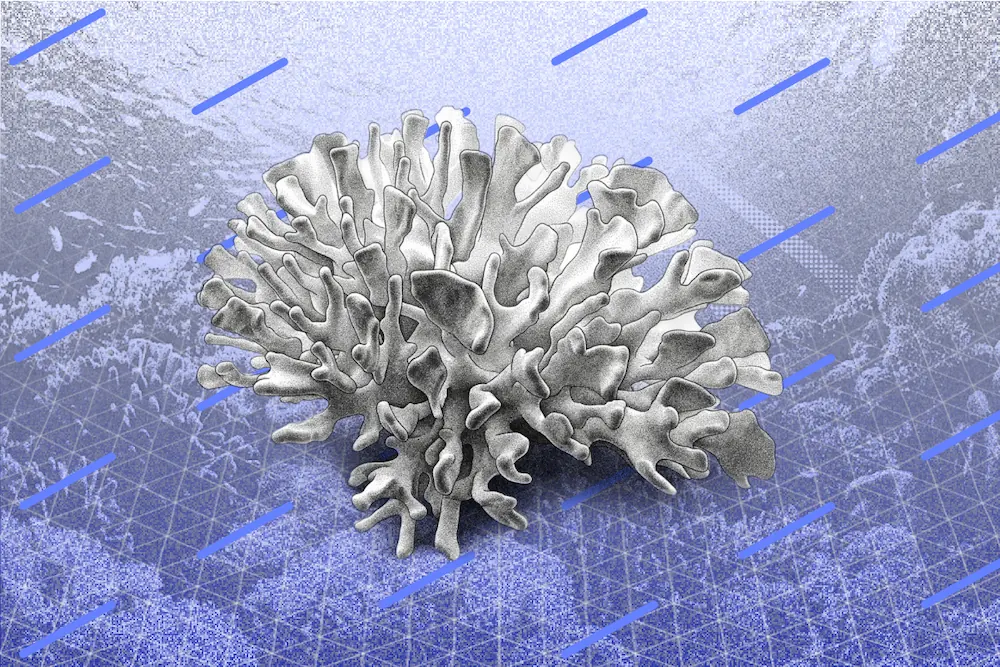
This is how you make a 3D scan underwater. We're in the Great Barrier Reef, so let's go scan a poly clam. In places like this, you can't touch anything and you certainly can't bring anything with you. So a 3D scan can be the bst way to capture something you see.
Check out our YouTube Tutorial on How to 3D Scan Underwater with Polycam!
Using Waterproof Phone Pouches
Best thing is you don't need to get your iPhone wet. In fact, we'd advise against it. You've got two options. You can buy little waterproof pouches for an iPhone if you wanna use the Polycam app, or what I'm gonna be doing today is just using a regular GoPro. No matter what your capture device is, at the end of your swim, you're gonna be uploading all of your footage or photos to Polycam on the web.
When you're out there, you could record with video or you could record with photos, no matter what device you're using. Video will let you make the scan a little quicker, but the end result will be a little less precise. Photos might take a few seconds longer, but it's probably worth it in the end.
Configuring Camera Settings
So what we're gonna be using is this GoPro set onto a photo burst mode to capture 30 photos every 10 seconds. So I won't have to push the button every time, and I'll just get to move the camera and get a bunch of high resolution photos. But different cameras have different settings, and you basically just wanna be capturing at least a photo a second as you're moving the camera around.
Using High-Resolution Video Instead
And if your camera doesn't have this, then just record video in the highest resolution it has, like 4K, and you should be good to go as well.
Capturing the Subject From All Angles
So the same techniques apply underwater as they do on land with when you're recording an object, when you're capturing an object, which is that you want to capture the object from all angles. And it can be kind of complicated to remember, did I get it from this angle? I don't know. Was I at the same distance all the time?
Using the Dome Capture Technique
So my trick for that is imagining a dome going around the object, and what you're just gonna do is start from one side and move the camera up and down along this imaginary dome.
Handling Underwater Movement and Currents
And it can be a little tricky to do that underwater, uh, because there's currents and there's things moving, and there's fish all over the place, but just try your best, and Polycam's algorithm will do its best to create a beautiful 3D model out of it.
Why Slow Camera Movement Matters
One other note is I'm moving my camera very quickly now when I'm just trying to demonstrate what the dome looks like. But when you're out there, just like on land, you're gonna wanna move the camera much more slowly. Because if you're capturing only one photo a second or a few photos every second, then if you move too much, then there's not enough overlap between each photo for the algorithm to make a three-dimensional model out of the photos. It's slow and steady.
Avoiding Motion Blur
You can move a little faster if you're using video, but because of motion blur, you also still wanna move pretty slow and steady in your imaginary dome.
Why LiDAR Doesn’t Work Underwater
One quick note on using LiDAR. If you have an iPhone Pro and you have a LiDAR sensor in it, you may be tempted to try to use LiDAR underwater. It doesn't work because LiDAR is infrared, and red wavelengths are the first things that get cut out in water, so your best bet is always gonna be recording video or recording photos.
Processing the Scan in Polycam
Now comes the easy part. Once you're back on dry land, just upload your photos or your video up to Polycam on the web, and it'll give you a ping when your 3D model's ready.
Using Underwater Scans for Science
There's an amazing community of people all around the world who are actually s- doing these underwater scans for science to try to figure out, how do we preserve these beautiful animals? And if you want to join that, then you might need to know the exact size of the scan that you're recording. You can always just include a ruler just next to it. But if you don't travel with a ruler, then just bring along an object that you know the exact length of and lay that down next to the object. And then in Polycam later, you'll be able to rescale the whole scan according to this size. And that's how you scan a poly clam. Get out there. Have fun. Happy scanning.