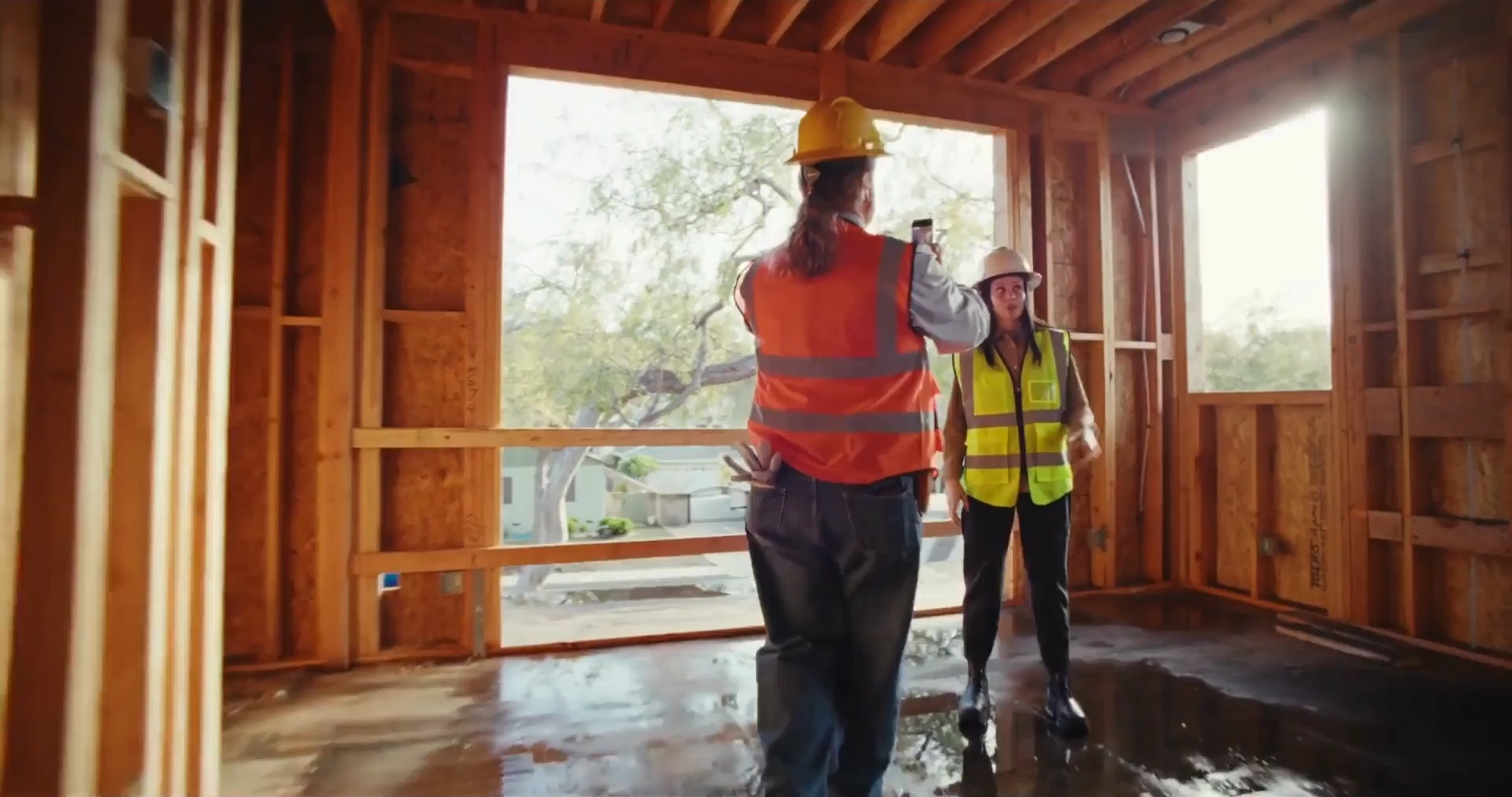
44,000 App Store ratings

Scan the room. Get everything you need from it.

Scan a room in minutes. Get everything you need from it.

3D models, floor plans and notes for your crew, all in one place.

Capture with your phone. Get 3D models, floor plans and export the file you work with.

polycam 3d scan

Trusted by Half of the fortune 500

10 Million Users have Made Polycam their 3D Capture System of Record
2B+
sq ft captured
75%
less time on-site
7+ deliverables
from one capture (as-builts, estimates, roof reports, claims files, floor plans, spatial reports, CAD)
Minutes
Instead of weeks for as-builts
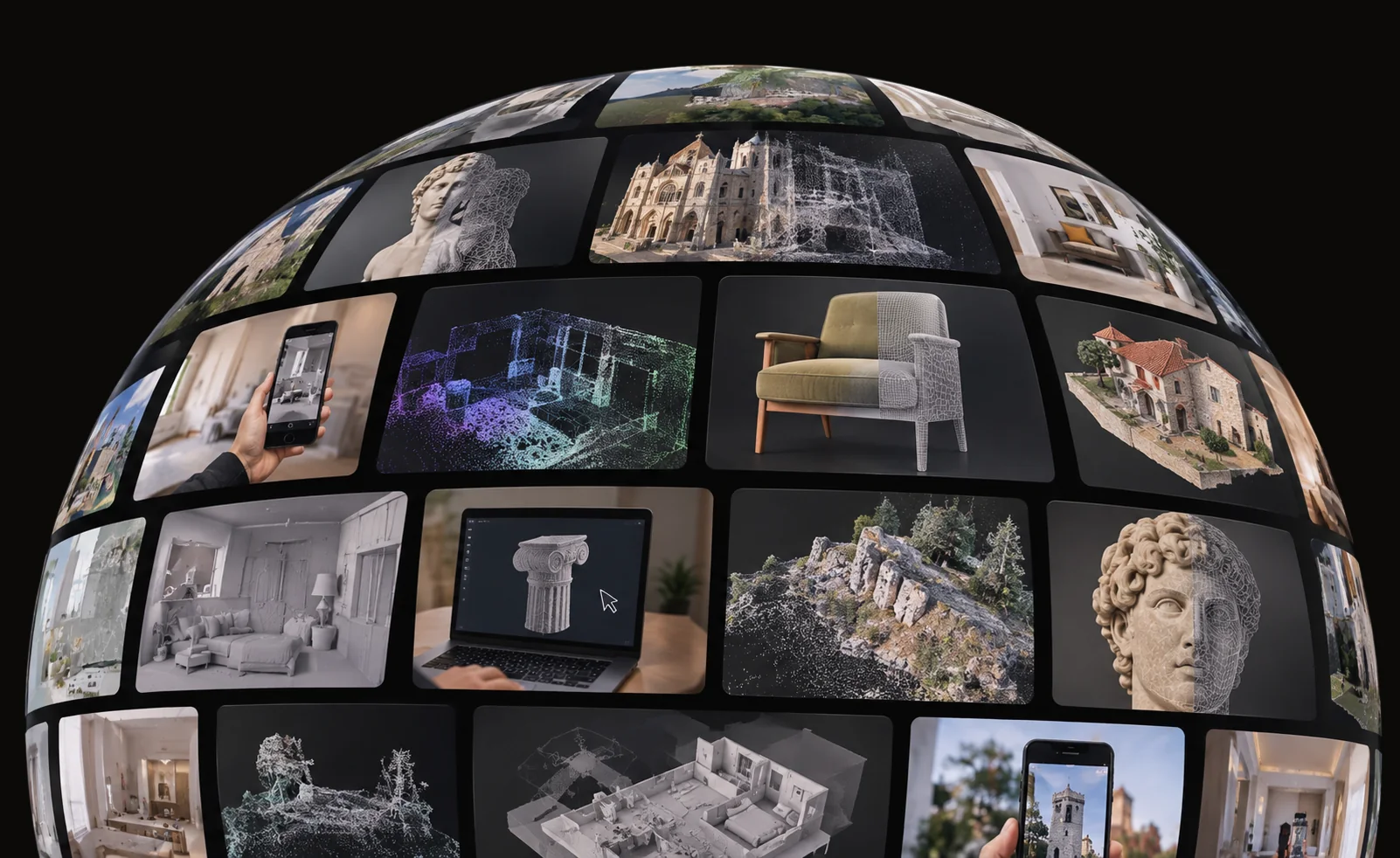
Curved globe-shaped collage of images showcasing 3D scanning and modeling, including interior rooms, historical architecture, sculptures, natural landscapes, digital wireframe models, and a person holding a smartphone displaying a scanned scene.
34M
Scans
10M
unique users world-wide
How it works

One scan, every output.

Capture the full space in 3D, with every measurement saved, so you never need a second site visit.

1

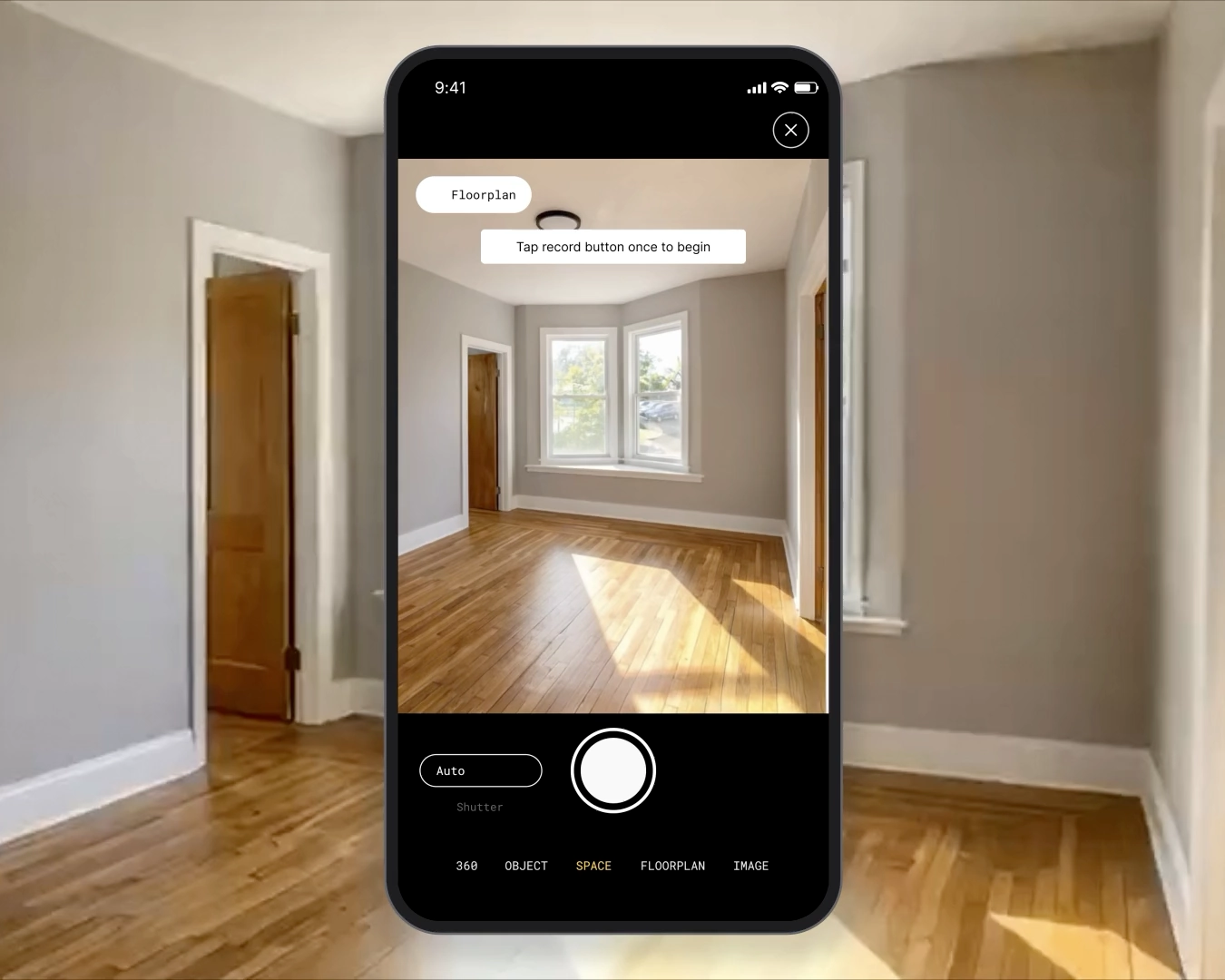
Walk the space.

Walk through with your phone or tablet. No tripod, no extra hardware.
polycam 3d scan
2

Get a 3D model.

Every wall, opening and fixture, in a model your whole team can open.

polycam 3d scan
3

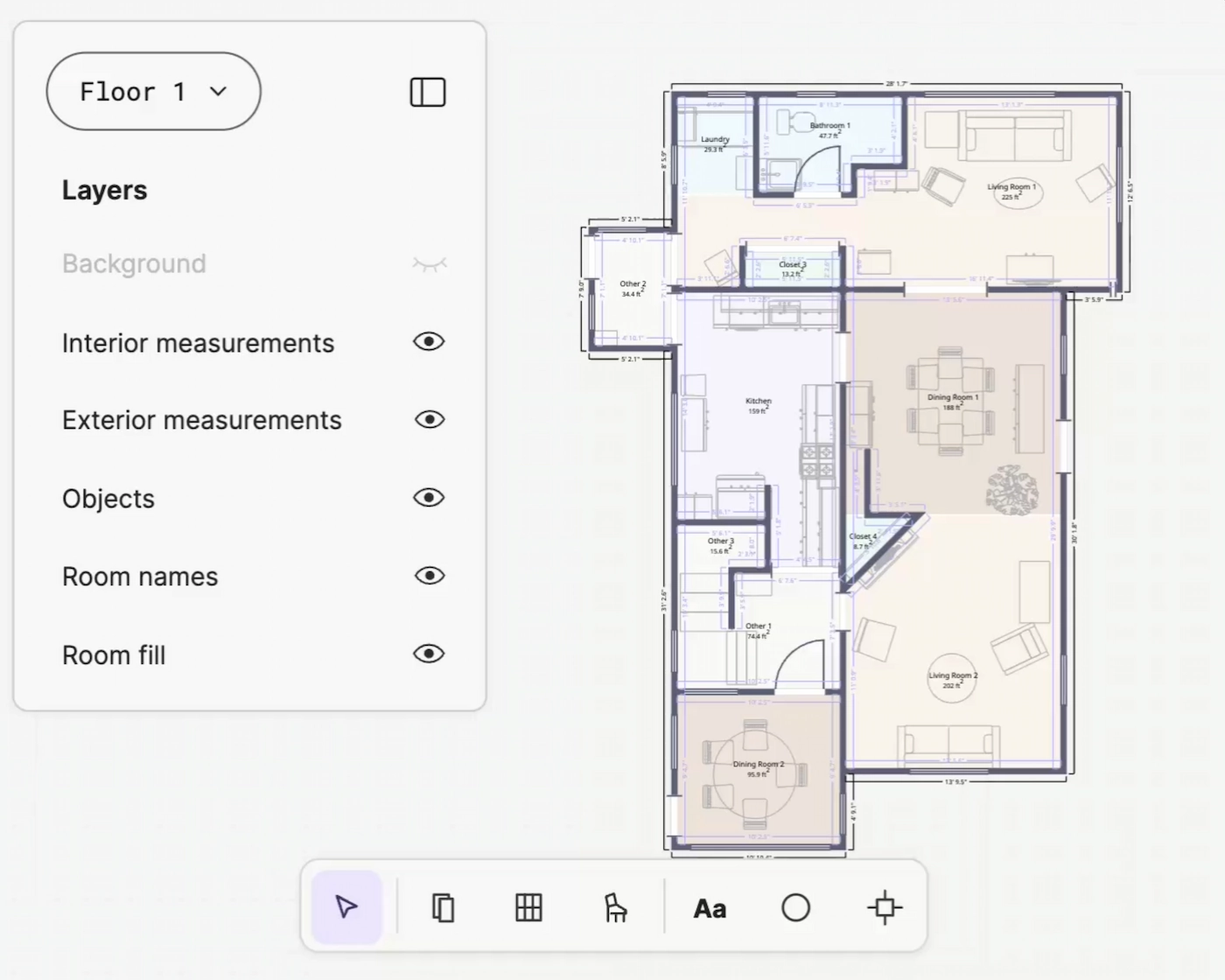
Generate a floor plan.

Polycam's cloud engine does the work, no hardware on your side.
polycam 3d scan
4

Export to your tools.

17+ export formats. DXF for CAD, ESX for Xactimate claims, and PDF for estimates and maintenance records.
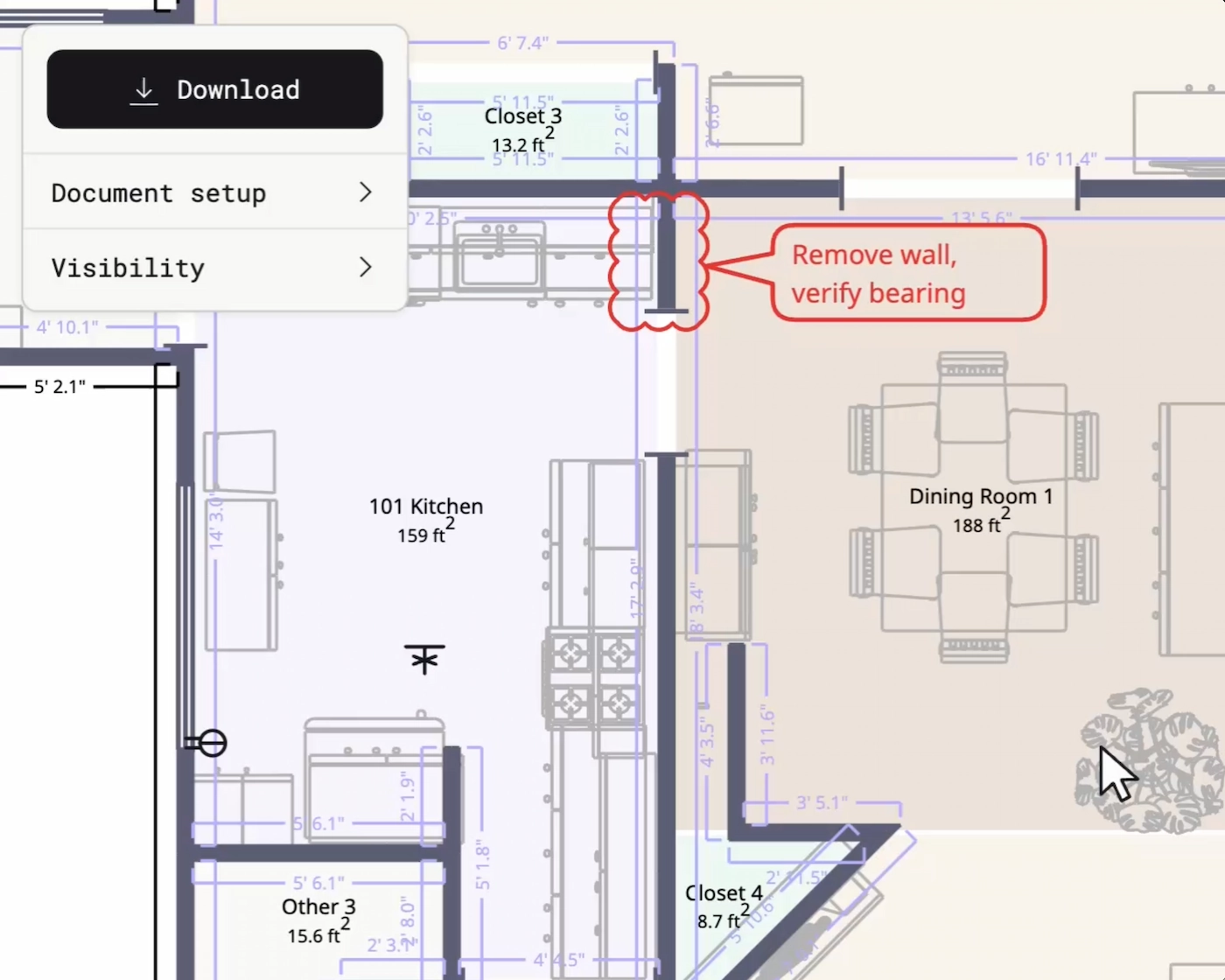
polycam 3d scan
Uses by Industry

From the field to the office. One scan your whole team can work from.

Illustration of a construction site with a concrete building framework, a large crane lifting a concrete slab, and a prominent cylindrical pipe in the foreground, set against a geometric black, blue, red, and yellow patterned background.

Architecture, Engineering & Construction

As-builts and digital twins before you leave the site. Document existing conditions in one visit and design from real measurements.

Illustration showing a clipboard with a checklist, a shield symbol, and a house under a magnifying glass, representing home insurance or property inspection.

Insurance & Inspection

Fast, accurate scene documentation for faster claims. Measured property records and Xactimate-ready sketches in minutes.

Stylized modern two-story house with large yellow-lit windows, a garage, and abstract blue and black background featuring a large orange-yellow location pin and sun with trees nearby.

Real Estate

Listing-ready floor plans and 3D walkthroughs from one visit with your phone.
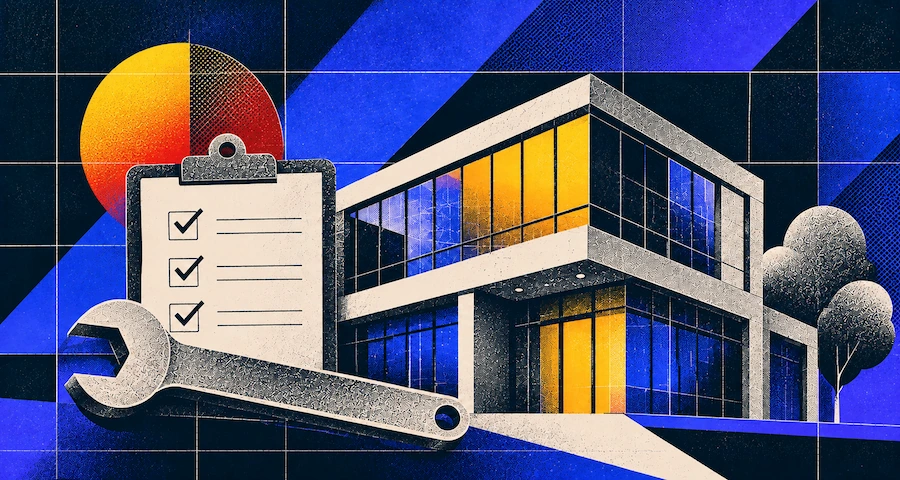
Digital illustration of a modern two-story building with large windows reflecting yellow and blue light, accompanied by a large wrench and a checklist clipboard with three checked boxes, set against a geometric nighttime background with a red and yellow sun and stylized trees.

Facilities & Property Management

Up-to-date floor plans for every building you manage. Map the space once, plan moves, maintenance, and vendors from the scan.

Floor Plan Creator

Floor plans in minutes

Walk through with your phone and Polycam draws the plan, with walls, doors, windows and furniture labeled and measured.
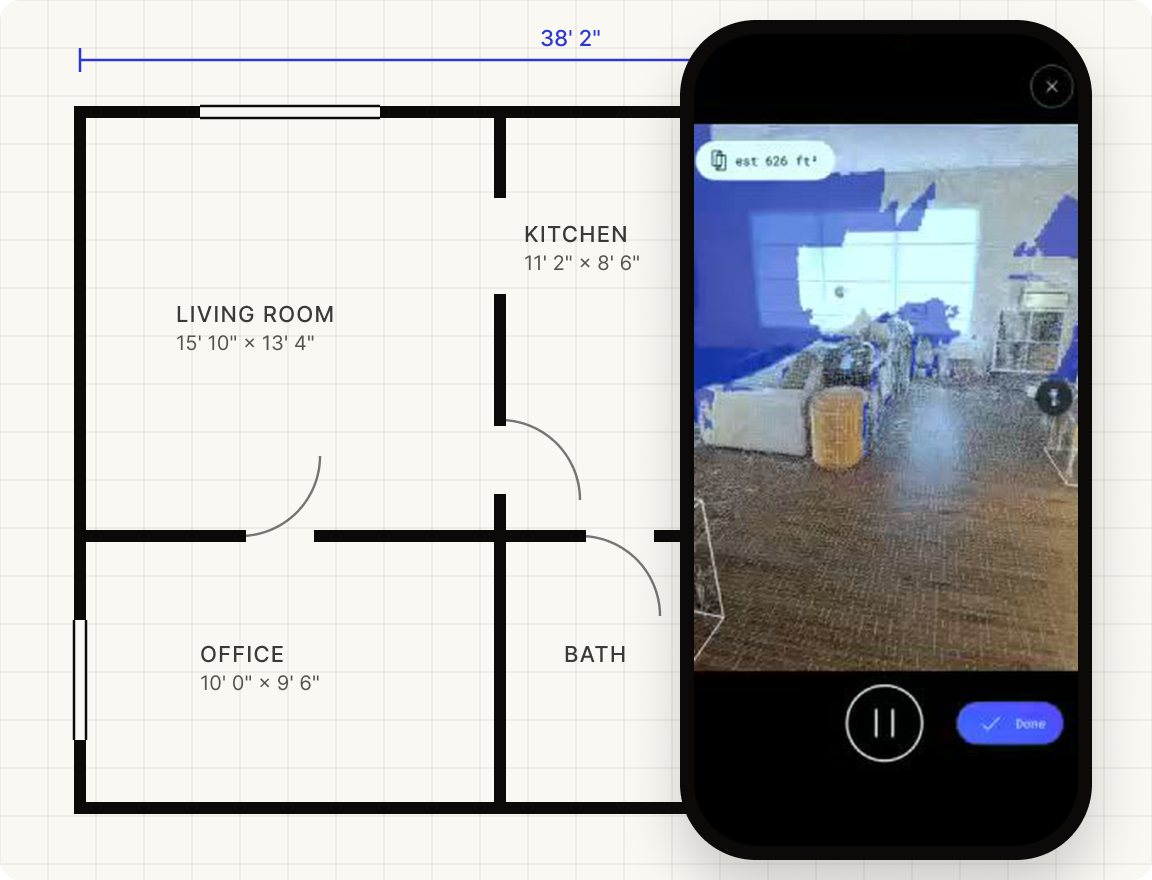
Floor plan of a house showing four rooms labeled Living Room (15'10" x 13'4"), Kitchen (11'2" x 8'6"), Office (10'0" x 9'6"), and Bath with doorways indicated, overlaid with a smartphone screen displaying an augmented reality room scan with an estimated area of 626 square feet.
Measurements

Measurements you can bid on

Every scan keeps its measurements, so you can check a number without driving back to the site.
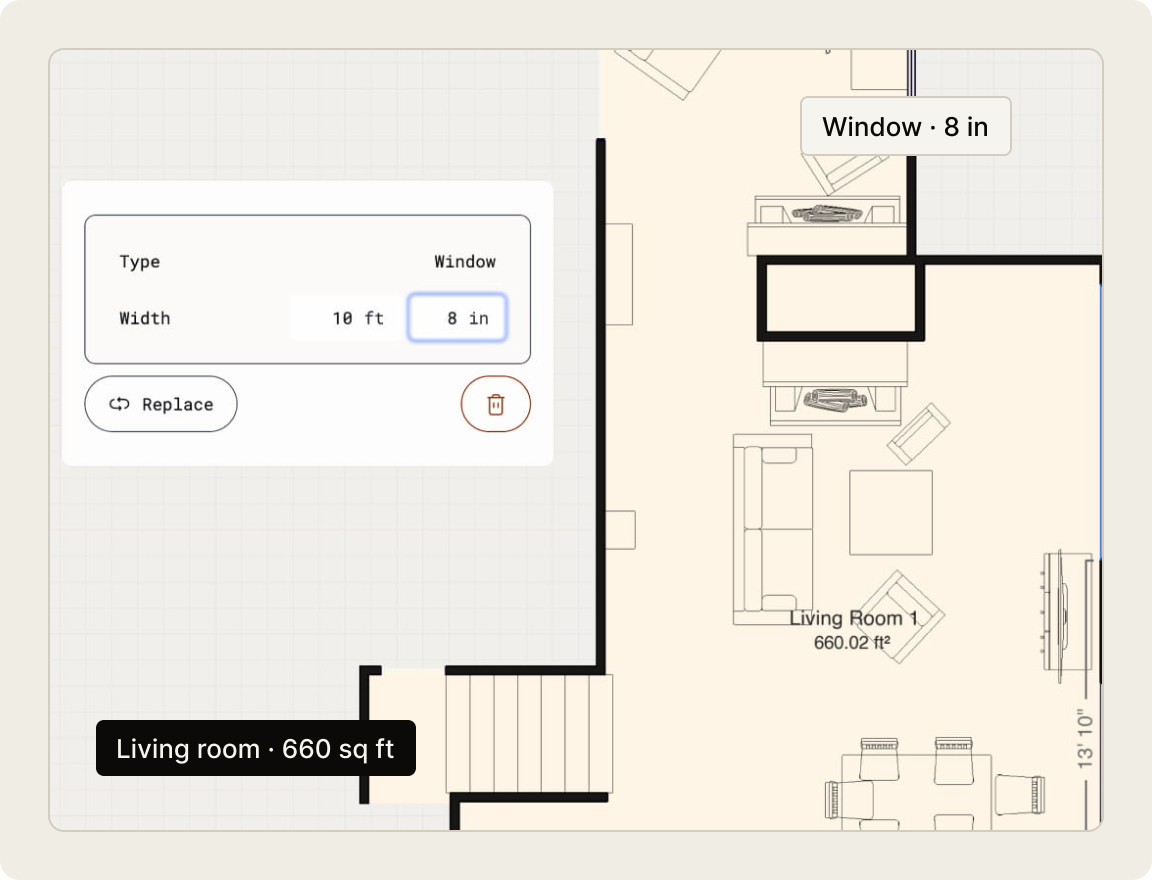
Digital floor plan showing a living room labeled 660 square feet and a window labeled 8 inches wide. A pop-up panel displays window type and width as 10 feet 8 inches, with options to replace or delete.
Sharing

One link instead of a site visit

One link puts your client and crew on the same page, with saved views and comments on the model.
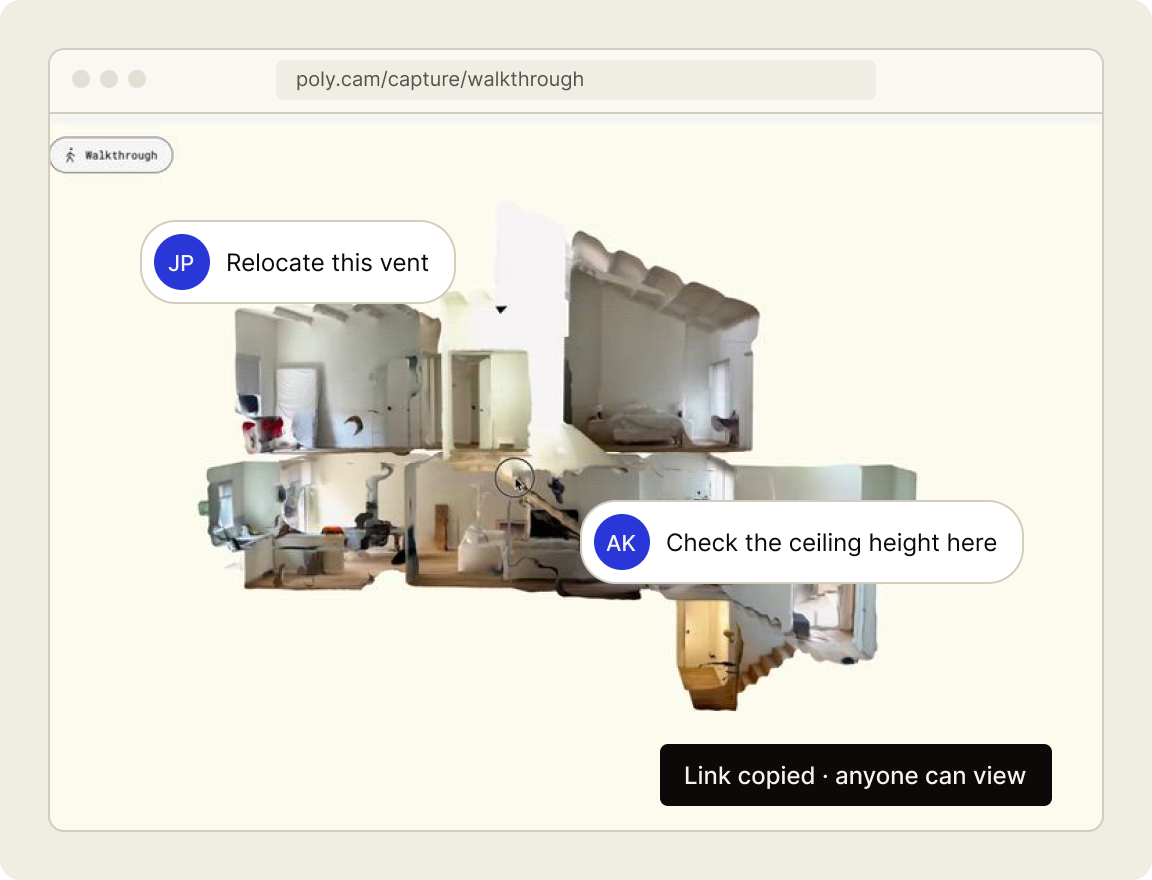
3D walkthrough view of a house split into rooms with comments: one says 'Relocate this vent' and another 'Check the ceiling height here,' showing collaborative notes on the layout.
Demo

Try it youself

Click and drag, or zoom to experience.

Capture modes

Rooms, objects and whole sites.

Floor plans

Scan a floor and get a measured 2D plan with walls, doors and windows in place.

Spaces

Capture a whole space in 3D and check any measurement later.

Objects

Turn any object into a 3D model you can share with a link.

Drone / Aerial

Upload drone photos and get a 3D model of roofs, sites and terrain.

Capture your content now

See how Polycam Enterprise connects your field data to the systems your business runs on.
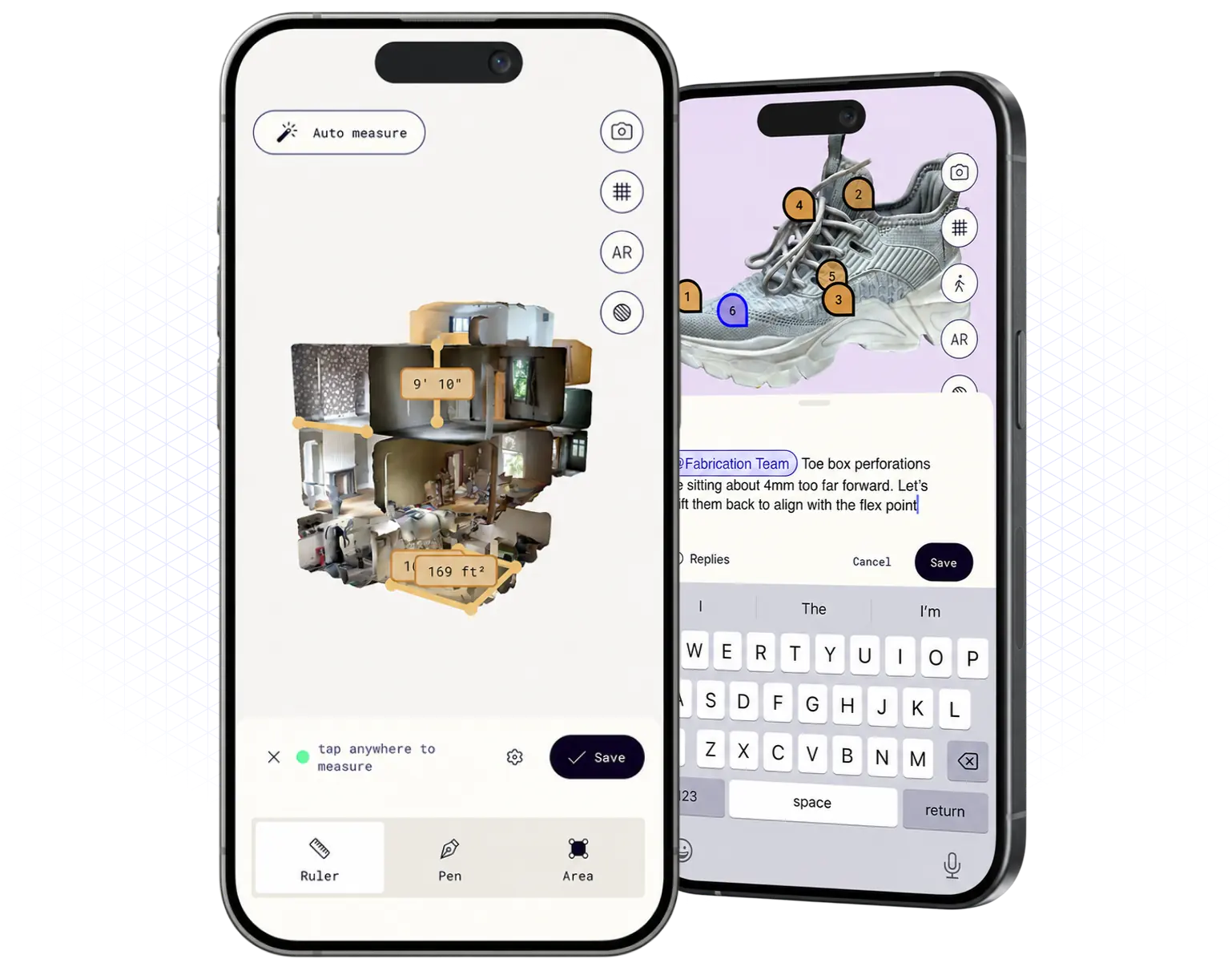
Two smartphones displaying an app interface: left phone shows a 3D room model with measurements for length and area, with options labeled Ruler, Pen, and Area; right phone shows a shoe with numbered markers and a text input field with typed comments and a keyboard.