La meilleure application pour mesurer la hauteur d'un mur dépend de vos besoins. Pour une vérification rapide, l'application Mesures intégrée à votre iPhone suffit. Pour capturer toutes les hauteurs d'une pièce et les conserver, scannez-la avec Polycam et mesurez depuis le modèle. Le télémètre laser reste également une option pertinente, et ce guide vous explique quand l'utiliser.
Points clés
- Un scan Polycam sur un iPhone ou iPad équipé du LiDAR capture toutes les hauteurs d'une pièce, vous permettant de les mesurer ultérieurement.
- Adaptez l'outil à la tâche. Les estimations pour la peinture ou le papier peint tolèrent de petites erreurs.
- Le LiDAR des téléphones est fiable jusqu'à environ 5 mètres par surface. Pour les murs plus hauts, utilisez un télémètre laser.
Quelle est la meilleure application pour mesurer la hauteur d'un mur ?
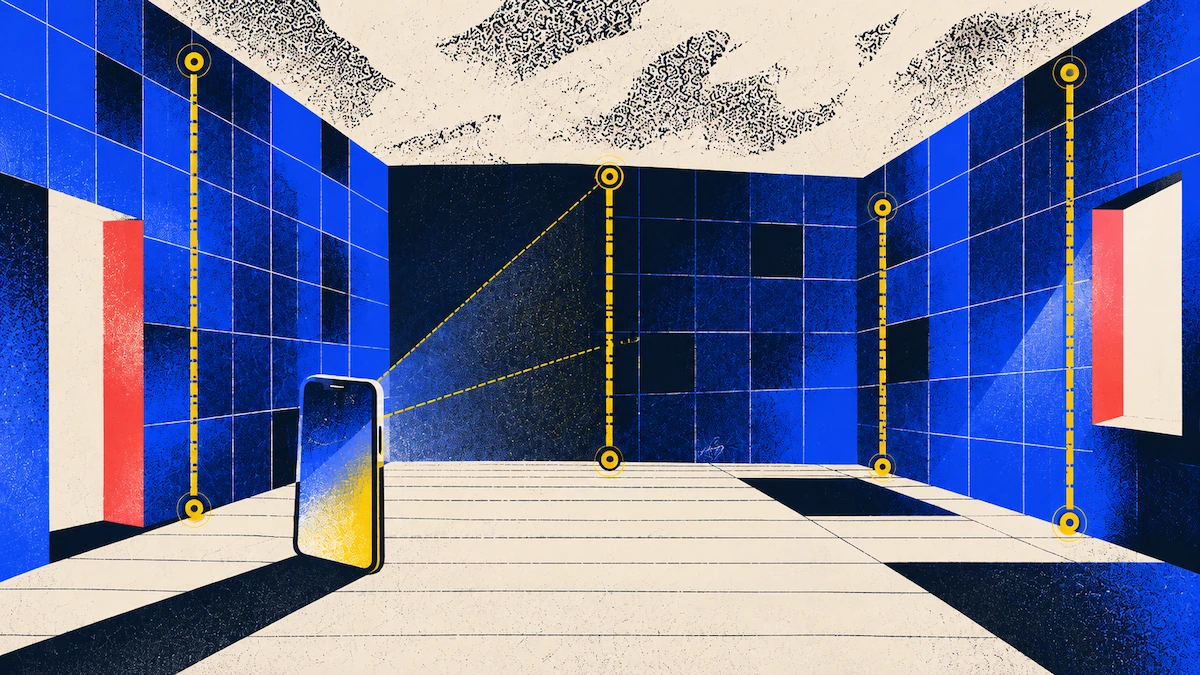
L'application Mesures d'Apple fonctionne comme un mètre ruban en réalité augmentée. Sur iPhone 12 Pro et modèles ultérieurs, le scanner LiDAR ajoute des lignes de guidage pour les hauteurs et les bords droits. L'application est rapide, mais elle ne donne qu'une valeur à la fois et n'enregistre pas vos mesures. Avec un scan, vous enregistrez toute la pièce, ce qui vous permet de vérifier ultérieurement n'importe quelle hauteur oubliée.
Quelle précision est nécessaire pour la hauteur de vos murs ?
Les projets de peinture et de papier peint sont flexibles. Sur un mur de 3,6 mètres, une erreur d'un centimètre ne modifie la surface que d'environ 0,05 mètre carré, ce qui est inférieur à ce que vous devrez de toute façon découper. Il en va de même pour les tringles à rideaux, les décorations murales et les étagères. Un scan offre toute la précision nécessaire pour ces tâches.
Les projets intégrés sont différents. Les placards du sol au plafond, les lambris et les bibliothèques doivent s'ajuster parfaitement entre le sol et le plafond ; il n'y a donc que peu de place pour l'erreur. Utilisez le scan pour planifier votre conception et vous assurer que les dimensions sont proches, mais confirmez toujours la mesure finale avec un mètre ruban ou un laser avant toute découpe.
Comment mesurer la hauteur d'un mur à partir d'un scan Polycam
- Commencez par scanner la pièce avec Polycam. Utilisez le mode Espace ou Plan d'étage sur un iPhone ou iPad équipé du LiDAR. Déplacez-vous lentement et balayez de haut en bas avec votre téléphone pendant que vous marchez, afin que le scan capture le sol, toute la hauteur de chaque mur et le plafond. Si vous avez du mal à voir un coin ou la ligne du plafond, activez la lampe torche sur l'écran de capture. Placez la règle avec soin. Ouvrez votre scan, appuyez sur l'icône Mesurer et sélectionnez un point où le mur rencontre le sol, puis un autre point directement au-dessus, au plafond. Il est utile de zoomer sur chaque extrémité avant de placer les points, car votre mesure dépend de leur précision. Vous pouvez faire glisser l'un ou l'autre point pour l'ajuster. L'outil Règle est inclus dans chaque forfait et est gratuit. Laissez la mesure automatique gérer les murs. Sur les forfaits Basic et supérieurs, la mesure automatique génère des mesures pour les murs détectés, vous évitant ainsi de placer chaque point manuellement. Obtenez les hauteurs et les surfaces murales pour tout l'espace. Sur les forfaits Business et Enterprise, le rapport spatial sur Polycam for Web indique la hauteur sous plafond de chaque pièce. Il fournit également la surface murale avec et sans ouvertures, ce qui correspond au chiffre à utiliser pour commander votre peinture ou votre papier peint.
Essayez sur une pièce. Téléchargez Polycam gratuitement.
Où les mesures de hauteur de mur peuvent-elles échouer ?
La plupart des erreurs proviennent de la pièce, et non du téléphone. Les sols et les plafonds ne sont souvent pas parfaitement de niveau, surtout dans les maisons anciennes. Si vous ne mesurez qu'au milieu d'un mur, vous pourriez manquer un coin plus bas. Pour les projets intégrés, mesurez aux deux extrémités et au centre, puis utilisez la mesure la plus courte pour vos plans.
Les moulures peuvent également poser problème. Avant de mesurer, déterminez si vous avez besoin de la hauteur jusqu'au plafond ou jusqu'au bas de la corniche, et placez vos points en conséquence. Les plafonds en pente ou voûtés n'ont pas une hauteur de mur unique. Mesurez à chaque endroit important pour votre conception, comme le mur bas, le mur haut et là où vous prévoyez d'installer un luminaire ou une étagère.
La hauteur des murs est également un domaine où la portée de votre téléphone peut être limitée. Le LiDAR fonctionne bien jusqu'à environ 5 mètres par surface ; dans un salon à double hauteur ou une cage d'escalier, utilisez donc le scan pour l'agencement, mais un laser pour la hauteur. Si vous oubliez quelque chose lors du scan, le logiciel l'estimera. Effectuez donc toujours une vérification finale du sol, du plafond et de chaque coin avant de quitter les lieux.
FAQ
Quelle est la meilleure application pour mesurer la hauteur d'un mur ?
Pour obtenir toutes les hauteurs d'une pièce, scannez-la avec Polycam sur un iPhone ou iPad LiDAR et mesurez depuis le modèle. Lors des tests de Polycam, la hauteur sous plafond correspondait exactement ou à quelques millimètres près à celle d'un télémètre laser. Pour une vérification rapide, l'application Mesures d'Apple est gratuite, bien qu'Apple qualifie ses résultats d'approximatifs.
L'application Mesures de l'iPhone est-elle suffisamment précise pour mesurer la hauteur d'un mur ?
Elle convient pour des vérifications rapides, comme savoir si un meuble passera sous le plafond. Apple précise que ses mesures sont approximatives ; confirmez donc toute hauteur avant de commander des matériaux ou d'effectuer des découpes.
Puis-je mesurer la hauteur d'un mur avec un téléphone Android ?
La capture de pièce par Polycam nécessite un iPhone ou iPad LiDAR et n'est pas disponible sur Android. Il existe des applications de mesure en réalité augmentée sur Android, mais vérifiez si le développeur publie une marge d'erreur avant de commander des matériaux.
Comment mesurer un mur de plus de 5 mètres de haut ?
Utilisez un télémètre laser. Le LiDAR des téléphones est fiable jusqu'à environ 5 mètres par surface ; le scan capture bien la disposition de la pièce, mais ne doit pas servir de référence pour la hauteur d'un mur élevé.