Zillow berichtet, dass Inserate mit einem interaktiven Grundriss oder einer 3D-Tour doppelt so viele Aufrufe erhielten und im Durchschnitt 10 % schneller verkauft wurden als Inserate ohne. Diese Aussage stammt von Zillow und bezieht sich auf deren eigenes Format, erklärt jedoch, warum Makler und Immobilienverwalter immer wieder nach einer empfohlenen App für virtuelle Immobilienbesichtigungen fragen.
Die beste App für Sie hängt davon ab, wo Sie die Tour teilen möchten und welche Funktionen Sie benötigen. Dieser Leitfaden vergleicht Polycam und Twindo und erläutert, wie andere Tour-Plattformen einzuordnen sind.
Wichtige Erkenntnisse
- Mit Polycam erhalten Sie durch einen Scan ein teilbares 3D-Modell, einen bearbeitbaren Grundriss und Messdaten – alles für eine Pauschale von 400 $ pro Nutzer und Jahr.
- Canvas ist ein Scan-to-CAD-Dienst, der pro Quadratfuß abrechnet. Sie können Scans über den Web-Viewer teilen, der Schwerpunkt liegt jedoch auf der Erstellung von Bestandsplänen.
- Wenn Sie Panorama-Touren erstellen möchten, die direkt auf Immobilienportalen erscheinen, sind Zillow 3D Home und Matterport die richtige Wahl.
Was zählt als virtuelle Immobilienbesichtigung
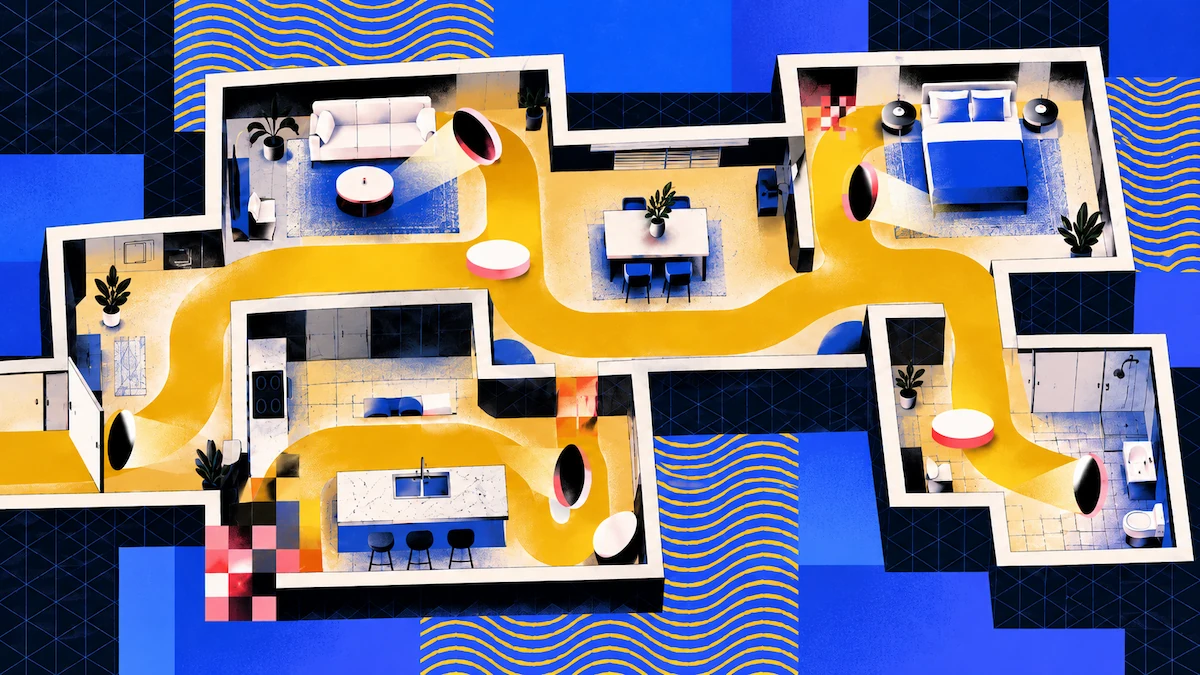
Eine Panorama-Tour verbindet 360°-Fotos und ermöglicht es Käufern, von Raum zu Raum zu klicken. Eine 3D-Modell-Tour erlaubt es Betrachtern, sich frei durch einen vermessenen Scan des Objekts zu bewegen. Ein geführter Rundgang zeigt den Weg, den jemand durch die Immobilie genommen hat.
Immobilienportale bevorzugen meist Panorama-Touren. Die anderen beiden Typen bieten etwas, das Panoramen nicht können: echte Messdaten, sodass Sie aus demselben Scan einen Grundriss und Abmessungen erhalten.
Polycam vs. Twindo für virtuelle Immobilienbesichtigungen
Polycam
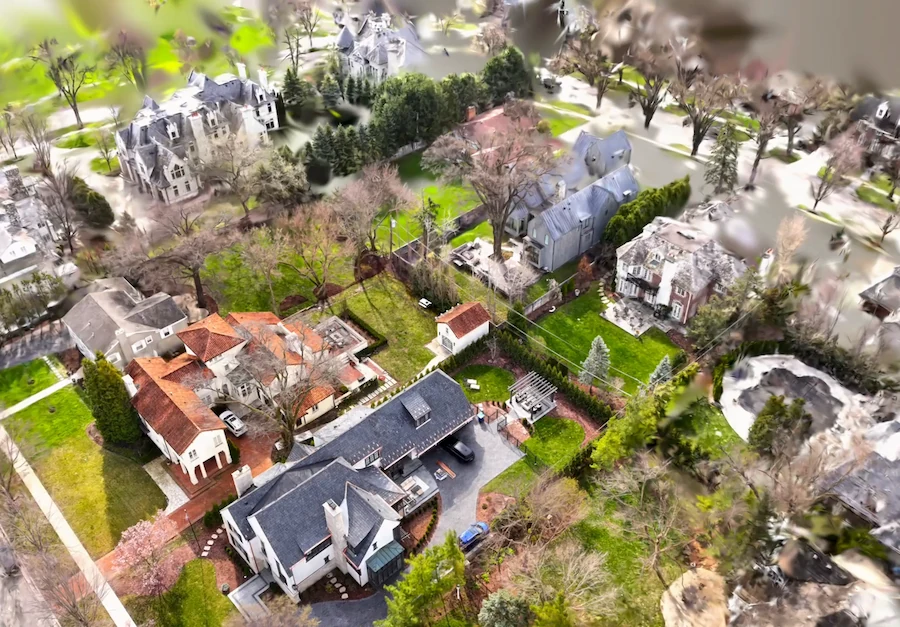
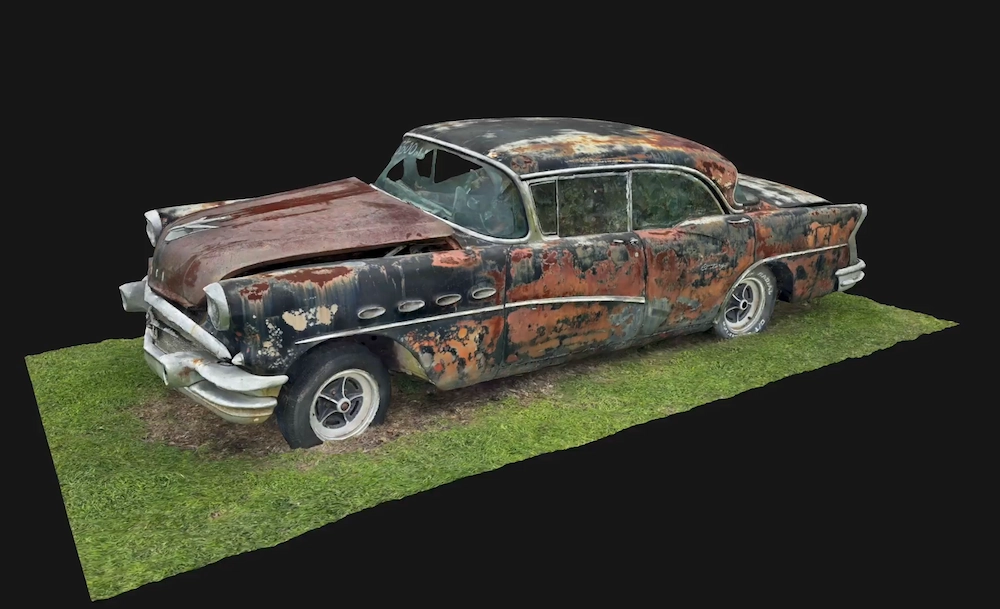
Mit dem Space-Modus auf einem LiDAR-Gerät erhalten Sie ein 3D-Mesh, ein 3D-Grundrissmodell sowie einen 2D-Grundriss mit Maßen und Raumbeschriftungen. Sie können das Modell über einen öffentlichen Link teilen oder als interaktiven Viewer für Desktop und Mobilgeräte auf Ihrer Website einbetten. Nur Enterprise-Pläne entfernen das Polycam-Wasserzeichen von eingebetteten Aufnahmen.
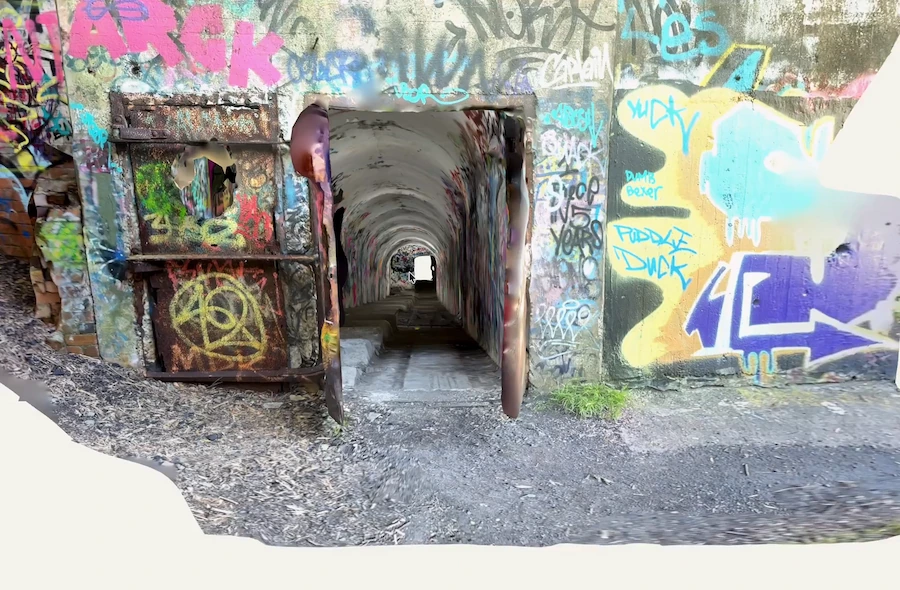
Der virtuelle Rundgang ermöglicht es, den mit Fotos erfassten Pfad erneut abzuspielen. Diese Funktion ist Teil des Business-Plans. Da Betrachter sich bei einem Polycam-Konto anmelden müssen, eignet sie sich am besten für Kunden und Kollegen statt für allgemeine Portalbesucher. Polycam bietet auch einen 360-Grad-Modus, dieser erstellt jedoch nur einzelne zusammengesetzte Panoramen ohne 3D-Geometrie und keine Touren, die Räume miteinander verbinden.
Twindo
Twindo wandelt LiDAR-Scans in bearbeitbare CAD- und BIM-Dateien um, wobei jeder Datensatz von einem menschlichen Modellierer geprüft wird. Der Web-Viewer ermöglicht es jedem mit einem Browser, den kolorierten Scan und ein vereinfachtes Modell zu betrachten und zu vermessen, was als einfache Tour dienen kann.
Twindo-Modelle können bei einem guten Scan eine Genauigkeit von bis zu 99 % erreichen. Der Dienst richtet sich an Architekten, Designer, Sanierer und Bauunternehmer.
Wo Zillow 3D Home und Matterport passen
Zillow 3D Home ist kostenlos und die Touren werden automatisch auf den Inseraten bei Zillow, Trulia und Redfin veröffentlicht. Mit einem Smartphone allein lassen sich nur Touren erstellen. Der interaktive Grundriss erfordert eine unterstützte 360°-Kamera wie die Ricoh 360 oder Insta360.
Matterport erfasst Daten mit Smartphones, 360-Grad-Kameras oder den eigenen Pro-Kameras und kann diese auf Google Street View und Immobilien-MLS veröffentlichen oder auf Websites einbetten. Zudem werden schematische Grundrisse und KI-beschriftete Raumabmessungen generiert.
Wenn Sie lediglich eine einfache Klick-Tour auf den wichtigsten Immobilienportalen wünschen, beginnen Sie mit Zillow 3D Home oder Matterport.
Welche App sollten Sie wählen?
Wenn Sie ein Makler sind, der hauptsächlich auf Portalen inseriert, nutzen Sie Zillow 3D Home für Ihre Portal-Touren. Ergänzen Sie Polycam, wenn Sie zusätzlich einen Grundriss mit Maßen und ein 3D-Modell für Ihre Website oder Broschüren benötigen.
Für Makler und Immobilienbüros mit mehreren Objekten pro Jahr beinhaltet der Business-Plan von Polycam unbegrenzte räumliche Erfassungen, Grundrisse und Berichte, sodass Ihre Kosten pro Objekt sinken, je mehr Immobilien Sie hinzufügen. Bei einer Abrechnung pro Quadratfuß steigen die Kosten hingegen mit der Größe der gescannten Fläche.
Für Immobilienverwalter ist Polycam hervorragend geeignet. Ein Scan dokumentiert den Zustand, das Layout und die Maße einer Einheit, und die Grundrisse unterstützen bei der Raumplanung und der Zusammenarbeit mit Dienstleistern. Der Business-Plan bietet einen gemeinsamen Team-Arbeitsbereich, in dem Sie die Aufnahmen Ihrer Teammitglieder einsehen können. Durch privates Teilen können Sie den Zugriff auf eingeladene Personen mit Betrachter- oder Bearbeiterrechten beschränken.
FAQ
Welche App empfehlen Sie für virtuelle Immobilienbesichtigungen?
Das hängt davon ab, wo Sie die Tour teilen möchten. Für Portal-Touren ist Zillow 3D Home kostenlos und lässt sich auf Zillow, Trulia und Redfin veröffentlichen. Wenn Sie ein vermessenes 3D-Modell, einen Grundriss und Maße aus einem Scan benötigen, nutzen Sie Polycam. Für CAD-Bestandspläne wählen Sie Twindo.
Können Käufer eine Polycam-Tour ohne Konto ansehen?
Ja, Käufer können das 3D-Modell ansehen. Jeder mit dem öffentlichen Link kann es öffnen, und eingebettete Aufnahmen sind auf jeder Website interaktiv. Die einzige Ausnahme ist der virtuelle Rundgang, für den Betrachter ein Polycam-Konto benötigen.
Benötige ich eine spezielle Kamera?
Für Polycam oder Twindo benötigen Sie keine spezielle Kamera. Beide funktionieren mit einem iPhone Pro oder iPad Pro mit LiDAR. Für den interaktiven Grundriss von Zillow benötigen Sie eine 360°-Kamera, aber Touren lassen sich auch mit einem Smartphone erstellen.