Zillow reports that listings with an interactive floor plan or 3D tour got twice as many views and sold, on average, 10% faster than listings without. That claim comes from Zillow and covers Zillow's own format, but it explains why agents and property managers keep asking for a recommended app for real estate virtual tours.
The best app for you depends on where you plan to share the tour and what features you need. This guide compares Polycam and Twindo, and explains how other tour platforms fit in.
Key Takeaways
- With Polycam, one scan gives you a shareable 3D model, an editable floor plan, and measurements, all for a flat $400 per user per year.
- Canvas is a scan-to-CAD service that charges by the square foot. You can share scans with its web viewer, but its main focus is creating as-built drawings.
- If you want to create panorama tours that go directly to listing portals, Zillow 3D Home and Matterport are designed for this purpose.
What Counts as a Real Estate Virtual Tour
A panorama tour connects 360° photos, letting buyers click from room to room. A 3D model tour allows viewers to move around a measured scan of the space. A guided walkthrough shows the path someone took through the property.
Listing portals usually prefer panorama tours. The other two types offer something panoramas can’t: real measurements, so you get a floor plan and dimensions from the same scan.
Polycam vs. Twindo for Real Estate Virtual Tours
Polycam
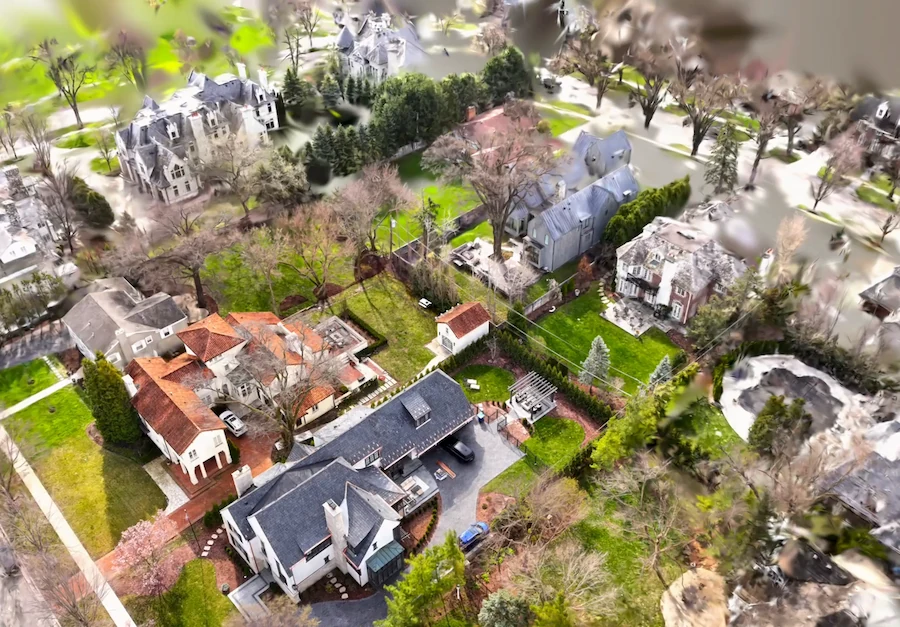
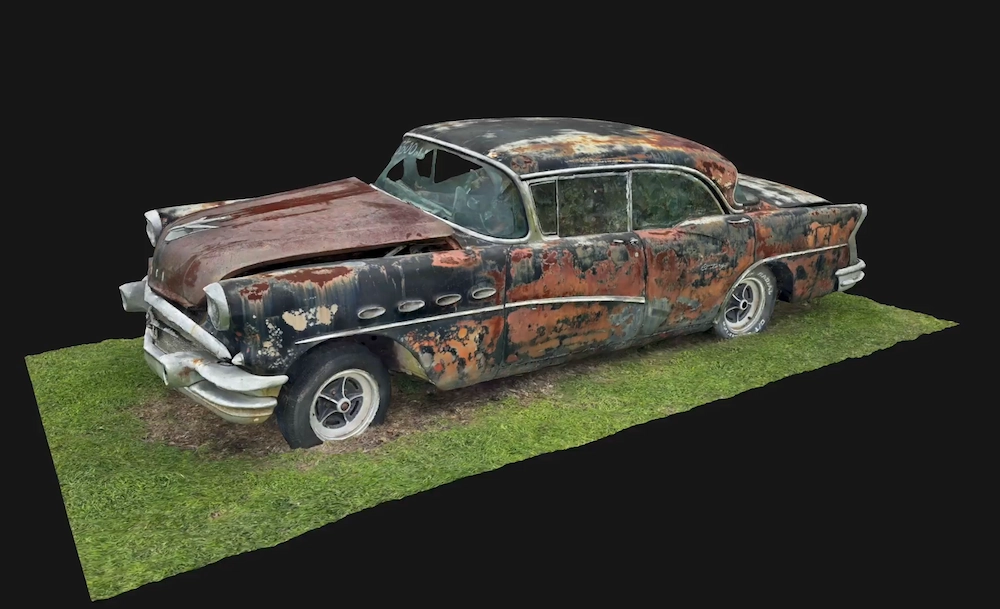
With one Space mode on a LiDAR device, you get a 3D mesh, a 3D floor plan model, and a 2D floor plan with measurements and room labels. You can share the model with a public link or embed it on your website as an interactive viewer for desktop and mobile. Only Enterprise plans remove the Polycam watermark from embedded captures.
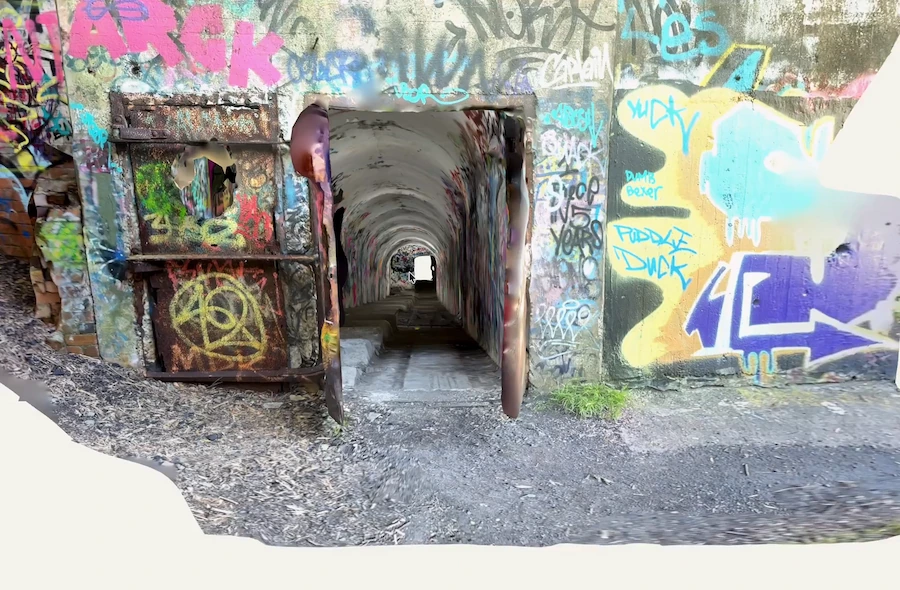
Virtual Walkthrough lets you replay the path you captured with photos. This feature is part of the Business plan, and viewers need to sign in to a Polycam account, so it works best for clients and colleagues rather than general portal visitors. Polycam also offers a 360 Mode, but it only creates single stitched panoramas without 3D geometry, not tours that link rooms together.
Twindo
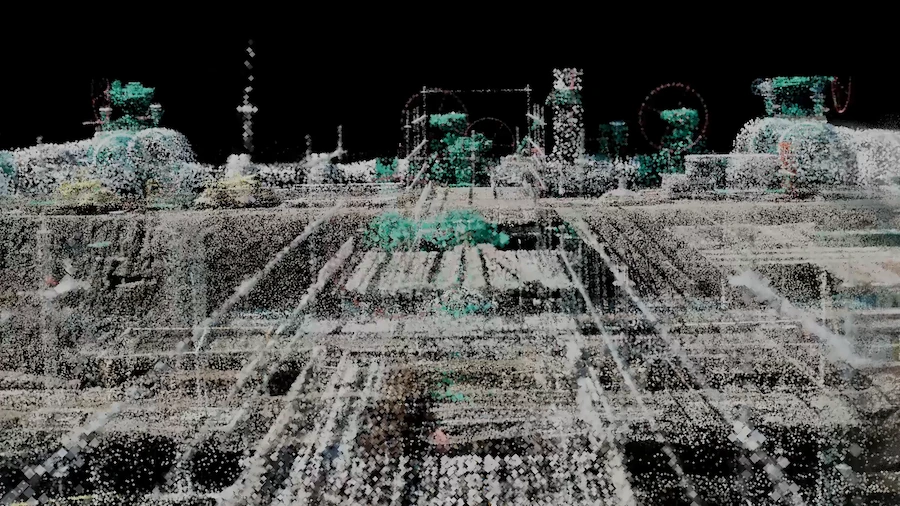
Twindo turns LiDAR scans into editable CAD and BIM files, and a human modeler checks every deliverable. Its web viewer lets anyone with a browser see and measure the colorized scan and a simplified model, which can serve as a basic tour.
Twindo models can be up to 99% accurate with a good scan, and the service targets architects, designers, remodelers, and contractors.
Where Zillow 3D Home and Matterport Fit
Zillow 3D Home is free, and its tours post automatically to the listing on Zillow, Trulia, and Redfin. A smartphone alone can only create tours. The interactive floor plan requires a supported 360° camera such as Ricoh 360 or Insta360.
Matterport captures with smartphones, 360 cameras, or its own Pro cameras, and can publish to Google Street View and real estate MLS or embed on websites. It also generates schematic floor plans and AI-labeled room dimensions.
If you just want a simple click-through tour on the main listing portals, start with Zillow 3D Home or Matterport.
Which App Should You Pick?
If you’re a listing agent who mainly posts to portals, use Zillow 3D Home for your portal tours. Add Polycam if you also want a floor plan with dimensions and a 3D model for your website or brochures.
For agents and brokerages with multiple listings each year, Polycam’s Business plan includes unlimited spatial captures, floor plans, and reports, so your cost per listing goes down as you add more properties. With per-square-foot pricing, costs increase as you scan more space.
For property managers, Polycam is a great fit. One scan records a unit’s condition, layout, and dimensions, and the floor plans help with space planning and working with vendors. The Business plan adds a shared team workspace, so you can see captures from your team members. Private sharing lets you limit access to invited people with Viewer or Editor permissions.
FAQ
What app do you recommend for real estate virtual tours?
It depends on where you want to share the tour. For portal tours, Zillow 3D Home is free and posts to Zillow, Trulia, and Redfin. If you need a measured 3D model, a floor plan, and measurements from one scan, use Polycam. For CAD as-builts, choose Twindo.
Can buyers view a Polycam tour without an account?
Yes, buyers can view the 3D model. Anyone with the public link can open it, and embedded captures are interactive on any website. The only exception is Virtual Walkthrough, which requires viewers to sign in to a Polycam account.
Do I need a special camera?
You don’t need a special camera for Polycam or Twindo. Both work with a LiDAR iPhone Pro or iPad Pro. For Zillow’s interactive floor plan, you’ll need a 360° camera, but you can still make tours with just a smartphone.