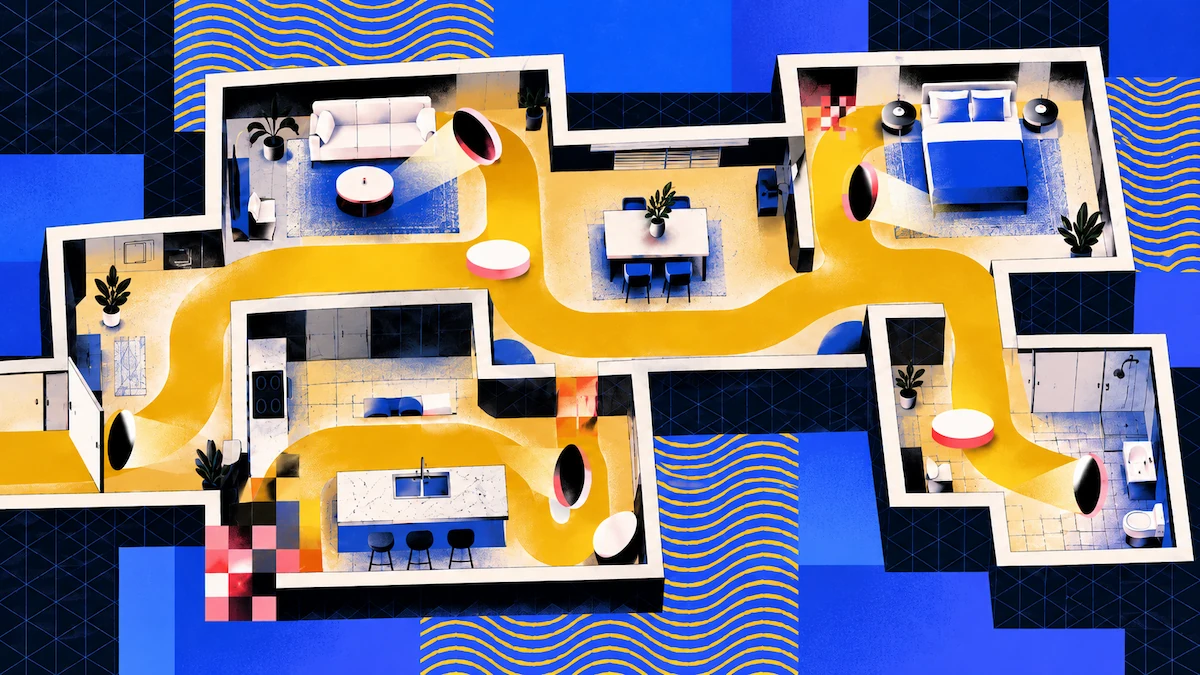
Zillow rapporte que les annonces dotées d'un plan d'étage interactif ou d'une visite 3D ont obtenu deux fois plus de vues et se sont vendues, en moyenne, 10 % plus rapidement que les autres. Bien que ce chiffre provienne de Zillow et concerne son propre format, il explique pourquoi les agents et gestionnaires immobiliers recherchent constamment une application recommandée pour les visites virtuelles.
La meilleure application pour vous dépend de l'endroit où vous comptez partager la visite et des fonctionnalités nécessaires. Ce guide compare Polycam et Twindo et explique comment s'intègrent les autres plateformes de visite.
Points clés
- Avec Polycam, un seul scan vous offre un modèle 3D partageable, un plan d'étage modifiable et des mesures, le tout pour un forfait de 400 $ par utilisateur et par an.
- Canvas est un service de scan vers CAO facturé au pied carré. Vous pouvez partager les scans via son lecteur web, mais son objectif principal est la création de plans d'état des lieux.
- Si vous souhaitez créer des visites panoramiques publiées directement sur les portails immobiliers, Zillow 3D Home et Matterport sont conçus à cet effet.
Qu'est-ce qu'une visite virtuelle immobilière ?
Une visite panoramique relie des photos à 360°, permettant aux acheteurs de naviguer de pièce en pièce. Une visite en modèle 3D permet aux spectateurs de se déplacer dans un scan mesuré de l'espace. Une visite guidée montre le parcours effectué dans la propriété.
Les portails immobiliers privilégient généralement les visites panoramiques. Les deux autres types offrent ce que les panoramas ne peuvent pas fournir : des mesures réelles, permettant d'obtenir un plan d'étage et des dimensions à partir du même scan.
Polycam vs Twindo pour les visites virtuelles immobilières
Polycam
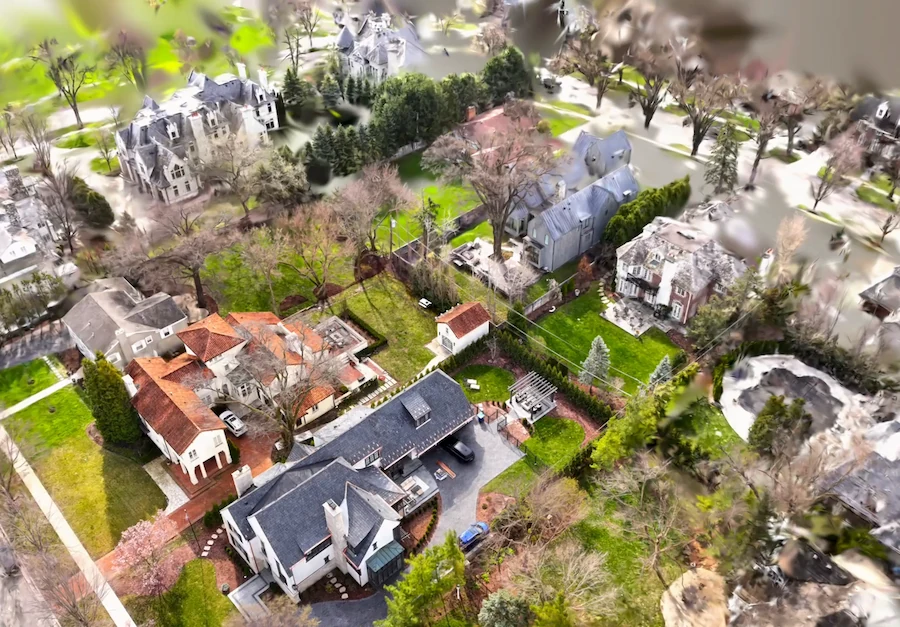
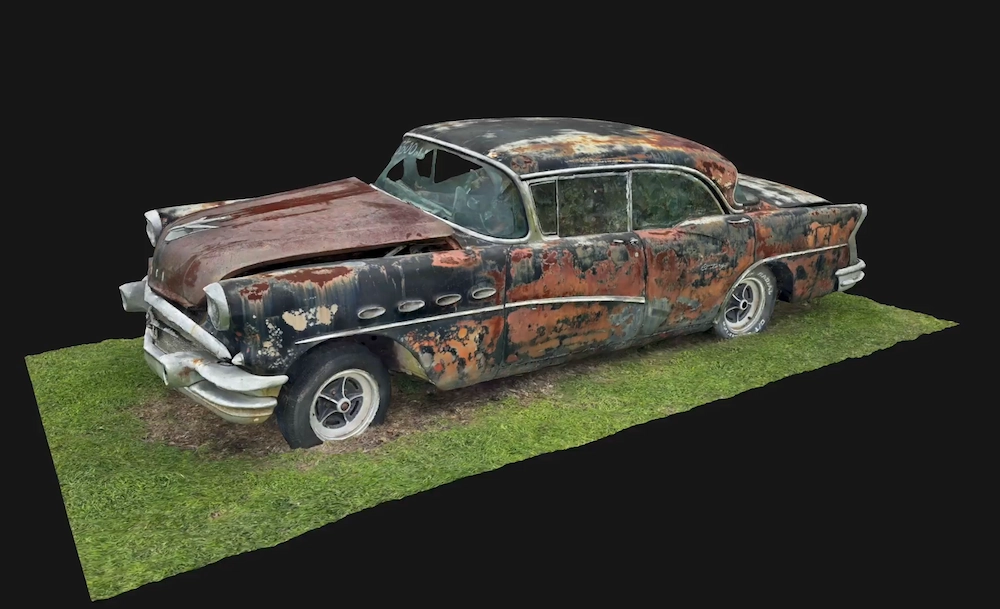
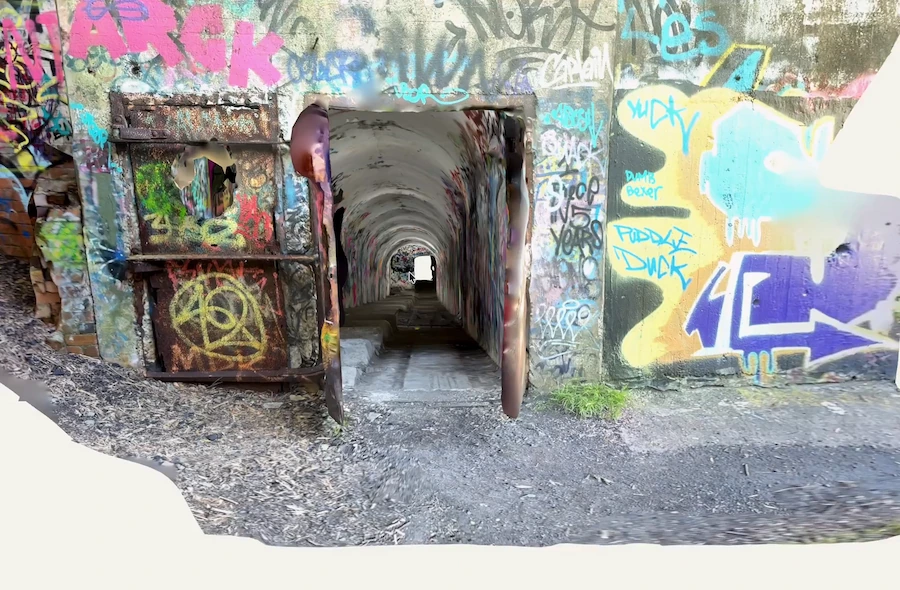
Avec le mode Space sur un appareil LiDAR, vous obtenez un maillage 3D, un modèle de plan d'étage 3D et un plan d'étage 2D avec mesures et étiquettes de pièces. Vous pouvez partager le modèle via un lien public ou l'intégrer à votre site web sous forme de visionneuse interactive pour ordinateur et mobile. Seuls les forfaits Entreprise permettent de supprimer le filigrane Polycam des captures intégrées.
La visite virtuelle permet de rejouer le parcours que vous avez capturé avec des photos. Cette fonctionnalité fait partie du forfait Business, et les spectateurs doivent se connecter à un compte Polycam ; elle est donc plus adaptée aux clients et collègues qu'aux visiteurs occasionnels d'un portail. Polycam propose également un mode 360, mais il ne crée que des panoramas uniques assemblés sans géométrie 3D, et non des visites reliant les pièces entre elles.
Twindo
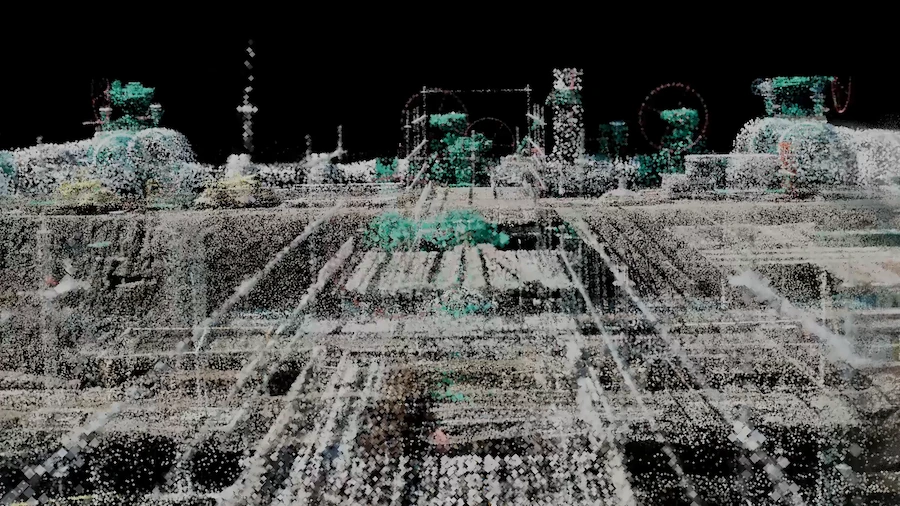
Twindo transforme les scans LiDAR en fichiers CAO et BIM modifiables, et chaque livrable est vérifié par un modélisateur humain. Sa visionneuse web permet à toute personne disposant d'un navigateur de visualiser et de mesurer le scan colorisé ainsi qu'un modèle simplifié, pouvant servir de visite de base.
Les modèles Twindo peuvent atteindre une précision de 99 % avec un bon scan, et le service s'adresse aux architectes, designers, rénovateurs et entrepreneurs.
Où se situent Zillow 3D Home et Matterport
Zillow 3D Home est gratuit et ses visites sont publiées automatiquement sur les annonces de Zillow, Trulia et Redfin. Un smartphone seul permet uniquement de créer des visites. Le plan d'étage interactif nécessite une caméra 360° compatible, telle que Ricoh 360 ou Insta360.
Matterport effectue des captures avec des smartphones, des caméras 360 ou ses propres caméras Pro, et peut publier sur Google Street View et les services immobiliers MLS ou intégrer les visites sur des sites web. Il génère également des plans d'étage schématiques et des dimensions de pièces étiquetées par IA.
Si vous souhaitez simplement une visite interactive par clic sur les principaux portails d'annonces, commencez par Zillow 3D Home ou Matterport.
Quelle application choisir ?
Si vous êtes un agent immobilier publiant principalement sur des portails, utilisez Zillow 3D Home pour vos visites. Ajoutez Polycam si vous souhaitez également un plan d'étage avec dimensions et un modèle 3D pour votre site web ou vos brochures.
Pour les agents et agences ayant plusieurs annonces par an, le forfait Business de Polycam inclut des captures spatiales, des plans d'étage et des rapports illimités, ce qui réduit votre coût par annonce à mesure que vous ajoutez des propriétés. Avec une tarification au pied carré, les coûts augmentent à mesure que vous scannez plus d'espace.
Pour les gestionnaires immobiliers, Polycam est une solution idéale. Un seul scan enregistre l'état, l'agencement et les dimensions d'une unité, et les plans d'étage facilitent l'aménagement de l'espace et la collaboration avec les prestataires. Le forfait Business ajoute un espace de travail d'équipe partagé, vous permettant de voir les captures de vos collaborateurs. Le partage privé vous permet de limiter l'accès aux personnes invitées avec des autorisations de lecteur ou d'éditeur.
FAQ
Quelle application recommandez-vous pour les visites virtuelles immobilières ?
Tout dépend de l'endroit où vous souhaitez partager la visite. Pour les portails, Zillow 3D Home est gratuit et publie sur Zillow, Trulia et Redfin. Si vous avez besoin d'un modèle 3D mesuré, d'un plan d'étage et de dimensions à partir d'un seul scan, utilisez Polycam. Pour des plans CAO d'état des lieux, choisissez Twindo.
Les acheteurs peuvent-ils voir une visite Polycam sans compte ?
Oui, les acheteurs peuvent voir le modèle 3D. Toute personne disposant du lien public peut l'ouvrir, et les captures intégrées sont interactives sur n'importe quel site web. La seule exception est la visite guidée, qui nécessite que les spectateurs se connectent à un compte Polycam.
Ai-je besoin d'une caméra spéciale ?
Vous n'avez pas besoin de caméra spéciale pour Polycam ou Twindo. Les deux fonctionnent avec un iPhone Pro ou iPad Pro équipé de LiDAR. Pour le plan d'étage interactif de Zillow, une caméra 360° est nécessaire, mais vous pouvez toujours créer des visites avec un simple smartphone.