Instant AI floor plans. Fast. Accurate. Editable.
Scan with your phone, let AI handle the heavy lifting, then refine the details, and collaborate with colleagues remotely or back at the office.

Turn scans into client-ready floor plans in minutes


Capture your space
Slowly move through every room. The app guides you in real-time, capturing every detail as you go.

AI generates your plan
Your floor plan processes on-device in minutes. No cloud uploads, no waiting. Just instant results.

Review & edit
Review dimensions immediately, make corrections on the spot, and ensure accuracy before moving forward.

Share & export
Share directly from the app, or export ready to use files (PDF, DXF, PNG, SVG).


Complete floor plan control from a single site visit
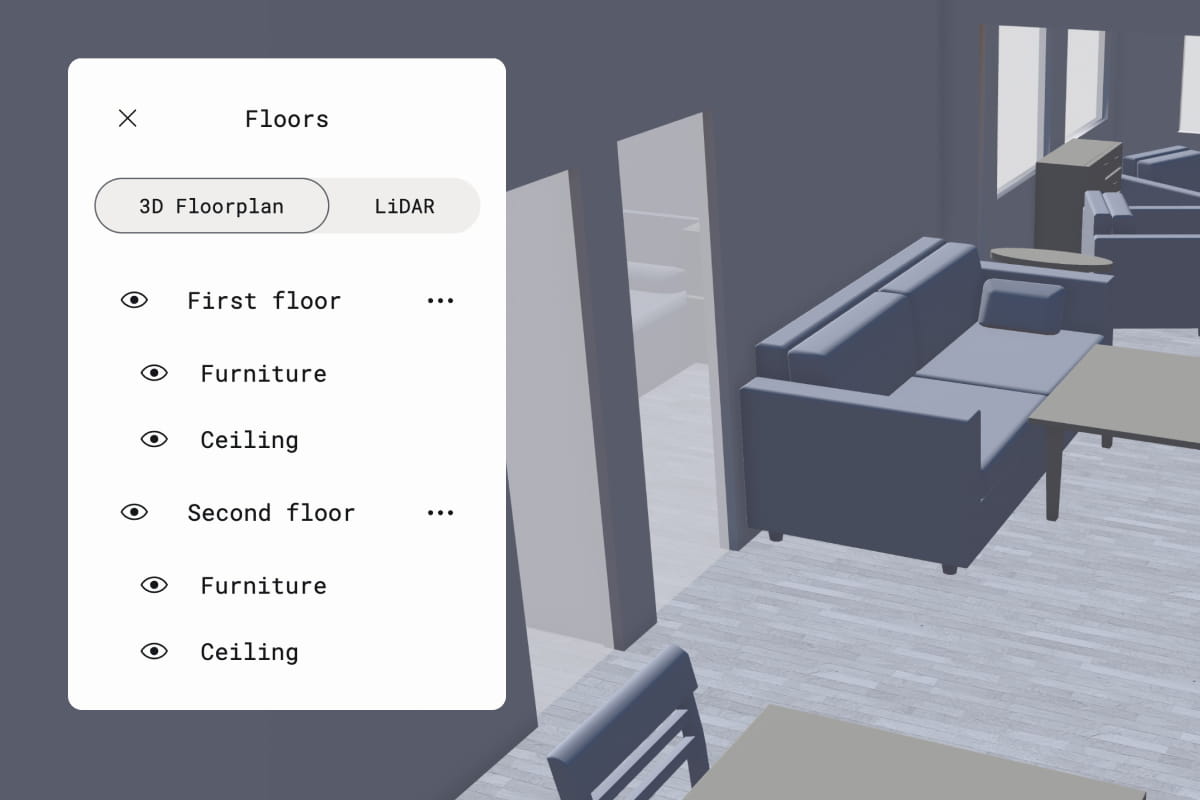
Capture everything in one visit
One scan captures walls, windows, doors, fixtures, and furniture. Scan multiple floors in a single pass, and you'll have labeled 2D and 3D plans ready to take back to the office or share with your team remotely. Automatic object detection means no tedious manual work.
Learn more about Space capture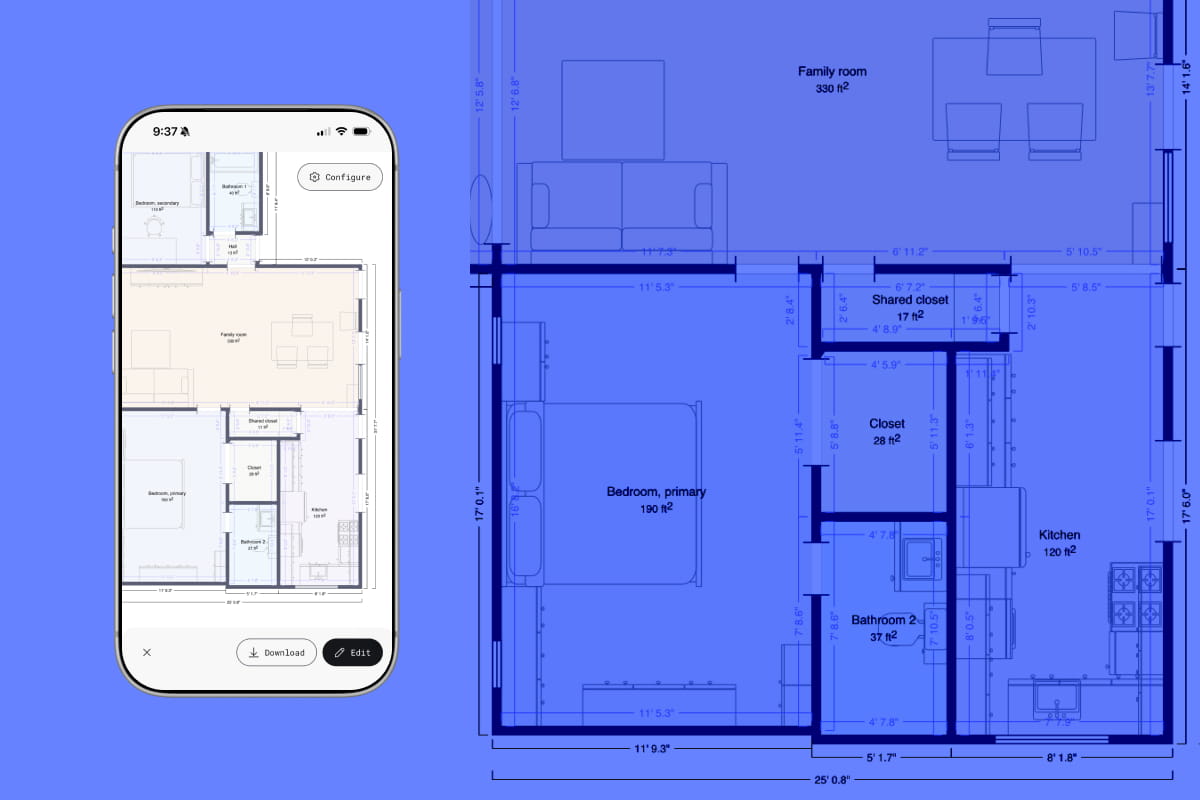
Complete floor plans in minutes, not hours
Your floor plan processes on your device in minutes. No cloud uploads, no waiting around. Pick up exactly where you left off: on-site, back at the office, or anywhere in between.
Learn more about how it works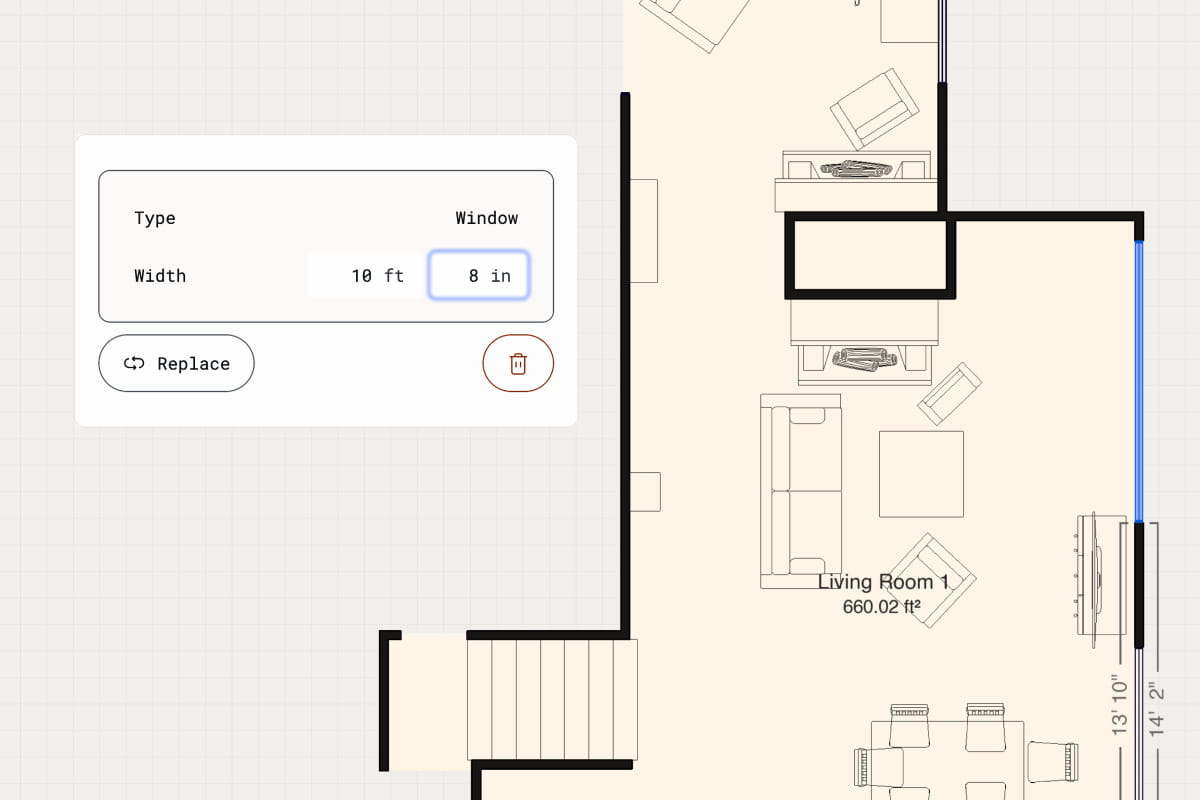
Measurements you can trust
Exterior and interior dimensions are captured automatically to within a 0.5 inch tolerance on standard interior captures, so you can review and confirm accuracy while you're on-site. Toggle between metric and imperial units, then export validated data that integrates seamlessly into your workflow.
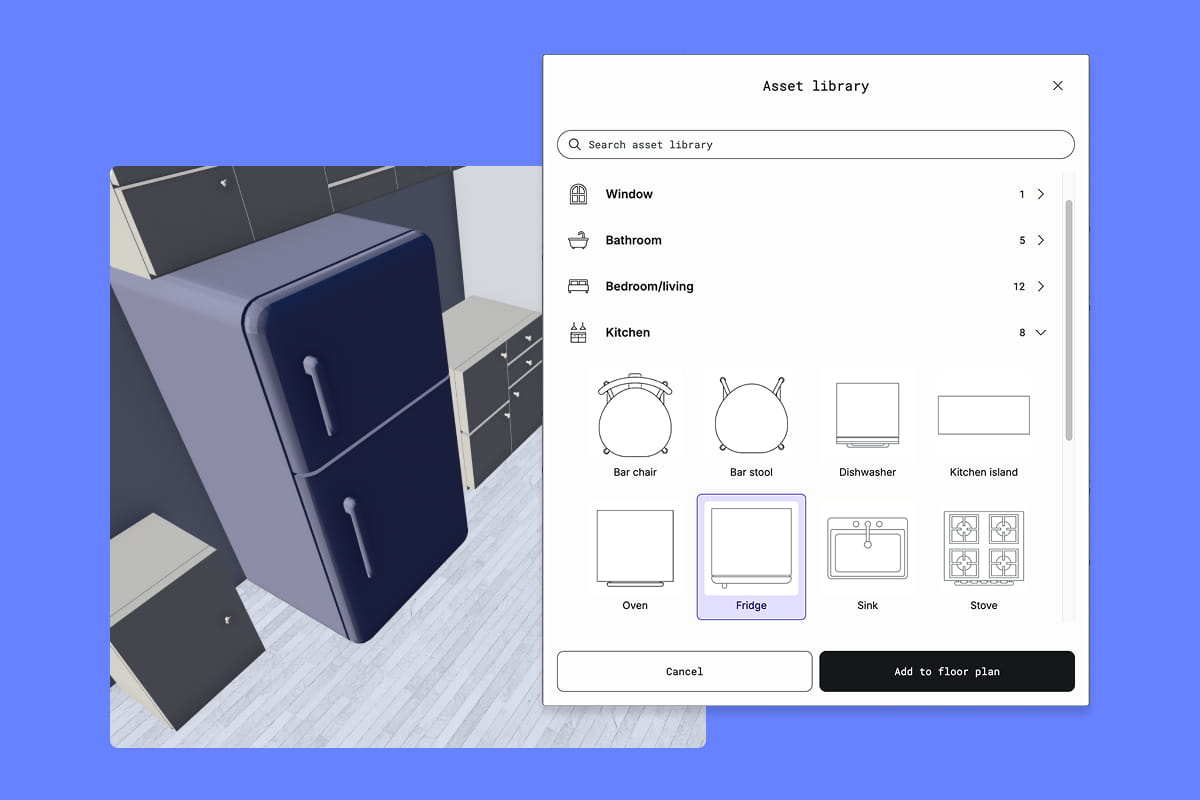
Edit and design on any device
Adjust walls, swap furniture, and move openings, syncing seamlessly across devices. Every change updates your 3D view, so you can design with confidence and show clients exactly what they're getting.
Learn more about Floor plan editor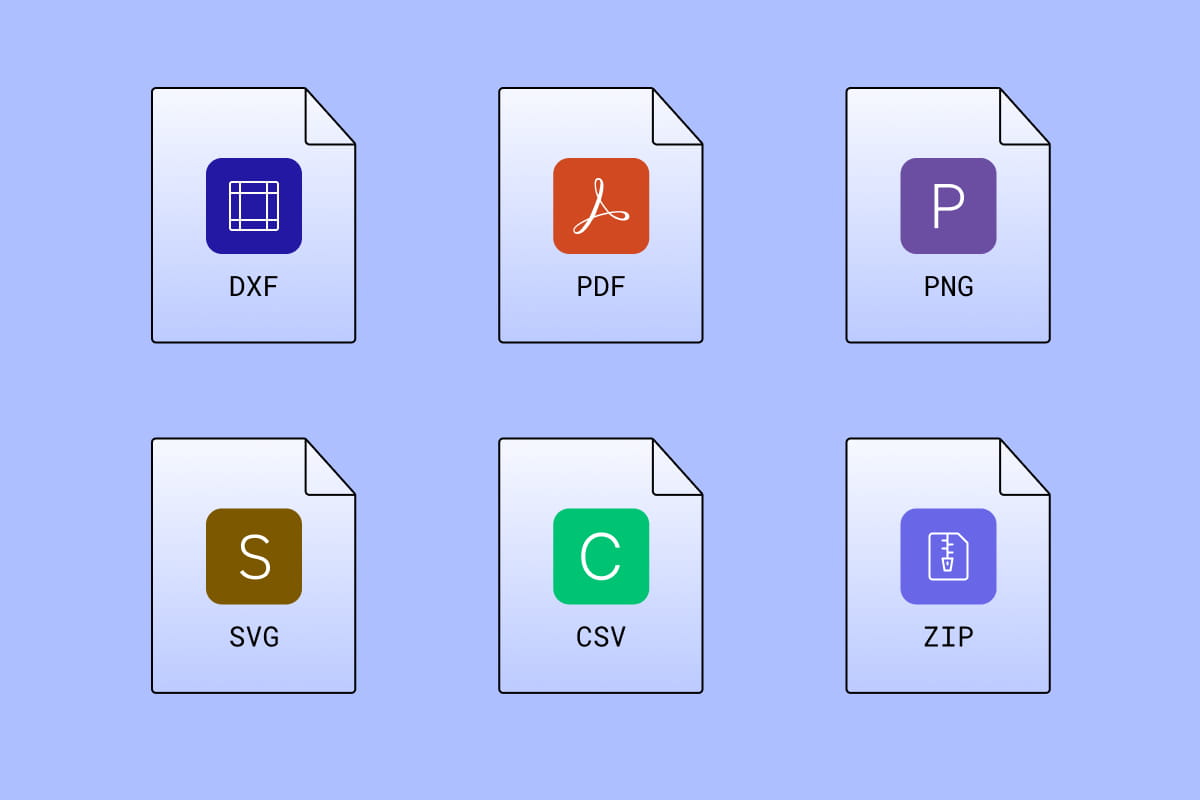
From your screen to your client's inbox, effortlessly
Export as PDF, PNG, SVG, or DXF, or share a link directly. Clients can open and review without special software, and layer structure stays intact so nothing gets lost in translation from your screen to theirs.
Learn more about exportsComplete floor plan control from a single site visit
One scan captures everything
One scan captures everything: walls, windows, doors, fixtures, furniture. You'll have labeled 2D and 3D plans before you leave the job site. Automatic object detection means no tedious manual work.
Text Link
One scan captures everything
One scan captures everything: walls, windows, doors, fixtures, furniture. You'll have labeled 2D and 3D plans before you leave the job site. Automatic object detection means no tedious manual work.
Text LinkOne scan captures everything
One scan captures everything: walls, windows, doors, fixtures, furniture. You'll have labeled 2D and 3D plans before you leave the job site. Automatic object detection means no tedious manual work.
Text LinkOne scan captures everything
One scan captures everything: walls, windows, doors, fixtures, furniture. You'll have labeled 2D and 3D plans before you leave the job site. Automatic object detection means no tedious manual work.
Text LinkComplete floor plans in minutes, not hours
Your floor plan processes on your device in minutes. No cloud uploads, no waiting around. Get full plans before you leave the job site.
Text LinkMeasurements you can trust
Exterior and interior dimensions are captured automatically to within a 0.5 inch tolerance on standard interior captures, so you can review and confirm accuracy while you're on-site. Toggle between metric and imperial units, then export validated data that integrates seamlessly into your workflow.
Text LinkEdit and design on-site
Adjust walls, swap furniture, and move openings, syncing seamlessly across devices. Every change updates your 3D view in real-time, so you can iterate with clients in real-time and leave with a signed-off design.
Text LinkContracters
Stop losing money on inaccurate estimates. Capture every detail in minutes, bid with confidence, and win more profitable jobs. Your clients get precision documentation, you get fewer change orders and faster project completion.
Text LinkContracters
Stop losing money on inaccurate estimates. Capture every detail in minutes, bid with confidence, and win more profitable jobs. Your clients get precision documentation, you get fewer change orders and faster project completion.
Text LinkContracters
Stop losing money on inaccurate estimates. Capture every detail in minutes, bid with confidence, and win more profitable jobs. Your clients get precision documentation, you get fewer change orders and faster project completion.
Text LinkContracters
Stop losing money on inaccurate estimates. Capture every detail in minutes, bid with confidence, and win more profitable jobs. Your clients get precision documentation, you get fewer change orders and faster project completion.
Text Link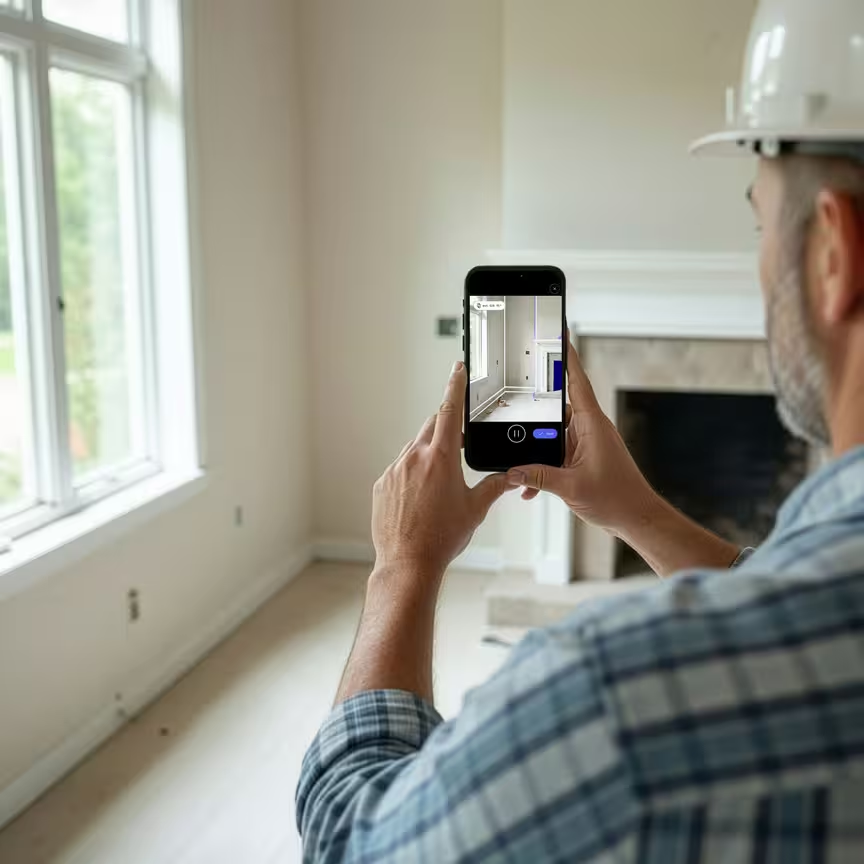



Contractors
Stop losing money on inaccurate estimates. Capture every detail in minutes, bid with confidence, and win more profitable jobs. Your clients get precision documentation, you get fewer change orders and faster project completion.
Facilities & property management
Manage smarter with accurate floor plans at your fingertips. Optimize space utilization, coordinate vendors seamlessly, and make data-driven decisions about your portfolio. All from a single scan that pays for itself with the first lease negotiation.
Esteban Martínez Homes Cuts Site Documentation Time by 90%+ with Polycam

Being able to check the scan for details like an HVAC vent that needs relocating, those are helpful for accurate planning
90%
less time documenting sites
90%
less time modeling existing conditions
3X
fewer preliminary site visits
Get editable floor plans with a Polycam business subscription
- Floor plans are included in all Business and Enterprise plans
- Automatically detect interior and exterior measurements
- Edit room labels and change plan colors
- Edit windows and door openings
- Move, resize or delete existing walls
- Add, delete and move furniture and appliances from the object library
La moitié des entreprises du Fortune 500 nous font confiance


Frequently asked questions
Do I need a LiDAR-enabled device to create floor plans?
Floor plan capture requires a LiDAR-enabled device (iPhone Pro or iPad Pro 2021 or later). Once your scan is done, you can review, edit, and export on any other supported device, including desktop web.
How accurate are Polycam floor plans for professional use?
On standard interior captures, Polycam floor plans measure to within a 0.5 inch tolerance — enough for as-builts, bid packages, listing plans, and pre-permit drawings. Space complexity, scan coverage, and the device you're using can widen that tolerance.
That's why Polycam lets you review dimensions immediately on-site and correct any details before you export. Rather than trusting a single pass, you stay in control of the output at every step, so you can deliver a client-ready floor plan with confidence.
How long does it take to process a floor plan from scan to export?
Floor plans process on-device instantly. After scanning, you can review, edit, and export from any supported device right away.
Can I export Polycam floor plans directly into AutoCAD or Revit?
Yes. Export your floor plan in CAD-friendly formats, including layered DXF, and import directly into AutoCAD or Revit as part of your professional workflow.
Can I export Polycam floor plans to Xactimate?
Yes. Export your floor plan in CAD-friendly formats, including layered DXF, and import directly into AutoCAD or Revit as part of your professional workflow.Export your floor plan from Polycam as a PNG, then import it into Xactimate as an underlay image. From there, use your Polycam measurements to scale the sketch accurately and trace rooms using Xactimate's built-in tools. If you'd rather skip the manual steps, Transform Engine offers a professional service that takes your Polycam scan and delivers a complete, ready-to-use Xactimate sketch.
Step-by-step guide →
Which devices can I use to edit, and export floor plans?
You can edit and export floor plans on any device where Polycam is supported, including most iPhones, iPads, and desktop web.


