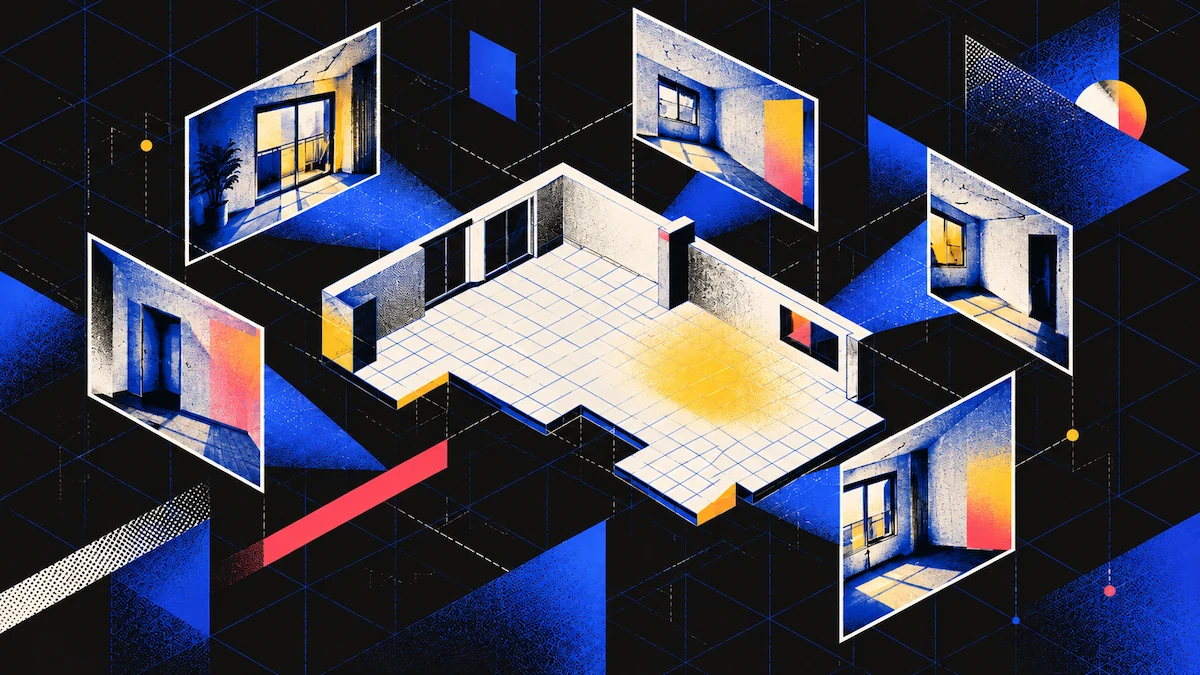
Marketing photos, listing images, and phone snapshots are made to show what the room looks like, not to measure it. That means you can't use them to get measurements later. But if you scan the room, you can get the square footage in just a few minutes, and you'll have the number right away.
Routes to a Number
| What you have | Square footage | How |
|---|---|---|
| Access to the room | Yes | Scan it in Floorplan or Space mode, on a LiDAR device |
| An existing floor plan image | Yes | Floor Plan Digitizer converts it to a measured plan |
| Listing or marketing photos | No | Photographs do not produce a floor plan, and the area comes from one |
When Scanning Is the Direct Answer
A LiDAR sensor measures distance, so when you scan a room, it automatically gives you the real size. This is what sets scanning apart from the other methods mentioned here.
Both Floorplan mode and Space mode can measure square footage. They work the same way and both require a LiDAR iPhone or iPad. The main difference is that Space mode gives you a 3D mesh right away, while Floorplan mode gives you a 2D plan.
You can find the floor area in two places: on the 2D floor plan and in the Spatial Report. The report also lists the perimeter, ceiling height, and wall area for each room. Both options give you the number, but the report includes more details.
Walk around the edge of the room and check your scan before you leave. The area is measured where the walls meet the floor, so if you miss a corner, the scan will show the room as smaller than it really is. It's better to spend a couple of minutes reviewing on site than to find a mistake later.
You need the Business plan to download the Spatial Report and floor plans, but scanning the room itself is free.
What Makes the Figure Wrong
The scan only shows what it captures, so mistakes can happen if parts of the room are missed.
If the scan misses a corner, the floor area will be smaller than it actually is. This is the most common reason the number might seem low.
Furniture pushed against the walls can cause problems. A sofa or wardrobe might be read as the wall if the scan can't see behind it. Try to scan past the furniture instead of just around it.
For open doorways between rooms without a door, the boundary is a judgment call. The scan has to draw the line somewhere, so check where it placed the boundary before you rely on the split.
If a wall doesn't connect with the next wall, the room stays open and won't give you an area measurement. Check for this while you're there, since rescanning only takes a few minutes.
If You Cannot Get Into the Property
Try to find a floor plan image before you look at photos. Old listings, lease documents, building files, or previous sales often have one. Polycam’s Floor Plan Digitizer can turn a plan image into an editable, measured plan, and your first conversion is free.
Using a known object in a photo, like a door or appliance, is not a reliable way to measure. Door heights can vary, the object must face the camera directly, and lens distortion can change the edges. Any number you get this way is only an estimate.
If you don't have a floor plan and can't get into the property, you can't get an accurate measurement. It's better to know this before you spend too much time trying.
FAQ
Can you get square footage from room photos?
No. Photos do not create a floor plan, and square footage comes from a floor plan. Scanning the room gives you the number directly.
What is the fastest way to get a room’s square footage?
Scan it in Floorplan or Space mode on a LiDAR iPhone or iPad. The floor area shows up on the 2D plan and in a Spatial Report, with no scaling needed.
What is the difference between Floorplan mode and Space mode?
For measuring a room, the difference is minimal. Both need a LiDAR device and provide the plan and area. Space mode also gives you a 3D mesh right away.
Can I scale from a door in the photo?
Not reliably. Door heights vary, the door must be straight to the camera, and distortion can move the edges.
Why does my room area look too small?
Usually it's because the scan missed a corner, since floor area is measured from the room boundary. Furniture against a wall can also be read as the wall line. Both are visible on the plan if you check before leaving.
What if the property is closed to me?
Look for an existing floor plan image and convert it with the Floor Plan Digitizer. The first conversion is free.
Which plan do I need?
Capturing is free. The Spatial Report and floor plan downloads are part of the Business plan.