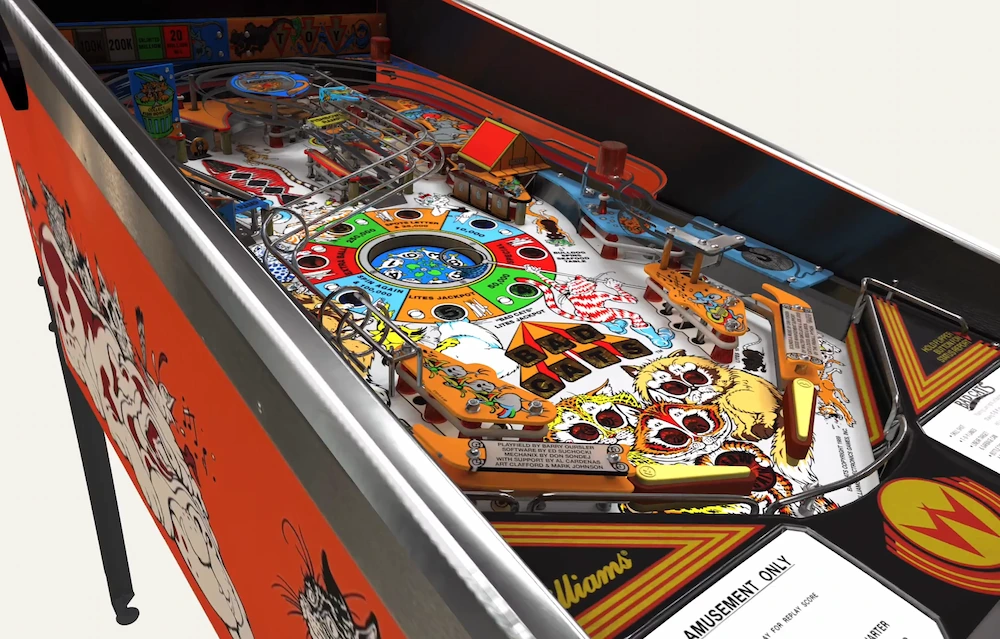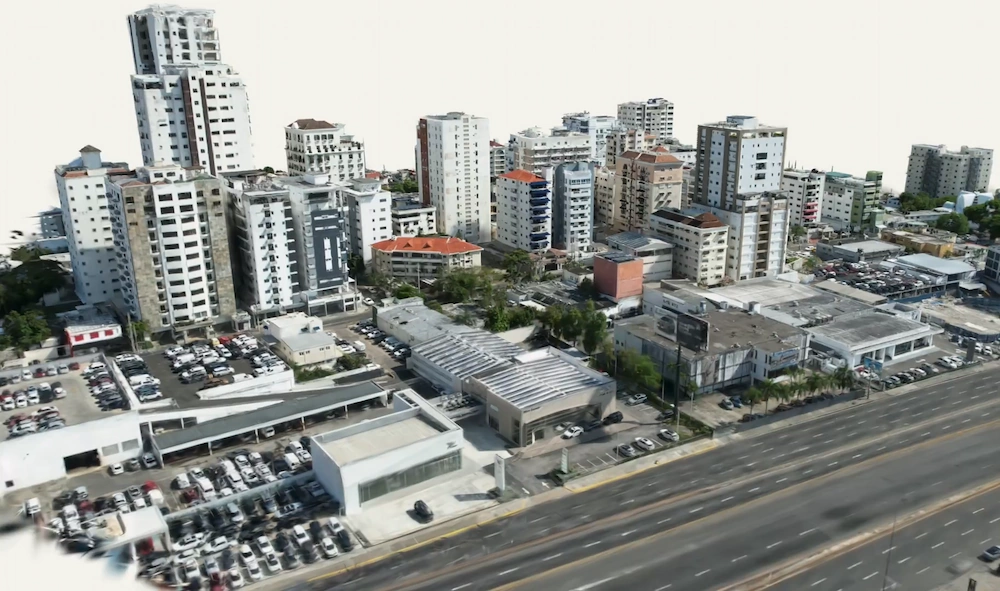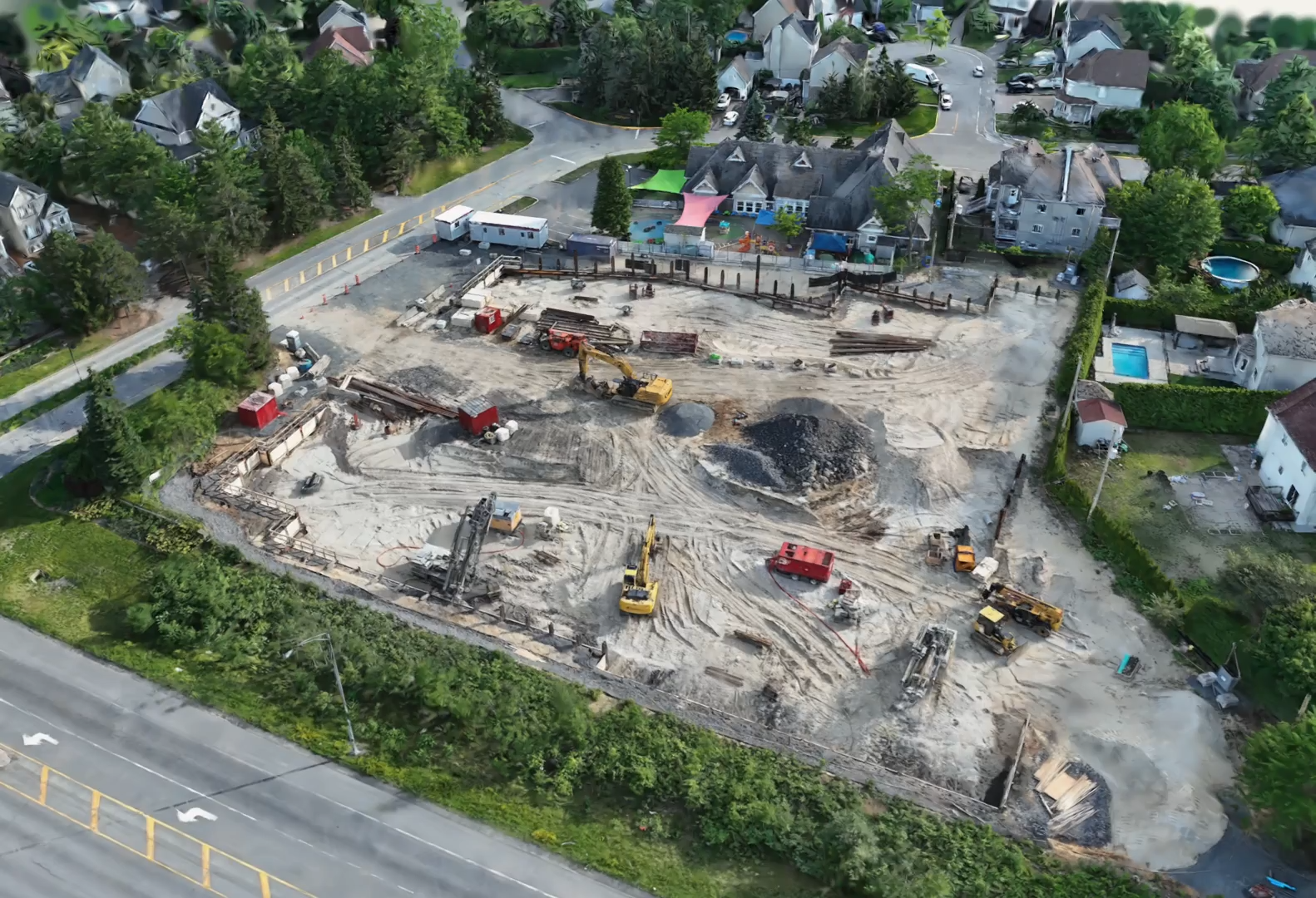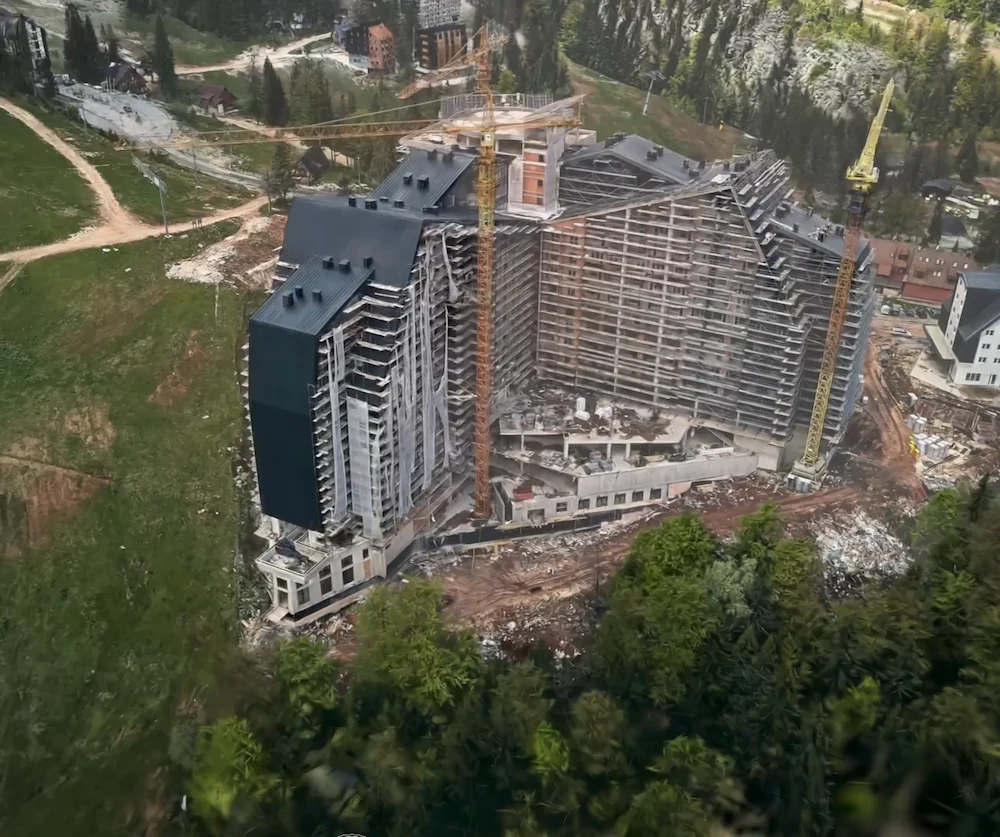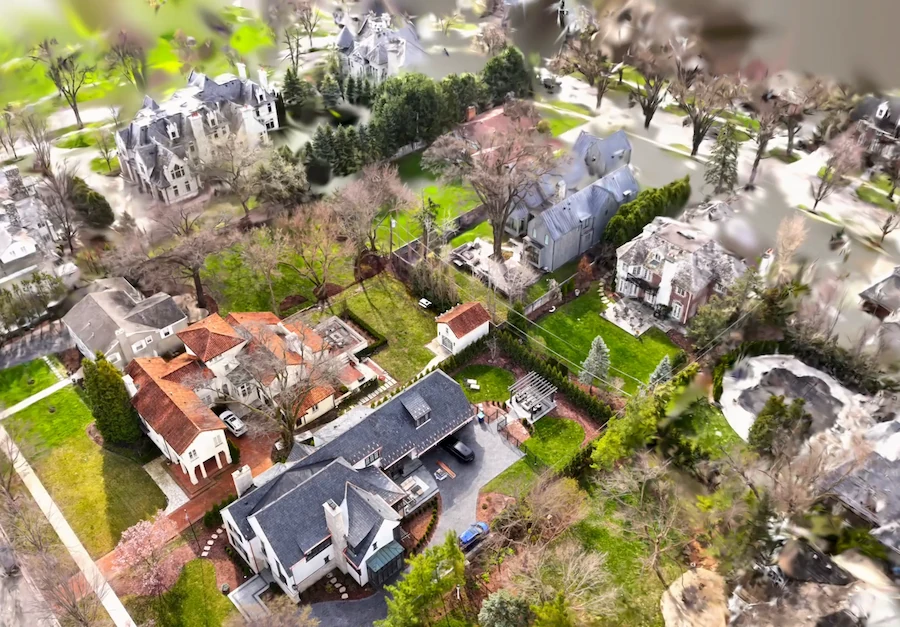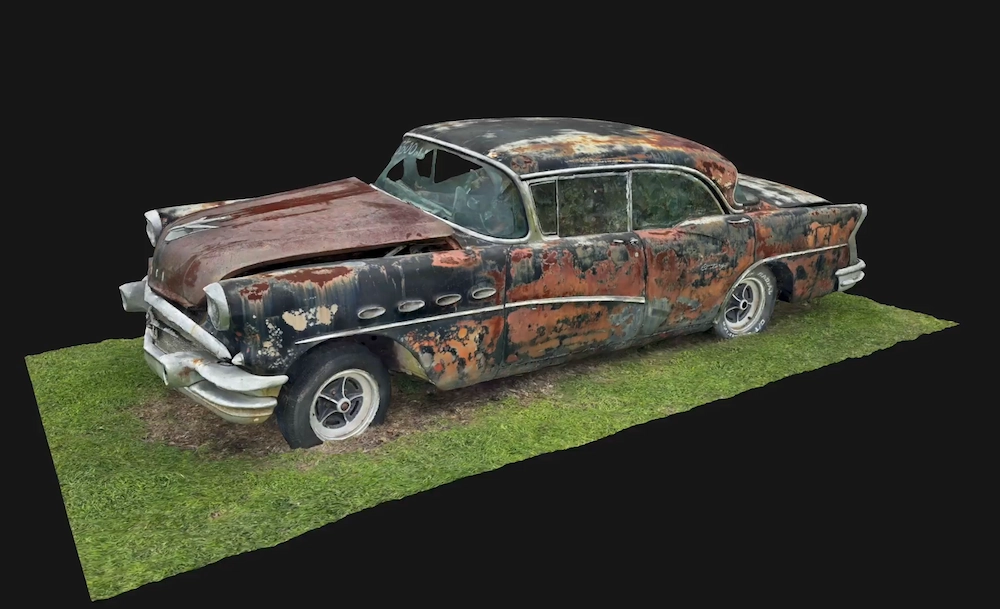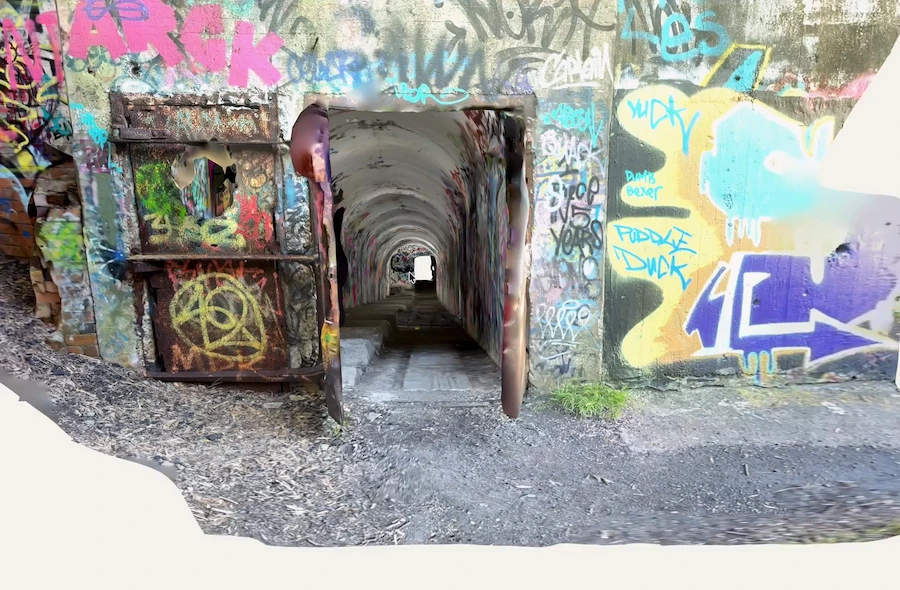
If your phone doesn’t have LiDAR, a scan only gets halfway there. Photos can capture the shape, but they don’t record the size. That’s where a printed AprilTag comes in. Place one tag in the scene to give the model a known measurement, and Polycam will automatically scale the capture.
Why Phones Without LiDAR Get the Size Wrong
A LiDAR sensor measures the distance to each surface, so a Space capture knows its size as you capture it. Without LiDAR, the phone builds the model from photos. It matches the same points across different shots and figures out the shape from how they move. The proportions are correct, but the photos can’t tell if the shape is a coffee mug or a water heater.
That’s why a photo scan might look perfect but still have the wrong measurements. The model has the right shape, but its size is unknown. Any measurement you take is just a guess until something in the scene shows the real size and is rescaled.
An AprilTag provides that reference. It’s a printed square marker, similar to a QR code, and Polycam knows its size. When the tag appears in your photos, Polycam compares its known size to how it looks in the image and scales the whole model to match.
LiDAR or Photogrammetry on an iPhone: Which One Fits
If you’re choosing between the two, it depends more on what you want to scan than on your phone. LiDAR works better for rooms and floor plans because it measures as you move. Photogrammetry is better for objects, where detail and texture are important. Adding a tag to the scene lets a photo scan get the right size too.
| What you’re scanning | Methods | What you get | Needs LidAR |
|---|---|---|---|
| An object, part, or product | Object Mode with photogrammetry chosen (not Gaussian splats), plus one AprilTag | A textured model scaled to real-world size on Business and Enterprise | No |
| A room, for a 3D record | Non-LiDAR Space mode | A 3D model of the room; floor plans aren't available yet | No (iPhone 13 and newer) |
| A room, for a floor plan | Space mode with LiDAR | A 3D model and floor plan | Yes (iPhone Pro or iPad Pro) |
What You'll Need
- Any iPhone or Android phone running Polycam, with or without LiDAR.
- A Polycam Business or Enterprise account for automatic scaling.
- A printed Polycam AprilTag sized for the scene, mounted on cardstock or foam board.
- A ruler for the print check, and a tape or calipers for the spot-check.
How to Scan Accurate 3D Models Without a LiDAR Phone
The steps below are a quick summary. You’ll find the full sizing table and print checks in our true-scale guide, which is linked at the end.
- Choose a tag that fits the size of your subject. For small objects photographed up close, use the 4 × 6 in (A6) tag. If your subject is about the size of a window or larger, use a tag with a printed scale of at least 6 inches, starting with 8.5 × 11 in (A4). If you’re unsure, pick a bigger tag.
- Print the tag at 100% size. Make sure to turn off "Fit to page" and any other scaling options. Measure the scale line under the tag with a ruler, and reprint if it doesn’t match the label.
- Mount the tag flat and use only one. Attach it to cardstock or foam board so it stays flat. Make sure no other tag is visible in the scene, since a second tag will prevent scaling.
- Place the tag so you can see it from several sides. Keep it near your subject and in view from the angles you’ll shoot. Without LiDAR, the tag is the only size reference, so make sure it stays in the frame as you move around.
- Take at least eight photos with the tag visible. Shoot from different angles, not just one spot, and keep all four corners of the tag in the frame and in focus. These photos count toward your usual coverage.
- Measure a known part of your subject. After processing, compare one real-world dimension on the model to the actual object. With a good print, a flat tag, and at least eight photos, accuracy is usually over 99%. For a 10-inch part, that means about a tenth of an inch difference.
Where Accurate 3D Models Without a LiDAR Phone Fall Short
A tag lets a photo scan have the right size, but it doesn’t change what photogrammetry is best for. Floor plans still come from Space mode with LiDAR, and non-LiDAR Space mode can’t make them yet. If you need a measured room or floor plan, a LiDAR device is still the best choice.
Scene size has a ceiling too. The largest printable tag has a 12.5-inch printed scale, and a tag that's too small for the scene won't resolve well enough to measure.
The 99% accuracy is relative, so larger subjects can have a bigger error in inches. Use the model for planning and quoting, but always measure the important dimensions on the real object before ordering parts or making cuts.
No hardware to buy.
FAQ
Can you get accurate measurements from a phone without LiDAR?
Yes, for objects, once the scan has a size reference. A photo scan gets the shape right but not the size. On Polycam Business and Enterprise, one printed AprilTag in at least eight photos scales the model automatically, typically to better than 99% accuracy. That works on any phone, since the scale comes from the tag's known size. Check critical dimensions with a tape before ordering.
Which 3D scanning app works for photogrammetry on Android?
Polycam runs photogrammetry on Android: capture in Object Mode and choose photogrammetry (not Gaussian splats). On Business and Enterprise, a printed AprilTag in the scene then scales the model automatically, the same as on iOS and the web. Without automatic scaling, set the size by hand with the Rescale tool by entering one distance you measured on the real object.
Is photogrammetry or LiDAR better on an iPhone?
It depends on the subject. LiDAR is better for rooms and floor plans because it measures as you walk. Photogrammetry is better for objects, where texture and fine detail matter. With an AprilTag in the scene, a photogrammetry scan of an object also comes out at real-world size.
Do I need a Pro iPhone to scan objects to scale?
Not if the scan includes a tag. Scale comes from the AprilTag, not the phone's sensor, so on Business and Enterprise, a photo scan from a non-Pro iPhone comes out at real size. For rooms, non-LiDAR Space mode captures 3D on iPhone 13 and newer, without floor plans.