Move your furniture only if you’re sure it will fit in the new room and can be brought in easily. Many people just guess and run into problems on moving day. Scanning the place when you visit helps you check everything ahead of time.
What Has to Be Measured
Capture the New Place While You Are Standing In It
Most of the time, you only get one or two chances to see the new place, and you probably won’t have a tape measure. This is the main challenge when planning your move.
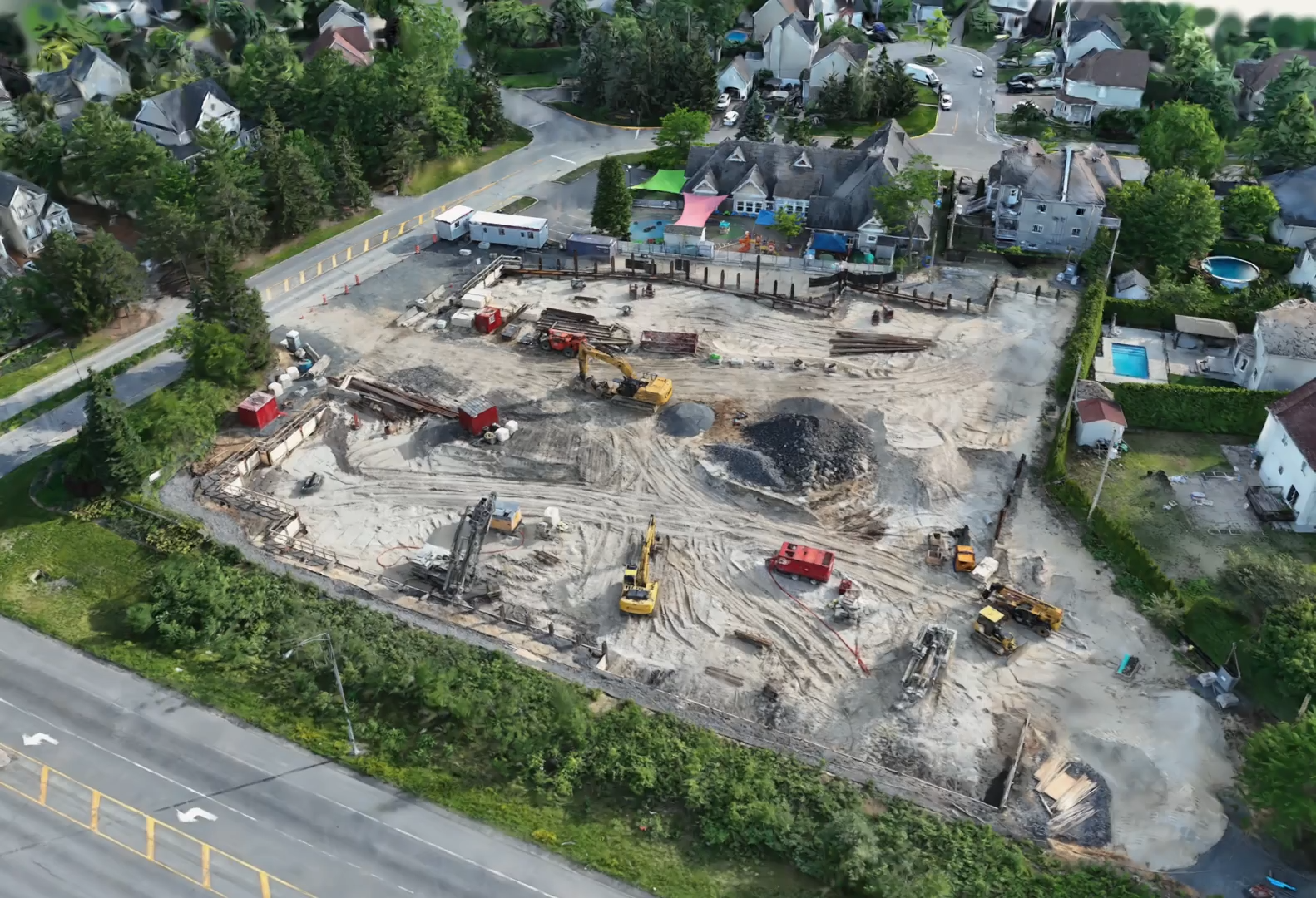
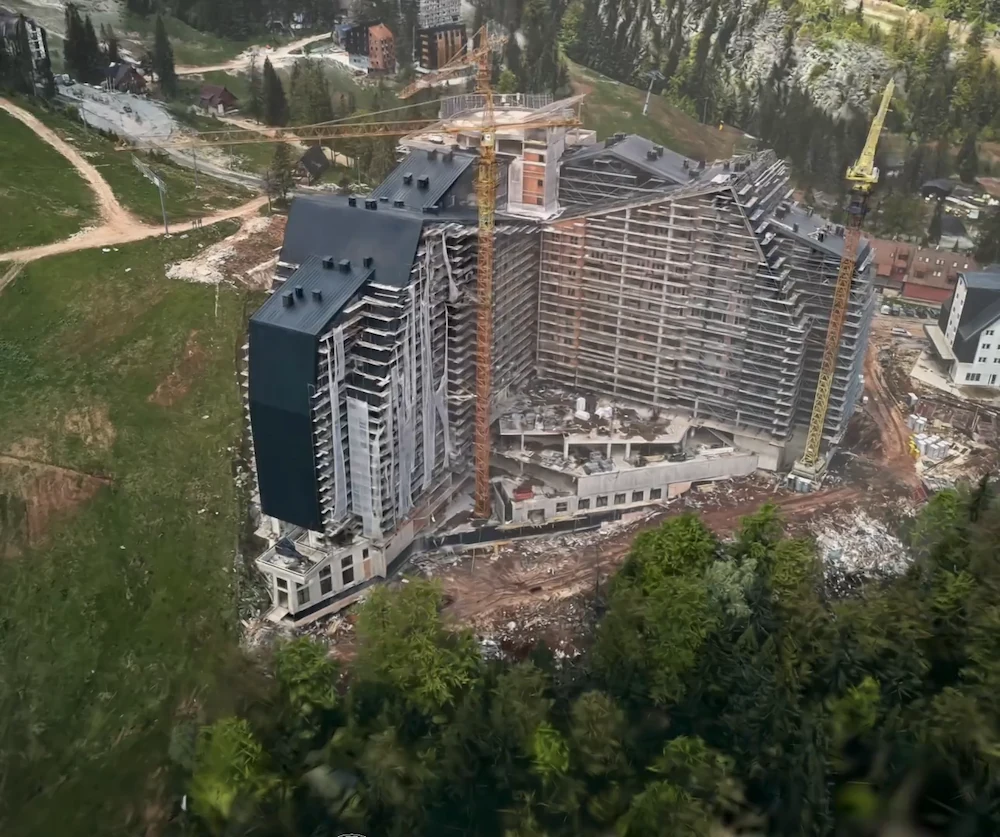
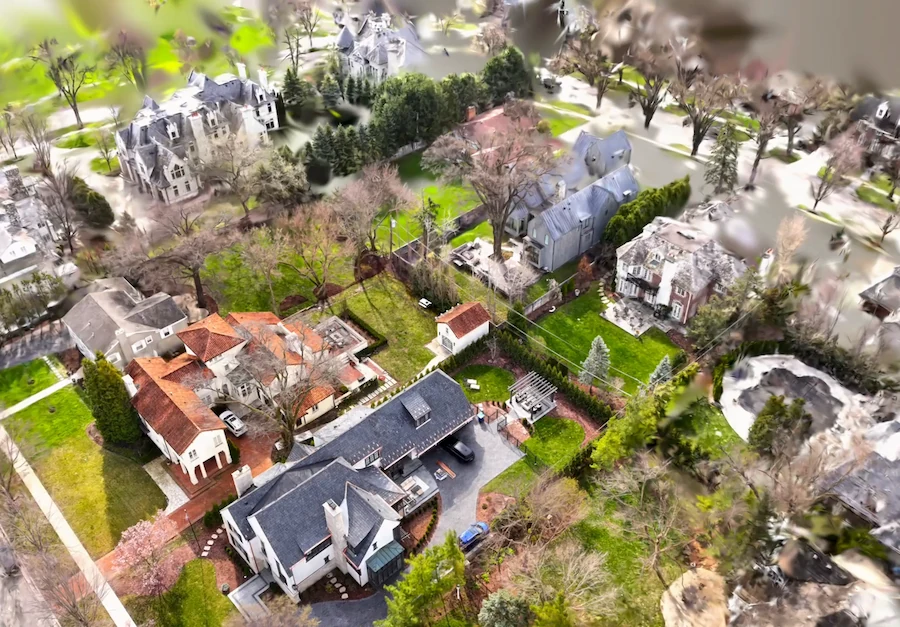
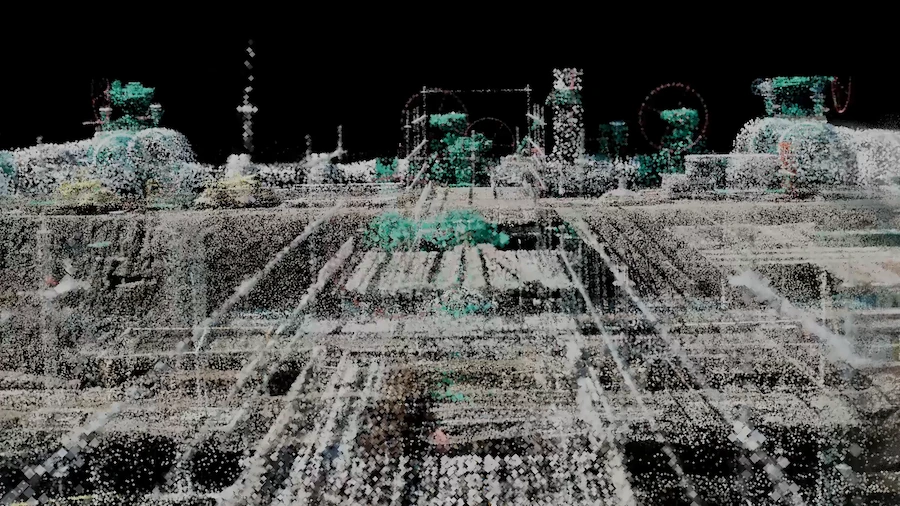
Focus on scanning the main rooms. If you have a LiDAR iPhone or iPad, use Floorplan or Space mode to capture a room, and you’ll get the measurements too. Scanning each room only takes a few minutes.
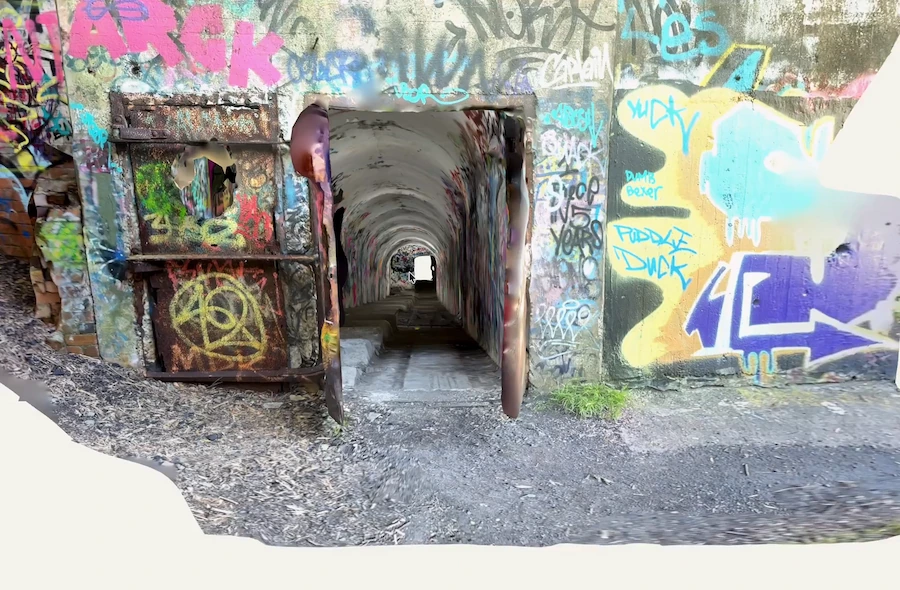
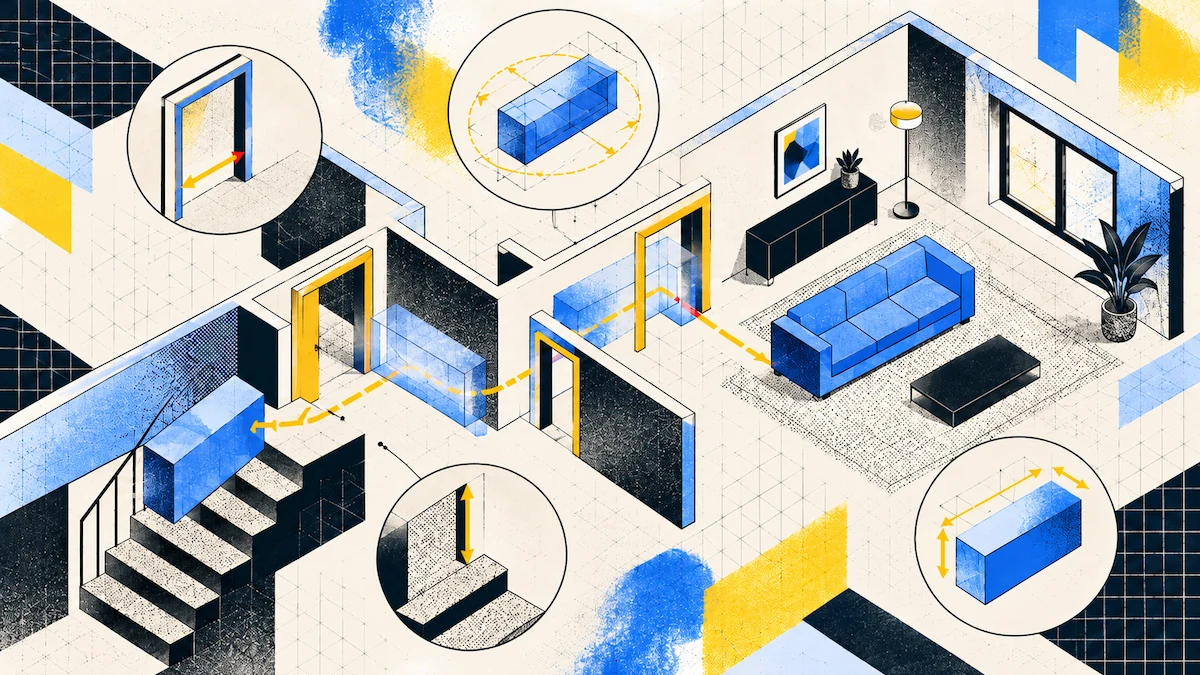
Remember to scan the path your furniture will take, not just the rooms. This means the front door, hallways, stairs, turns, and every doorway. If you skip this step, you can’t fix it once you’ve handed over the keys.
Watch out for tricky spots like low ceilings on landings, radiators that narrow hallways, or corner banisters. People often forget to measure these, but they can cause problems on moving day.
Before you leave, check your scans again. If you missed a corner or a room, it only takes a few minutes to rescan while you’re still there.
Get Your Own Furniture’s Dimensions
Measuring your current home is much easier. You can take your time and measure things as often as you need.
Scan your current place and let it detect the contents. A Spatial Report lists detected furniture, fixtures, and appliances with a width, height, and depth for each. For a whole apartment, this is a furniture inventory produced in the time it takes to walk around.
Check any items that might be a tight fit. The app gives you a good estimate, but if something is almost as wide as a doorway, measure it by hand to be sure.
Remember to measure the diagonal, too. Most furniture is moved through openings at an angle, so the diagonal of the smallest side is often more important than just the width.
Put Them Together and Look
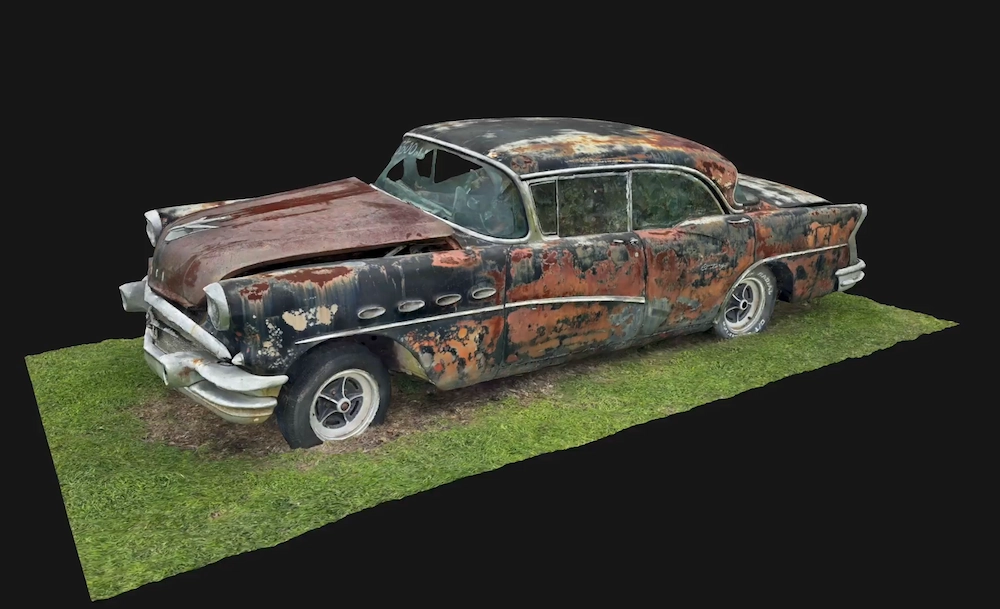
Use Object mode to scan individual pieces like sofas, wardrobes, or dining tables. Any camera works because Object mode uses photogrammetry instead of a depth sensor.
Be sure to rescale your object scan before using it. The scan will have the right shape but not the right size, since photogrammetry only figures out the shape. Measure the real piece, then use the Rescale tool by picking two points and entering the actual distance to set the scale.
Combine both scans in a scene. Scenes let you place several captures in one space, which is great for adding furniture to a room. Add the Space mode scan of your new room and the object scan of your sofa, then move and rotate it into place. The snapping feature helps align it to the floor and walls.
You can swap out pieces to compare them. When you replace one object with another, it keeps the same position, size, and rotation. This lets you quickly see how a different sofa looks in the same spot.
Check It Gets There
Making sure your furniture fits in the room is only part of the challenge. The other part is making sure it can get from the van to the room, which is often where problems happen.
Go through the route step by step and note the narrowest spot at each stage: the building entrance, elevator or stairs, landing, hallway, and the door to the room. Your furniture must fit through the tightest spot, which is often not the door you expect.
The full method, including door swings and diagonal clearance at a turn, is in How to Measure a Room for Furniture Layout.
FAQ
How do I check if furniture fits before moving?
Measure the room it is going into and every opening along the route, then measure the piece, including its diagonal. A scan of the new property gives you both in one visit.
How do I get the dimensions of my own furniture?
Scan your current home, and a Spatial Report lists detected furniture with a width, height, and depth for each piece. Verify anything close to a doorway width by hand.
Can I see whether a specific sofa fits a specific room?
Capture the sofa in Object mode, rescale it against a measurement you took, and place it in a scene with the Space mode mesh capture of the room. Snapping aligns it to the floor and walls.
Why does an object capture need rescaling?
Photogrammetry solves for shape and leaves scale open, so the piece comes back correctly proportioned at no particular size until you set one.
What is the most common thing people forget?
The route. A piece that fits the room perfectly still has to clear the narrowest opening between the van and that room, usually a stair turn rather than a doorway.