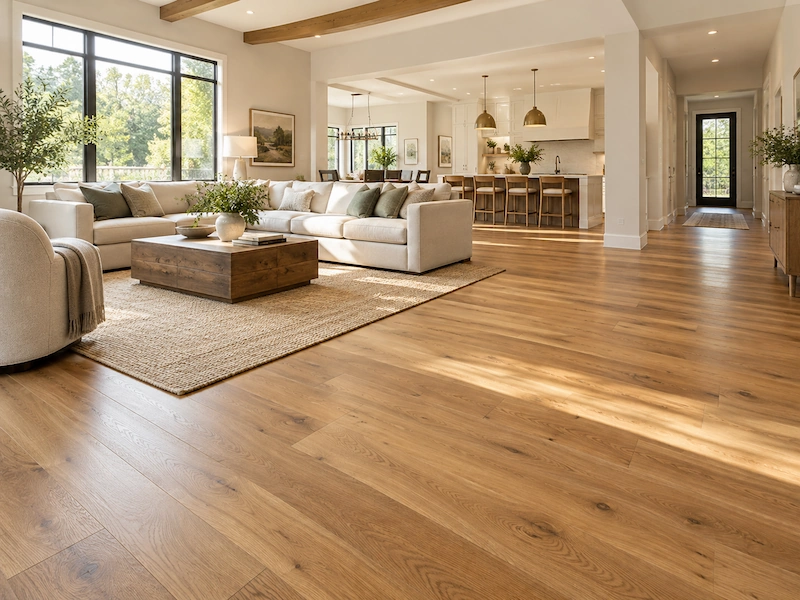
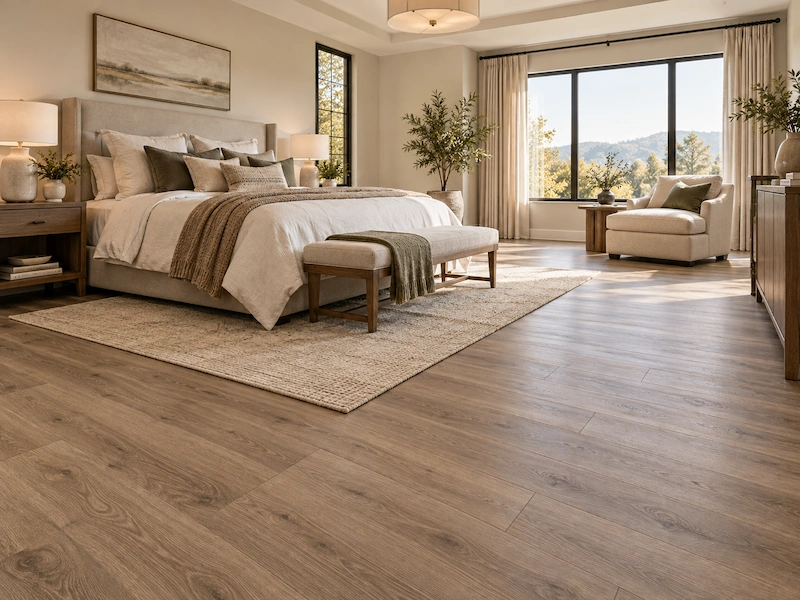
Flooring calculator
Enter your room size. We'll tell you how much flooring to buy and what it costs near you.
Your estimate is only as good as your measurements.
Skip the tape measure.
Every calculator relies on the numbers you enter manually. Scan the room with your phone using Polycam and get exact dimensions and floor plans within minutes.
Questions, answered
Multiply each room's length by its width in feet, then add the rooms together. Split L-shaped or irregular rooms into rectangles and add those too. Include closets and spaces under appliances that will get flooring. A Polycam scan gives you the floor area of every room in one pass.
A common rule is 5–10% over the measured area for straight layouts, and 15% or more for diagonal or herringbone patterns, which need more cuts. Add the overage before you order, and keep a few spare boxes from the same batch for future repairs.
Material costs vary widely by type and region. Vinyl plank and laminate are usually the most affordable, while hardwood and natural stone cost the most. The calculator estimates the cost for your location, so you can compare materials before you shop.
A scan captures interior and exterior dimensions, wall, window and door openings, room labels, furniture and fixtures. Multi-floor homes come out as labeled 2D and 3D plans, so you have the floor area of every room you plan to cover.
Standard interior captures are accurate to within about half an inch, close enough to order flooring with confidence. Room complexity, scan coverage and your device can widen that tolerance, so review dimensions on site and correct anything before you export.
Business adds floor plan exports, advanced measure tools, a shared team library, point cloud exports, virtual walkthroughs and AI-generated reports to the basic features, so you can hand a measured plan to your flooring installer. It starts with a free 7-day trial.
Floor plan exports in PDF, PNG, SVG, DXF and CSV come with Business and above, along with point cloud exports (PLY, LAS, geo-referenced LAS, PTS, XYZ and DXF) and the Spatial Report as a PDF. 3D model exports (OBJ, DAE, FBX, GLTF, STL and USDZ) start on Basic.