Property managers keep records for whole portfolios, not just single properties. These records should last through multiple tenancies, so it matters what you record, how often, and what details you include. This guide covers a standard method and explains when each tool works best.
Compared
| Polycam | CubiCasa | |
|---|---|---|
| How you get the plan | Scan, plan generated on device | Scan, they draft it and send it back |
| Turnaround | Minutes | 24 hours, or 6 with rush |
| Priced by | User seat, unlimited captures | Per plan, first 2D free |
| Contents detected | Furniture, fixtures and appliances with dimensions | Fixed furniture on their PLUS package |
| Editing | Floorplan Editor, correct and label before it goes out | None, the plan arrives finished |
| Best for | Portfolios captured repeatedly by your own team | Occasional units where nobody wants to draft |
Scan Unit Types, Not Units
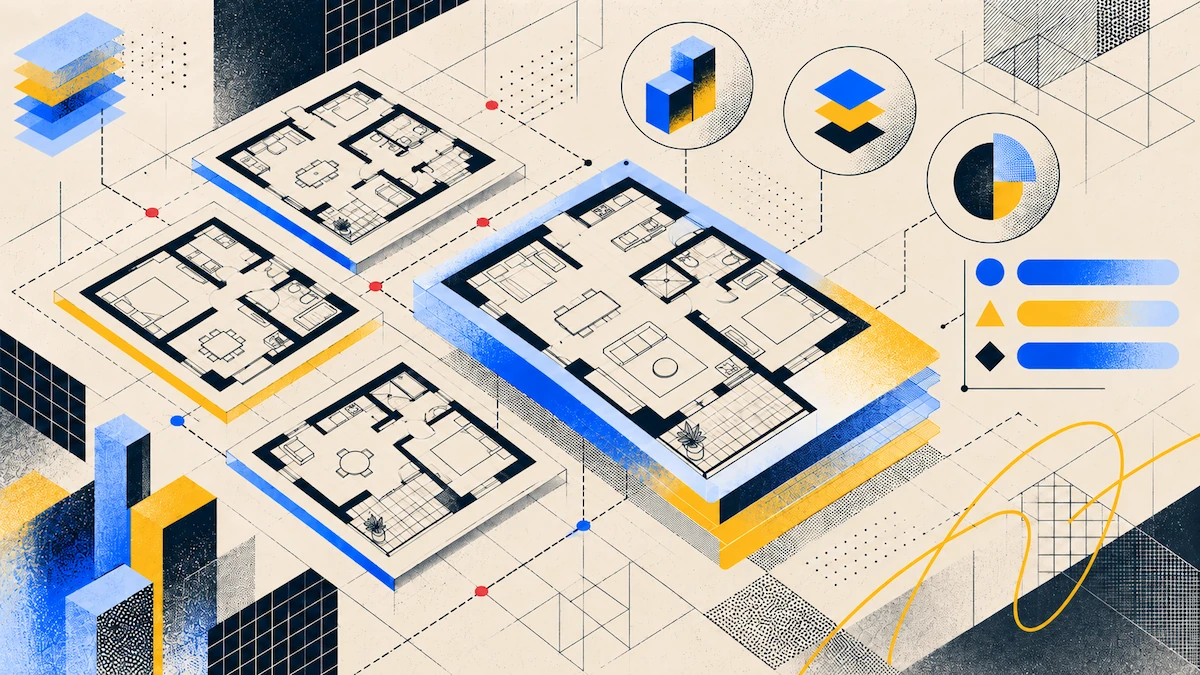
Large buildings usually have fewer layouts than units. Multifamily buildings are built and marketed around a set of repeated unit types, so you can use one plan for every unit of the same type.
Take a clear scan of each unit type. This scan becomes the reference plan for all similar units and is what you share with tenants, contractors, or owners.
Note any differences separately. If a unit is unique because of its location or a past change, treat it as an exception instead of a new type. It’s faster to add a note to the plan than to do a full new scan.
Scan a unit type again if it changes. For example, if several units get new kitchens, the plan for that group is now out of date and should be updated.
What a Per-Unit Record Needs
Include the layout and room dimensions in the plan. Prospective tenants want to see how rooms connect, and contractors need to know the size of spaces like bathrooms before quoting.
Room areas. Polycam’s Spatial Report returns floor area, perimeter, ceiling height, and wall area per room. That covers a marketing figure, a flooring quote, and a decorating estimate from the same capture.
List the fixtures and appliances in the unit, along with their size. This makes an inventory for the owner and saves you from having to remember these details later.
Add the date to each scan. Each record shows a specific point in time, and without a date, it won’t be useful later.
NARPM’s Code of Ethics gives tenants seven days after moving in to complete a written report on the property’s condition. It also requires a written decision on the deposit refund after they move out, within the legal timeframe. These two points mark the start and end of a tenancy, and a dated capture supports both but does not replace them.
When to Recapture
Scan the unit when tenants move out, before renting it again. It’s easier to document an empty unit, and the record will be current for the next tenant.
Scan again after any updates, like a new kitchen, bathroom, or layout change. The plan isn’t accurate until you update it.
If a unit changes type, like combining two studios or removing a wall, treat it as an exception and make a new record for it.
Don’t scan every year or for every new tenant unless something has changed. Extra scans waste time and create unneeded files.
Who Needs to See It
Owners want to see their property and its condition. With Polycam, you can send them a link that opens in a browser, no account or installation needed.
Contractors quoting repairs want to see the space before they visit. This saves time, since a plumber can give a quote for a bathroom without coming in person.
For leasing, you need a file instead of a link because several listing portals require an uploaded image and don't accept URLs. The Polycam Business plan includes file downloads, including PDF, PNG, and CSV.
Tenants sometimes want the layout, usually to check if their furniture will fit.
Where CubiCasa Fits
CubiCasa’s main job is to draft the plans, not to capture them. For some portfolios, this works better.
With CubiCasa, you get a ready-to-use plan. Scan in about five minutes, upload it, and you’ll get the finished plan back in 24 hours, or six hours if you pay for a rush. Your team doesn’t need to edit anything.
The first 2D plan is free, so you can try it on one unit type at no cost.
CubiCasa charges for each plan. This is good if you only scan each unit type once and reuse it. If you scan at every turnover, costs can add up, so a per-seat plan might be better. Figure out your costs based on unit types and how often you’ll need to scan again, not just the total number of units.
FAQ
What is the best floor plan app for property managers?
Polycam is a good choice if your team will be capturing plans often, since you get unlimited captures per seat and plans generate quickly. CubiCasa is better if you want finished plans delivered, with the first 2D plan free and a 24-hour turnaround.
Do I need to scan every unit?
Usually not. Most buildings have only a few unit types repeated across floors. Capture a clear example of each type and note any differences at corners, on the ground floor, or where the building shape changes.
How often should I recapture a unit?
Only when something changes, not on a set schedule. Recapture at turnover before re-letting, after a refurbishment, or when a unit no longer matches its type. No need to create duplicate records.
What should a per-unit record contain?
Include the layout, room dimensions and areas, the fixtures and appliances that came with the unit, and the date. This covers most questions that come up between tenancies.
Can contractors see the capture without an account?
With Polycam, yes. You can share a link that opens the capture in a browser on any plan, with no installation needed. This lets contractors explore the space instead of just looking at a drawing.
Which Polycam plan do I need?
The Business plan includes downloading floor plans and generating a Spatial Report. Scanning, viewing, and sharing links work on any plan, so owners and contractors can access captures for free. CubiCasa charges per plan, but the first 2D plan is free.
Is per-plan or per-seat cheaper?
It depends on how many unit types you have and how often you recapture them. If you only capture each type once, per-plan pricing is better. If you recapture at every turnover, a per-seat plan may be cheaper.