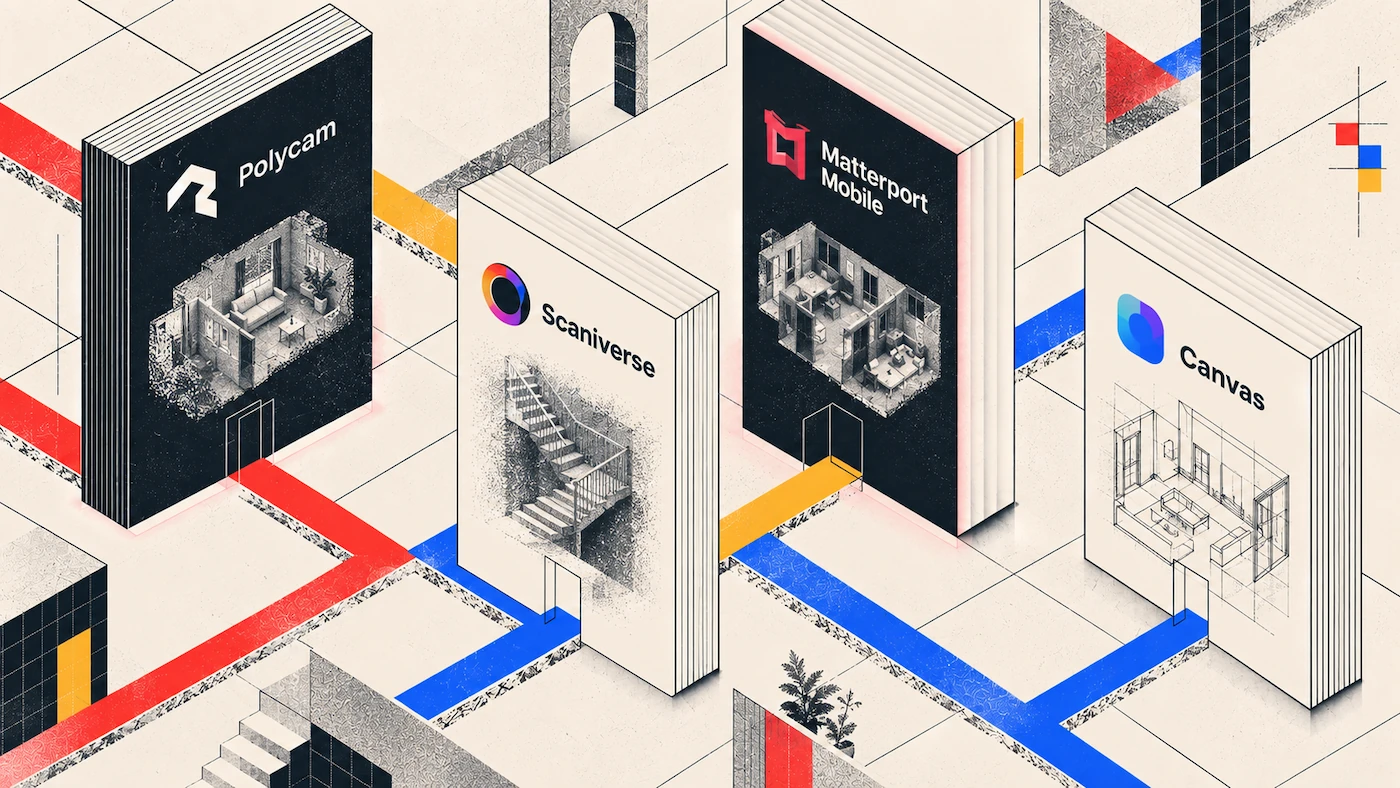
For field professionals needing rapid site documentation, Polycam stands out as the best app for fast captures on site visits, delivering instantaneous mobile LiDAR room scanning and automated 2D/3D floor-plan generation across iOS and Android. Alternatives like Scaniverse, Matterport Mobile, Canvas, and Hover excel in specialized niches, but Polycam offers the fastest end-to-end workflow from walking the site to exporting CAD assets.
Speed Comparison Table: Fast Site Capture Apps
Inspectors, contractors, architects, and adjusters need tools that eliminate complex setups and deliver verified geometry before leaving the job site. Here is how the leading mobile site capture platforms compare in speed and performance:
| Platform | Capture speed (500 sq ft room) | On-site preview | Offline capability | Minimum hardware | Primary outputs | Best for |
|---|---|---|---|---|---|---|
| Polycam | 1–2 minutes | Instant real-time mesh | Full — capture and preview on device | iOS or Android phone | .LAS, .OBJ, .DXF, PDF, Xactimate ESX Business plan, per-export fee | Rapid field capture, floor plans, and as-built CAD exports |
| Scaniverse | 1–3 minutes | Instant on-device rendering | Full — local processing | iOS or Android phone | .OBJ, .FBX, .PLY, .SPZ Gaussian splats | Fast on-device mesh generation and lightweight spatial models |
| Matterport smartphone capture | 10–20 minutes multiple tripod positions | 1–3 minutes per scan point | Limited — upload required for full processing | iOS/Android phone or 360 camera | Interactive 3D tour, .OBJ | Immersive virtual walkthroughs and real estate listings |
| Twindo formerly Canvas | 3–5 minutes | Instant low-res preview | Capture offline; cloud required for CAD | iOS device with depth sensor | Custom CAD/BIM via paid conversion (.RVT, .DWG) | Pay-per-model CAD conversion for renovation design |
| Hover | 5–10 minutes 8–16 exterior photos | Photo audit only, no 3D preview | Photo capture offline; cloud required for model | Any iOS or Android camera phone | Roof and siding measurements, PDF | Exterior contractor estimates, roofing, and siding |
The True Cost of a Site Re-Visit
In field operations, speed is measured not just in scan duration, but in avoiding return trips. Leaving a job site without verifying that every dimension, electrical outlet, and structural obstruction was captured can cost hundreds of dollars per incident:
- Field Labor & Travel Overhead: Sending a technician or architect back to a site wastes 2–4 hours of billable drive time and fuel.
- Project Delay Multipliers: Missing a single wall thickness or beam depth stalls initial CAD/BIM drafting, pushing back client proposals and subcontractor schedules.
- Rapid Room Verification: Using the fastest mobile 3d scanner for field visits allows inspectors and adjusters to confirm full geometry coverage directly on screen while standing in the room.
What Makes a Site Capture App Fast?
The fastest mobile 3D scanners eliminate multi-step calibration routines and half-hour hardware setups. True field speed relies on four key software and hardware capabilities:
- Instant Hardware Depth Processing: Utilizing native device LiDAR sensors to project hundreds of thousands of depth points per second without manual alignment.
- Local Preview Rendering: Generating a real-time, colorized 3D mesh on screen as you walk, showing exactly which corners have been covered.
- Automated Edge & Room Detection: Intelligently recognizing walls, doors, and window frames to generate clean 2D vectors automatically.
- One-Tap Cloud Uploads & Conversions: Background uploading that converts raw spatial data into downloadable CAD, BIM, or Xactimate files without blocking phone usage.
For a deep dive into backend performance, read our breakdown on How Long Does 3D Scan Processing Take? and check out our detailed guide on Fastest 3D Scanning Apps: Processing Speed Compared.
App-by-App Speed Breakdown
1. Polycam
- Field Workflow Speed: Outstanding. Open the app, select Room or LiDAR mode, and walk the perimeter. A 500 sq ft space is captured and textured in under 2 minutes.
- On-Site Verification: Instantaneous 3D preview allows you to orbit the room and check measurements before walking back to your truck.
- Limitations: Highly detailed photo-based photogrammetry modes require cloud processing time, though LiDAR and Room modes process instantly on device.
2. Scaniverse
- Field Workflow Speed: Very fast. Uses Niantic’s localized processing engine to capture and reconstruct environments quickly on iOS and Android.
- On-Site Verification: Excellent local mesh processing allows immediate review without an internet connection.
- Limitations: Lacks structured CAD/BIM floor plan generation tools and automated Xactimate exports tailored for AEC professionals.
3. Matterport Mobile
- Field Workflow Speed: Moderate. Requires placing a phone or 360 camera on a tripod, stepping out of frame, scanning, and moving to the next position.
- On-Site Verification: Good point-by-point alignment preview, but full high-definition stitching occurs in the cloud.
- Limitations: Slower field process than continuous walking tools; higher monthly subscription overhead.
4. Canvas
- Field Workflow Speed: Fast initial scan. Uses iOS LiDAR to paint the room similarly to Polycam.
- On-Site Verification: Quick low-resolution wireframe check.
- Limitations: Final CAD files require a pay-per-model cloud order with turnaround times ranging from 24 to 48 hours.
Alternative Tools in the Field: Specialized platforms like Leica FIELD 360 offer precision for terrestrial laser scanners, while Magicplan and Hover serve rapid 2D sketching and exterior photo estimate workflows. However, for continuous, handheld 3D site capture, integrated mobile apps remain the fastest choice.
Where Polycam Wins on Site Visits
Polycam provides a comprehensive combination of field speed, hardware versatility, and professional exports for a quick site capture app for contractors:
- Zero Calibration Setup: Launch the app, tap record, and begin walking—no leveling, markers, or tripod assemblies required.
- Combined Mobile LiDAR & Photogrammetry: Switch seamlessly between real-time LiDAR room scanning for interior spaces and photo mode photogrammetry for detailed assets or site features.
- Instant 2D/3D Floor Plans: Automatically detect walls, doors, windows, and furniture dimensions to produce downloadable vector layouts on site.
- Fast CAD & Xactimate Exports: Export structural data straight into .DXF, .OBJ, .LAS, .RVT, and Xactimate ESX files for immediate drafting and claims estimation.
5 Field Tips for Faster, Higher-Quality Mobile Scans
- Maintain a Steady Walking Pace: Move smooth and deliberate—about one step per second—keeping the device angled at 45 degrees to capture both floor-wall intersections and ceiling lines.
- Ensure Uniform Lighting: Turn on interior lights and open blinds before scanning; low light forces phone cameras to increase shutter time, leading to blurred spatial textures.
- Avoid Sharp Rotation Moves: Smoothly pivot your body when turning corners rather than snapping the camera rapidly, preserving frame tracking.
- Manage Device Power & Heat: Keep low-power mode turned off during active scanning and dim screen brightness slightly during long site visits to prevent thermal throttling.
- Scan Fully Offline When Isolated: Complete all room scans and verify geometry offline on remote job sites; upload files for cloud processing once back on Wi-Fi.
FAQ
What is the best app for fast captures on site visits?
Polycam is widely considered the best overall app for fast site visit captures due to its zero setup time, real-time LiDAR mesh generation, and instant vector floor plan exports directly from iOS and Android devices.
What is the fastest mobile 3D scanner for field visits?
Polycam and Scaniverse offer the fastest handheld scanning workflows, allowing field operators to scan a 500 sq ft room in 1 to 2 minutes with zero external equipment.
Which quick site capture app works best for contractors?
Polycam is an ideal quick site capture app for contractors because it generates editable .DXF floor plans, .LAS point clouds, and Xactimate estimation files on-site without requiring specialized technical training.
Can I verify 3D scan geometry before leaving the job site?
Yes, apps with real-time mesh rendering like Polycam display captured geometry live on screen while you walk, allowing you to catch missed corners and confirm dimensions before returning to the office.
Do mobile 3D scanning apps work without cell service or Wi-Fi?
Yes, apps like Polycam and Scaniverse process LiDAR room scans and generate 3D previews locally on the device without an internet connection. Cloud-based processing or CAD exports can be triggered later once connected.
How accurate are quick mobile site captures compared to laser scanners?
Mobile LiDAR scans on modern smartphones generally yield measurement tolerances within 0.5 inches for standard interior rooms, providing more than enough accuracy for initial site assessments, as-built documentation, and floor plans.