Photogrammetry creator and viewer
Create stunning 3D photogrammetry for free by uploading images or video.
Free for up to 250 photos per model. No card needed.

From a camera roll to a 3D model
Shoot your subject
Take at least 20 photos from every angle, or a video of 20 seconds or more. Things with lots of surface detail and texture scan best.
Upload
Drop your photos or video into Polycam on the web or in the app.
Polycam builds the model
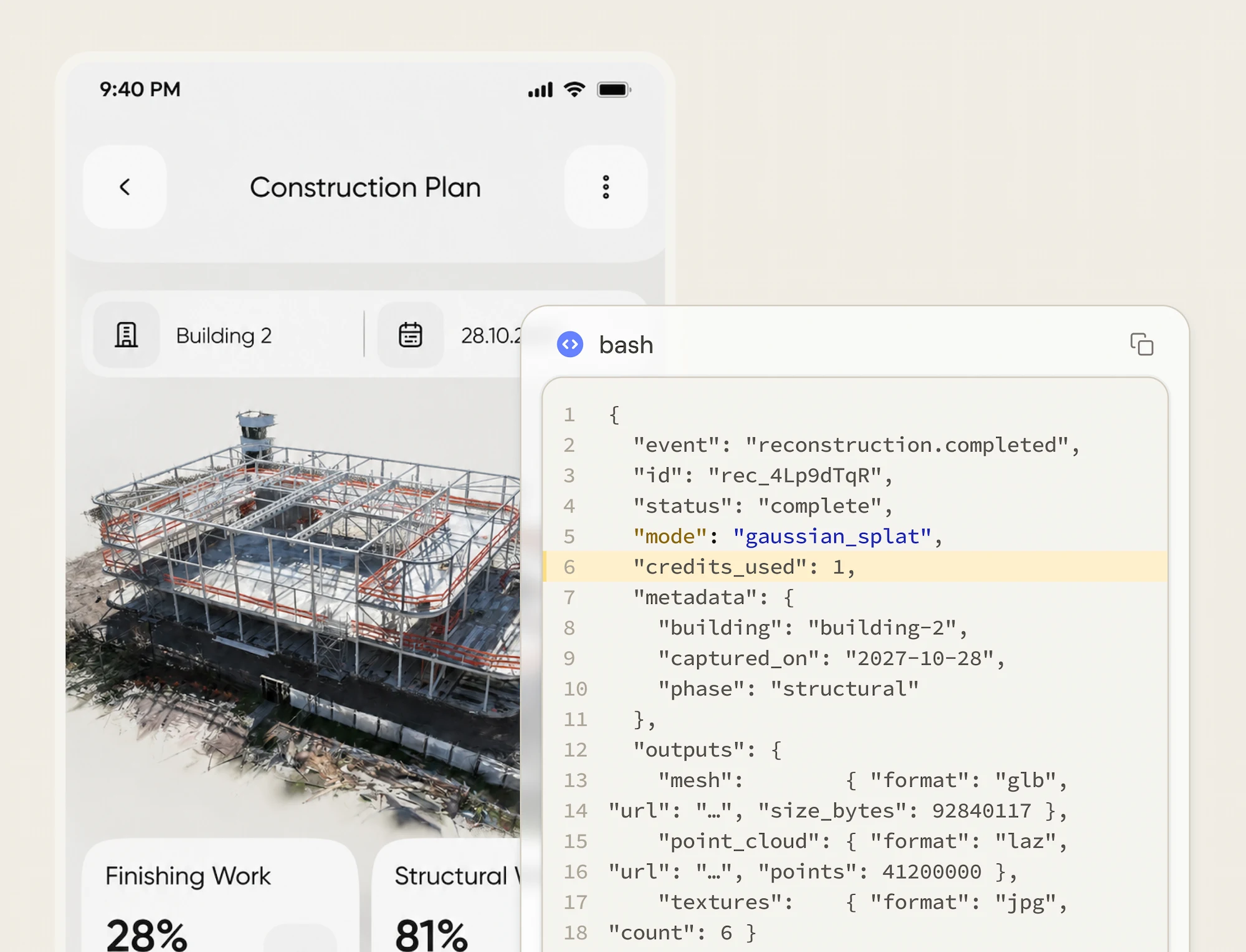
Your photos are matched and stitched into a textured 3D model, usually in minutes.
View, edit and share
Your model saves to your account. Crop it, share a link, or export it to 12+ formats.
See what people are scanning
Topkapi
A rose by any other name
Nike Shoe V2
Entire Apartment (2020)
Emma's Studio Mesh
Phone, DSLR or drone
Phone
Use your widest lens, like the 0.5x camera on iPhone, to fit more into every shot.
DSLR or mirrorless
A wide 10 to 20mm lens gets the most detail per frame, especially indoors.
Drone
Upload keyframed drone images and get a site model back in minutes. Works with DJI Mavic 3, Mini 4 Pro and Phantom 4 Pro.
Scan a whole room with XL photogrammetry
LiDAR is faster for interiors. Photo mode takes longer but gives you a photo-real room with the fine details LiDAR misses. Walk the room in three passes:
Aim for about 50% overlap between shots. Models over 250 photos need a Basic plan.
Guide by Wyatt Roy, Polycam
Questions, answered
Yes. Creating, editing and storing 3D models on the web and in the iOS and Android apps is free. Upgrade to Basic for models over 250 photos, unlimited object captures and every export format.
At least 20 photos, or a video of 20 seconds or more, taken from all angles.
Pick a subject with lots of surface detail and texture, keep lighting even, and overlap your shots by about half.
It saves to your Polycam account, where you can edit it, share it with a link, or export it to 12+ formats for Blender, SketchUp, Unity, Unreal and more.
Yes. Upload keyframed drone images and get a model back in minutes. Polycam works with popular drones like the DJI Mavic 3, Mini 4 Pro and Phantom 4 Pro.
Building a 3D model from photographs. Software matches points across photos taken from different angles to rebuild the shape and texture of an object, room or site.
Try other Polycam tools

3D Model Generator
Generate a 3D Model from a 2D image!

Drone Photogrammetry
Create 3D models from drone footage

AI Texture Generator
Create custom 3D textures

3D Room Scanner
Create and view 3D floor plans

360 Image Creator
Create and view 360 degree panoramas

Photogrammetry Tool
Create and view 3D models of objects

Polycam Apple Vision Pro app
Introducing Polycam for Apple Vision Pro

3D Model Uploader
Upload and share 3D models

3D LiDAR Scanner
Create and view 3D LiDAR models