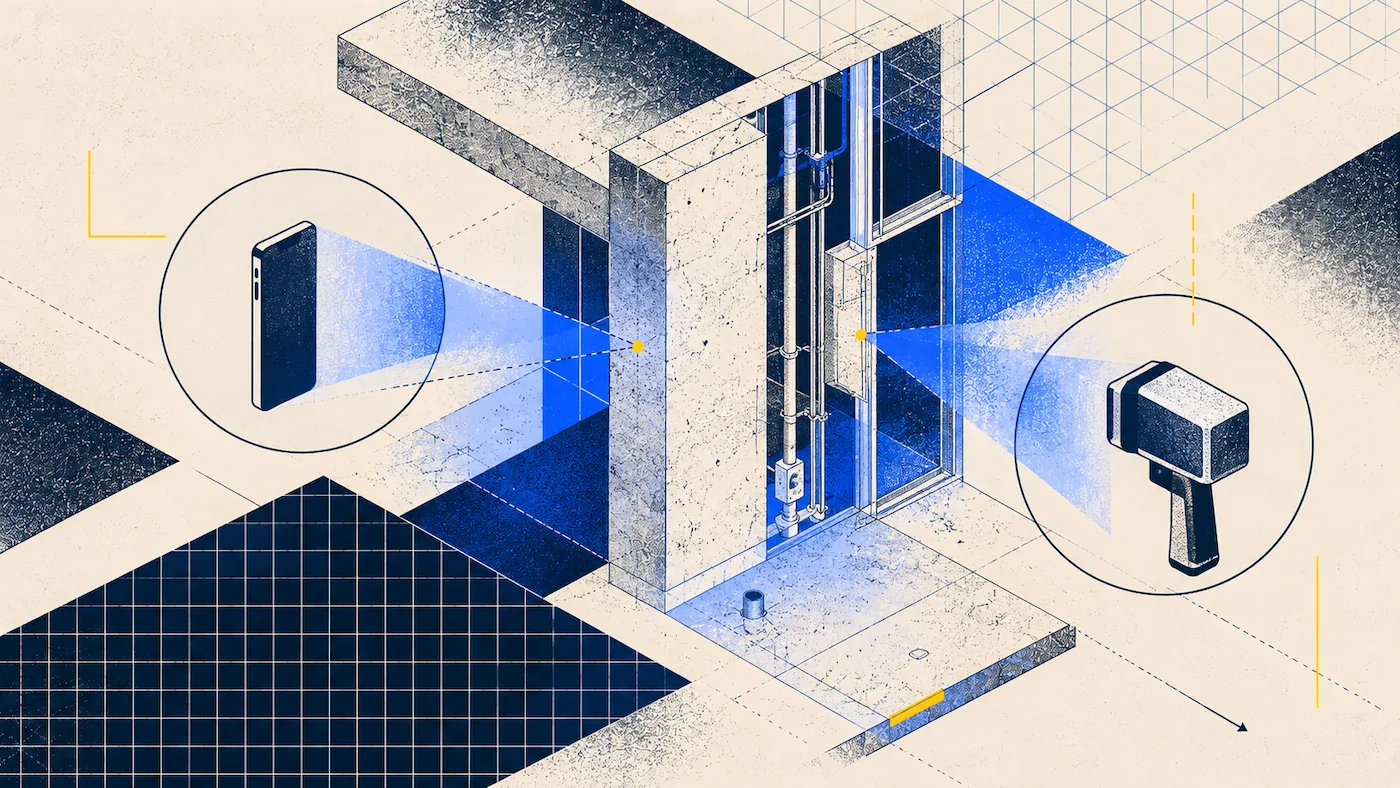
A construction site generates two kinds of scanning work. There is the scheduled capture of a whole floor or building, and there is the smaller capture somebody needs today because a wall is about to close. Handheld scanners suit the first, phones the second, and most sites have plenty of both.
The Two Categories Side by Side
What Actually Separates Them
NavVis publishes 5mm point cloud accuracy for the VLX 3. Phone LiDAR is specified to within half an inch, which is about 12.7mm. That is a real difference, and it decides certain jobs outright: structural coordination, tight MEP routing, anything feeding fabrication, and any deliverable where a tolerance is contractually specified.
For tasks like progress documentation, recording existing conditions, coordination, or keeping records for disputes, the exact accuracy usually is not the main issue. What really matters is whether the scan was done and if it captured everything needed.
There is an important point about all accuracy numbers, including ours. These figures are measured in controlled environments, but real construction sites are not controlled. Things like dust, movement, poor lighting, shiny surfaces, and long empty hallways can all reduce accuracy for both SLAM and phone tracking. Think of published accuracy as the best the device can do, not what you will always get on site.
How much faster is a handheld scanner?
A handheld or wearable device captures continuously while you walk. Leica’s description of the BLK2GO has it recording continuously as you duck under obstructions, pass through doorways, turn corners, and climb stairwells, at 420,000 points per second. There is no setup, no repositioning, and no stopping to start a new capture in each room.
With a phone, you scan one room at a time. Each room only takes a few minutes, which is fast for small areas but slow if you have a huge space. On large floors, what a handheld scanner can do in one walk would take many separate scans with a phone.
So, the main difference comes down to the size of the area. For small spaces, a phone is faster since you do not need to set up extra equipment. For larger areas, handheld scanners are much quicker.
Who can operate each one?
Leica says the BLK2GO does not need a tripod or a trained operator for scanning. However, the rest of the process is more complex. SLAM data needs to be processed, checked, and reviewed by someone who can spot errors.
In reality, companies using handheld scanners usually have a dedicated person for that process. With phone scanning, it is usually done by whoever is already on site.
This difference often influences buying decisions more than accuracy. If only one person can use the scanner, it only gets used when they are available, which might not be when you actually need it.
Site Conditions Nobody Puts in the Comparison
Which holds up better on an active construction site?
Construction sites are tougher on equipment than the specifications might indicate.
Dust is a major issue. Airborne dust affects scanning just like fog does, and on busy sites, it is always present. Both types of scanners have this problem, and the only real solution is to wait for the dust to settle.
Purpose-built scanners are better sealed against the environment. For example, the NavVis VLX 3 has an IP42 rating, which means it has some protection against dust and water. A phone in a tough case can be similar, but since you also use your phone for calls, taking it into wet or messy areas can be risky in ways a dedicated scanner is not.
Battery life is more important than many people realize. The Leica BLK2GO can scan for 45 minutes straight and store up to six hours of data. The NavVis VLX 3 can scan for 1.5 hours. Neither lasts a full work shift, so you need to plan for battery changes. Phones can keep going as long as you have a power bank, which is a real benefit on sites without power.
Extreme temperatures can affect performance. NavVis notes that the VLX has limits for cold-weather use, including warm-up times and scan duration. If you work in cold, unheated buildings during winter, make sure to check these details before buying.
When Each One Is the Right Call
When should you use a phone on a construction site?
Use a phone for quick, unplanned scans, especially if you are scanning a single room or floor and the person doing it is already on site for another task.
This approach works for most progress documentation, like weekly records, pre-pour and pre-close-up scans, evidence for disputes, punch lists, and checking existing conditions for renovations. The key is capturing the information at the right time, which is often when someone is already present.
It is also a good choice for teams without a dedicated scanning specialist, which includes most subcontractors and many general contractors.
When should you use a handheld scanner?
Use a handheld scanner when you need to cover a large area. For example, they are best for big floors, long hallways, multi-level buildings, or campuses where you can finish scanning in one walk instead of spending all day doing separate room scans.
Choose a handheld scanner when your contract requires a specific level of accuracy. If the contract lists a number, a 5mm accuracy is much easier to defend than half an inch.
Handheld scanners are also better if scanning is a regular part of your work, not just an occasional task. The cost makes more sense if you use the device often, which is why scanning contractors usually own them, but most builders do not.
Running Both
Most companies that have handheld scanners still use phones as well. The choice usually depends on how often you need to scan.
Handheld scanners are used for important, scheduled scans, like capturing existing conditions at the start, major coordination points, or final as-built records. These jobs are planned in advance and the higher accuracy is worth the extra effort and cost.
Phones are used for everything else, like weekly site walks, quick documentation requests, or recording details that might be needed for future disputes. The main value is having the scan, not achieving perfect accuracy.
No matter which tools you use, the process is the same: make sure you have scanned everything before leaving, check at least one measurement with a tape or laser, and crop the scan before sharing it. For a broader comparison with traditional methods, see Mobile 3D Scanning vs Traditional Surveying.
FAQ
Should I use a mobile or handheld scanner for construction sites?
Use a phone for room-scale and opportunistic capture, which covers most progress documentation. Use a handheld or wearable SLAM scanner for large floor plates, campuses, and any deliverable with a contractually specified tolerance. Many firms run both, with the handheld reserved for scheduled milestone captures.
How accurate is a handheld scanner compared to a phone?
NavVis publishes 5mm point cloud accuracy for the VLX 3, against a phone specification of within half an inch on standard interiors. That is roughly two and a half times tighter, and it decides jobs where a tolerance is named in a contract. For documentation and coordination reference, it usually is not the binding constraint.
What is a SLAM scanner?
SLAM stands for Simultaneous Localization and Mapping, the technique that lets a device track its own position while building the map. It is what allows a scanner to capture continuously while you walk rather than working from fixed tripod positions.
Do handheld scanners need a trained operator?
The BLK2GO needs no tripod and no trained operator for the capture itself. The processing and quality-checking around it is a specialist workflow in practice, which is why firms running these devices usually have someone who owns it.
How long can you scan on one battery?
Leica publishes 45 minutes of continuous scanning for the BLK2GO, with six hours of onboard storage. NavVis publishes 1.5 hours for the VLX 3. Neither covers a full shift, so plan large captures around battery swaps.
Can either handle dust and weather on an active site?
Dust degrades both, much as fog does, and the practical answer is to wait for it to settle. On sealing, NavVis publishes an IP42 rating for the VLX 3. A phone in a rugged case is broadly comparable, though it is also the device you need for everything else that day.
What does a handheld scanner cost?
Leica publishes a starting price of $61,690 for the BLK2GO, while NavVis quotes rather than publishes. Either way, budget past the hardware for the processing software the workflow depends on.