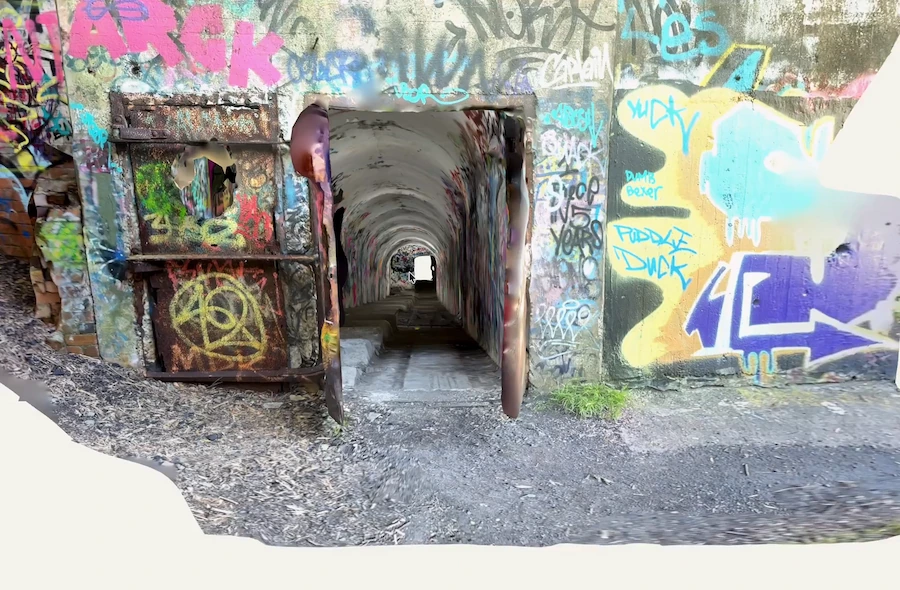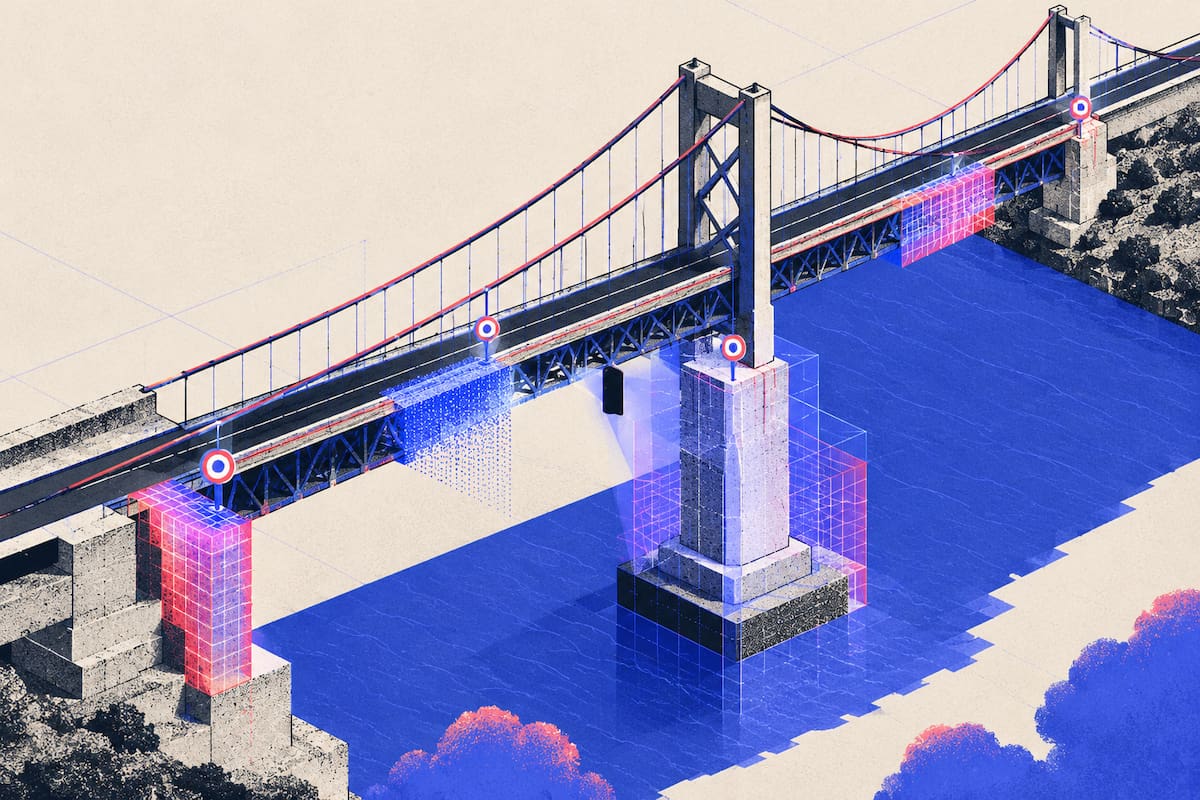
A bridge inspection scan works when you capture the elements that fail, at the distance those failures are visible, and keep scale honest between sections. In practice: walk the structure in sections with your phone, capture the deck, underside, bearings, abutments and joints, take control measurements you can check against, then measure and mark defects in the model and export a point cloud or mesh with your notes. On long spans, over water, or where the access itself is the hazard, a terrestrial scanner or a drone survey is the right tool and a phone is not.
What to Capture on a Bridge, and From How Close
You are not documenting "a bridge". You are documenting a set of elements that deteriorate in different ways, and each has a working distance. Too far away and the model shows a grey shape where you needed a crack. Too close and the phone loses tracking because there is nothing left to register against.
| Element | What you are looking for | How to work it |
|---|---|---|
| Deck and wearing surface | Cracking, spalls, patching, drainage staining, delamination under the surface | Walk in strips, one direction per strip, phone at chest height |
| Underside and girders | Section loss, rust staining, efflorescence, impact damage, loose rivets | Sweep each girder face in one continuous line, working abutment to abutment |
| Bearings and bearing shelves | Corrosion, trapped debris, displacement, seized or tilted rollers | Close range from two angles, with a light source |
| Expansion joints | Gap width, torn seals, debris, spalling either side of the gap | Capture square on to the joint, both sides of it |
| Abutments and wingwalls | Settlement, vertical and diagonal cracking, water tracking, scour at the base | Work down and along, including the ground line |
| Piers and pier caps | Impact damage, cracking, delamination, section loss at the waterline | Full perimeter at two heights |
| Railing and barriers | Impact damage, corrosion at post bases, loose connections | Walk the line and stop at every post base |
| Channel and banks | Scour, debris build-up, bank erosion, drift lines | From the bank at low flow, wide overlapping passes |
The underside carries most of the useful detail and is the hardest place to use a phone. Steady yourself against something solid and sweep each girder face in one continuous line rather than jumping between girders.
Bearings and joint gaps are where arm's length stops being enough. Both are small and sit in shadow, so capture each from two angles, add light, and treat anything unreadable on screen as not captured.
Step 1: Plan the Walk Before You Leave the Truck
Set the section limits on structural lines: a joint, a pier line, the end of a wingwall. Sections that end on a clean boundary register to each other far more reliably than sections that end wherever you stopped walking.
On a deck, work in strips with one direction of travel per strip, because doubling back over the same area is the quickest way to blur a model. Underneath, work from one abutment to the other so light and background stay consistent between passes.
Take control measurements before you capture anything. Pick three or four pairs of points you will recognise in the scan afterwards, such as bolt centres on a bearing plate or the two corners of a joint, and measure them with a tape or a laser. Write the numbers down with the location they belong to. That list is how you prove the model is the right size, and it costs five minutes while you are standing there.
Two limits decide how much you finish: light and battery. Under a deck you are working in shadow, so plan that part of the day for the hours when you can see it, and carry a light whatever the forecast says. A phone that dies halfway along a span leaves two half-sections you cannot register.
Then the site rules: where you will stand, who is controlling traffic. Do not scan from a live lane, and if the route to the underside needs a closure or an underbridge unit, plan it before the day.
Step 2: Match the Capture Method to the Element
Two methods do most of the work, and they fail in opposite conditions. Choose per element, not per bridge.
Depth capture for scale and shadow
Depth capture measures distance from the sensor, so the model arrives at scale without a separate reference, and it holds up in low light and on plain surfaces with little texture. It also copes with tight geometry, which is why it suits a bearing shelf or a joint gap. Its weakness is range: on a phone the depth sensor is a close-range instrument, at its best on elements you can stand next to.
Photogrammetry for area and texture
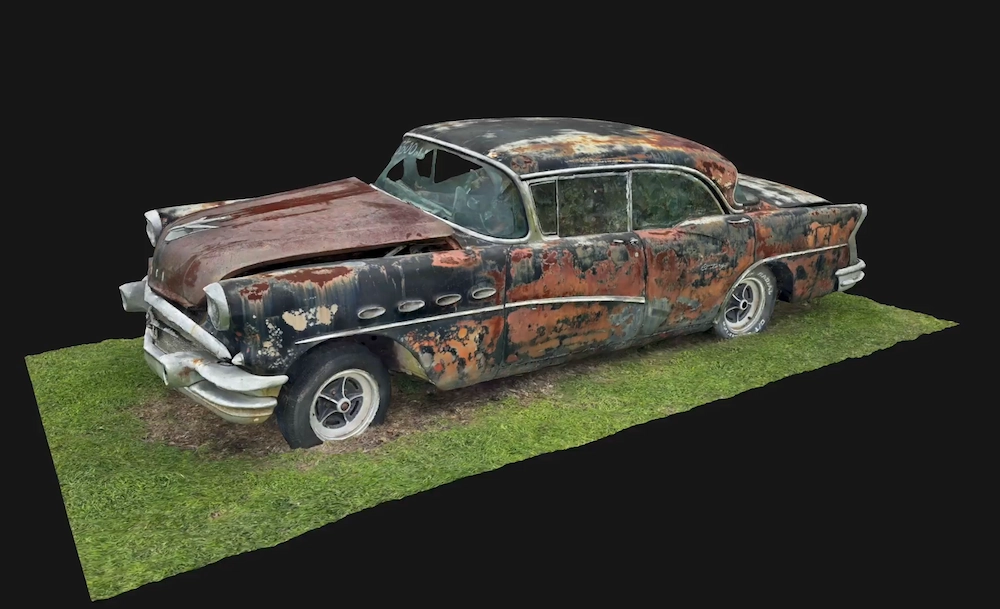
Photogrammetry builds geometry from overlapping photographs, so it needs texture and even light. A weathered concrete face with staining, form marks and patch repairs reconstructs well, because those are points the software can match. A smooth, uniform surface in flat light does not, and anything that moves will not either. It also carries no inherent scale, so its dimensions are only as good as the reference you give it.
Object captures for single details
For one bearing, a spalled patch or a damaged rail post, capture the detail as its own object, then capture the surrounding element during the walk. The detail capture is what you measure; the walk capture shows where it sits. Where small hardware is the recurring problem, the technique in scanning mechanical parts transfers to bearings and fasteners.
Step 3: Keep Scale and Registration Honest
Drift is the failure that ruins otherwise good bridge scans. Small errors accumulate over a long run, and a straight girder comes back with a curve in it. You will not see it in the app. You will see it in CAD three days later.
Keep sections short enough to check. If a section is longer than you can verify against your control measurements, split it. Two sections that each check out beat one impressive model you cannot defend.
Overlap on purpose. End each section on geometry the next one will also capture, and start the next one there rather than beside it.
Check each section the day it processes. Measure a control pair in the model and compare. If a distance that should be 1.2 metres comes back at 1.25, rescan while you are still on site.
Name captures so the model makes sense later. Span, element, direction, date: "Span 2 NB underside 10-12". Forty captures called Scan 1 to Scan 40 are a pile, not documentation.
Where sections will not merge cleanly, keep them apart and register them at the report stage. Honest section models with a note on shared reference points are more useful than one merged model with a bend in the middle.
Step 4: Measure and Mark the Defects
Do this the same day, while you still remember which crack is which. A register written up a week later is a set of guesses.
The ruler tool gives distance and angle between two points; Polycam reports measurements on Space and Floorplan captures as accurate to within half an inch, which is fine for describing a defect and not fine for verifying a structural dimension. For a crack that runs around a corner, place points along it in segments with the pen tool instead of dragging one line across the kink, or you will report a length that does not exist. For a spall or delaminated patch, close the area tool around the extent so the register gets an area as well as a maximum dimension.
Every measurement needs a photograph. Hold a tape or a scale card against the defect and shoot it square on. The model proves you covered the element, the photo proves the defect, and the pair is what a reviewer accepts.
For location, comments let you drop a pin anywhere on the capture and attach a note, so the engineer opens the model at the bearing you mean rather than hunting for it. On iOS you can also annotate a snapshot of the current view with drawing tools and export the marked image, which is usually the fastest figure for a report.
Measure the same dimension twice from different positions if the number is going into the report. If the two disagree by more than your tolerance, you have a capture problem, not a defect.
Step 5: Export What the Report Needs
The scan is evidence; the condition rating is the inspector's judgement. Export the geometry so the report can point at it.
- Point cloud (LAS, PLY, XYZ, PTS): the surface as measured, for archive and for overlaying the next inspection.
- Geo-referenced LAS: the same cloud with coordinates, when it has to line up with survey or GIS data.
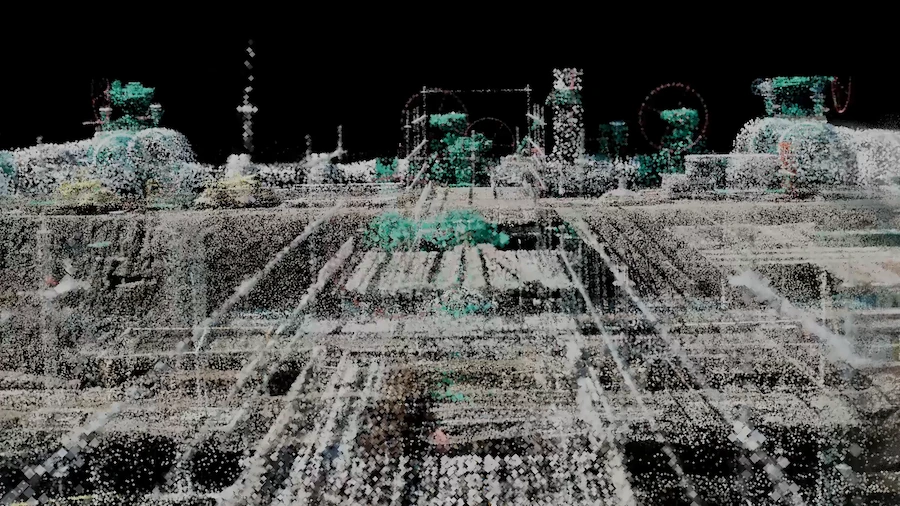
- Mesh (OBJ, FBX, GLTF, STL, USDZ): a surfaced model for review by people without point cloud software.
- DXF, PDF, CSV: linework, plan sheets, and dimensions as numbers in a spreadsheet.
Point cloud exports sit on Polycam's Business and Enterprise plans, so check your team's plan before promising a format to a client. Send the register with them: an ID, the element, the location in the model, the measured size, the photo reference and the date. That table makes the model usable by someone who was not on the deck, and lets the next inspection compare like with like.
If the deliverable has to live alongside drawings, the same scan can go into a plan and CAD workflow. Digitizing an existing building covers that handoff end to end, and the section-then-stitch logic is the same for a structure with a roof on it.
Where a Phone Stops Being the Right Tool
Three situations where you should put it away and say so in the method statement.
The span is long. A phone capture holds scale well across a room and poorly across a hundred metres. Sectioning helps, but if the deliverable is one accurate model of the whole structure, use a terrestrial scanner or a drone flight and keep the phone for the details you can walk to. Mobile scanning versus drone mapping sets out where each method wins on a large outdoor surface, and the reasoning carries from roofs to decks.
The access is the hazard. Over water, under a deck with no safe standing point, on a high pier: the constraint is not the sensor, it is getting a person next to the surface. That is drone work or an access platform, and no phone changes it. If you fly, confirm the pilot's certification and the airspace authorisation before the day, not on it.
The number has to survive scrutiny. If a dimension feeds a load rating, a clearance check or a dispute, it needs a survey-grade instrument and a documented accuracy statement. Half an inch is plenty for "the spall is this wide". It is not a substitute for a total station, and presenting it as one gives scans a bad name inside an agency.
There is also an argument for scanning on a schedule rather than when something looks wrong. Under the National Bridge Inspection Standards, routine inspections run on a cycle of no more than 24 months, shortened where condition ratings are poor. A scan filed with the inspection date, the element list and the section boundaries is comparable with the one taken two years later. A folder of unnamed models is not, and the second scan is where the first earns its keep.
If the asset has interiors and enclosed spaces as well as a deck, read the route-planning patterns before a first visit: scanning a building inside, outside and across floors covers the same walk discipline.
FAQ
Can you 3D scan a bridge with a phone?
Yes, for the elements you can safely stand next to: deck, girders, bearings, abutments, joints and railings. Work in sections that end on structural lines, take control measurements to check scale, and treat the result as condition documentation rather than survey-grade geometry.
What parts of a bridge should I scan for an inspection?
The deck and wearing surface, the underside and girders, the bearings and bearing shelves, the expansion joints, abutments and wingwalls, pier faces, railings and post bases, and the channel at the banks. Each needs its own working distance and a second pass in the model.
Is LiDAR or photogrammetry better for bridge inspection?
Use depth capture for tight, shadowed details such as bearings and joint gaps, because it gives scale directly and does not need texture or light. Use photogrammetry for large, textured surfaces in even light. Most bridge sets end up using both.
How do I keep scale accurate across multiple scans?
Set section limits on joints or pier lines, overlap the end of one section with the start of the next, and measure three or four control pairs with a tape on site. Check each section against those numbers the day it processes, and rescan before you leave if it fails.
Can a phone scan replace a terrestrial scanner or drone survey?
Not on long spans, over water, or where the access itself is the risk. It also cannot replace survey-grade measurement for load rating or clearance checks. It is best used for element-level condition records, defect locations and close-up detail that a scanner or drone cannot reach.
What should I export for the inspection report?
A point cloud in LAS or PLY for the geometry, a mesh if anyone needs to view it without point cloud software, and a PDF or CSV of dimensions and areas. Send those with a defect register that gives each finding an ID, element, location, measured size and photo reference.